

ManasP
Silver ⭐️⭐️
Aug 3, 2023 12:26 PM UTC
Question

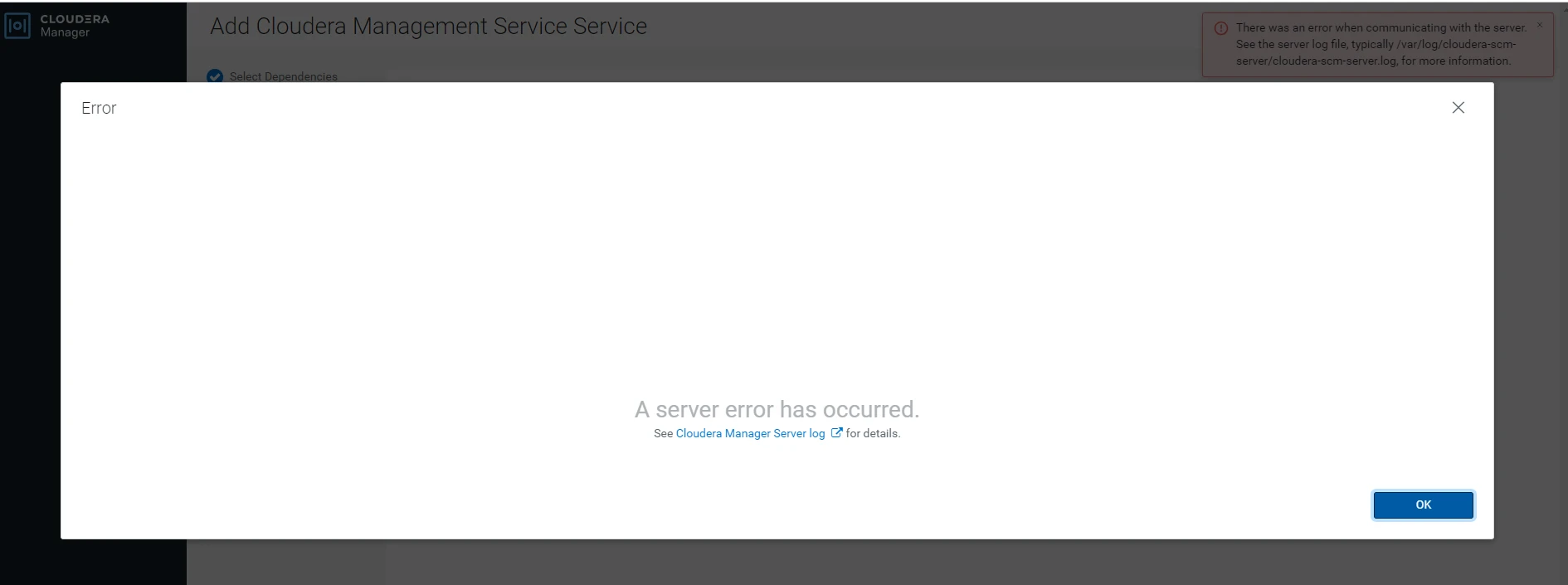
Getting error while adding Cloudera Management Service Service
ManasP_0-1691065170845.png

Getting above error while adding cloud management service to the hadoop cluster cluster.

Attached server log for reference.

Cluster Details

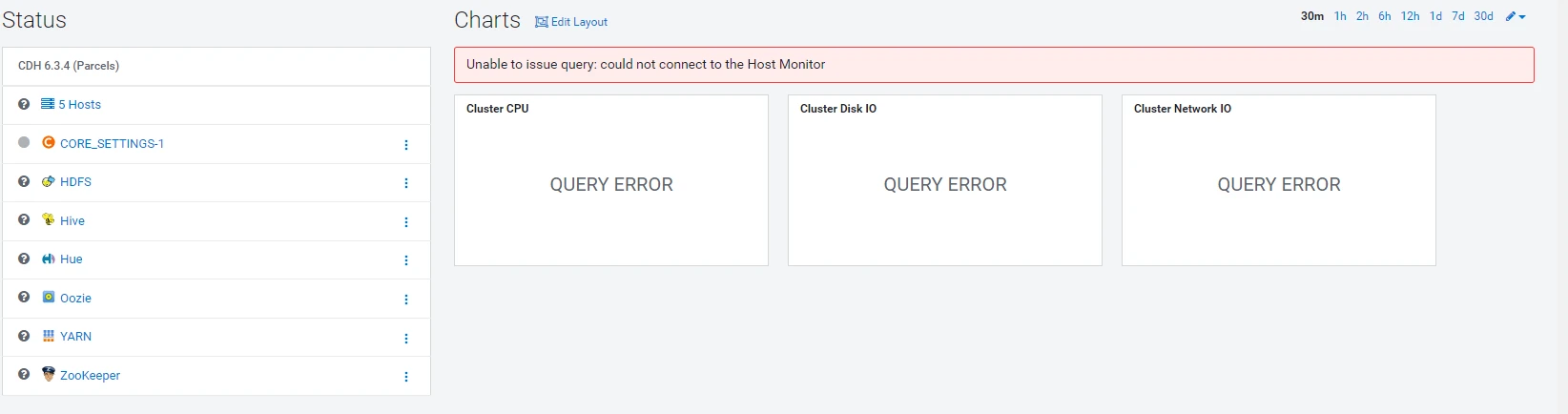
It's a five node cluster. Installed Cloudera server version 7.7.1. Installed services as below
ManasP_1-1691065425847.png


7 replies

DianaTorres
Community Manager
Community Manager
Aug 3, 2023 6:28 PM UTC

@ManasP Welcome to the Cloudera Community!

To help you get the best possible solution, I have tagged our Cloudera Manger experts @FelipeG and @Timseong  who may be able to assist you further.

Please keep us updated on your post, and we hope you find a satisfactory solution to your query.

Translate
Regards, Diana Torres, Senior Community Moderator
ManasP
ManasPAuthor
Silver ⭐️⭐️
Aug 4, 2023 5:27 AM UTC

Still issue is not resolved yet.
@DianaTorres waiting for response

Translate
soychago
Gold ⭐️
Gold ⭐️
Aug 3, 2023 6:30 PM UTC

@ManasP this is a known issue in the CM Version you're using.

The workaround is to add an "empty" cluster (sort of a placeholder) to be then able to add the services in it.


You can use something like:


curl -v -u admin:admin -X PUT "http://cmServerFQND:7180/api/v49/cm/service" -H "accept: application/json" -H "Content-Type: application/json" -d "{}"
 
Hope it helps!
Translate
ManasP
ManasPAuthor
Silver ⭐️⭐️
Aug 4, 2023 5:26 AM UTC

ManasP_0-1691126572759.png

@soychago  Issue is not resolved yet. Executed the suggested command and attached the output above for your reference.

I have already added a cluster before adding the "cloud management service ". Do we need to add another empty cluster to proceed ? But adding an empty cluster is not possible using the console.
Please have a look to the below to where I m trying to add the service.

ManasP_1-1691126721914.png


Translate
ManasP
ManasPAuthor
Silver ⭐️⭐️
Aug 7, 2023 1:20 PM UTC

@DianaTorres Please help me to resolve the same.

Translate
FelipeG
Silver ⭐️⭐️⭐️
Silver ⭐️⭐️⭐️
Aug 7, 2023 2:10 PM UTC

Hello @ManasP , Please make sure you use one "/" I see you have the following.

BEFORE :
"...7180//api/v49/cm/service"


USE:
"...7180/api/v49/cm/service"

Let us know if this helps.

Translate
DianaTorres
Community Manager
Community Manager
Aug 10, 2023 11:41 PM UTC

@ManasP Has the reply helped resolve your issue? If so, please mark the appropriate reply as the solution, as it will make it easier for others to find the answer in the future. Thanks.

Translate
Regards, Diana Torres, Senior Community Moderator

