@hegdemahendra
This could be and IOPS issue possibly, but it could also be a concurrency issue with threads.
How large is your Timer Driven thread pool? This is the pool of threads from which the scheduled components can use. If it is set to 10 and and all are currently in use by components, the HandleHTTPRequest processor , while scheduled, will be waiting for a free thread from that pool before it can execute. Adjusting the "Max Timer Driven Thread pool" requires careful consideration of average CPU load average across on every node in your NiFi cluster since same value is applied to each node separately. General starting pool size should be 2 to 4 times the number of cores on a single node. Form there you monitor CPU load average across all nodes and use the one with the highest CPU load average to determine if you can add more threads to that pool. If you have a single node that is always has a much higher CPU load average, you should take a closer look at that server. Does it have other service running on it tat are not running on other nodes? Does it unproportionately consistently have more FlowFiles then any other node (This typically is a result of dataflow design and not handling FlowFile load balancing redistribution optimally.)?
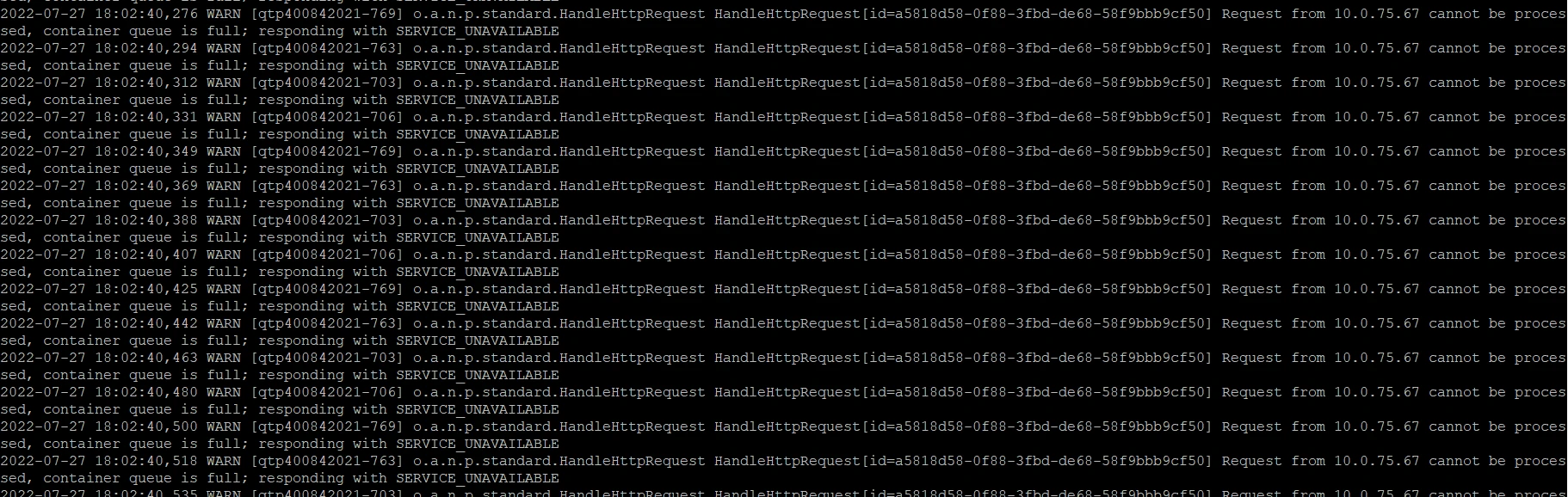
How many concurrent tasks on your HandleHttpRequest processor. The concurrent tasks are responsible for obtaining threads (1 per concurrent task if available) to read data from the Container queue and create the FlowFiles. Perhaps the request come in so fast that there are not enough available threads to keep the container queue from filling and thus blocking new requests. Assuming your CPU load average is not too high, increase your Max Timer Driven Thread pool and the number fo concurrent tasks on your HandleHttpRequest processor to see if that resolves your issue. But keep in mind that even if this helps with processor getting more threads, if the disk I/O can't keep up then you will still have same issue.
As far as having all your NiFi repos on same disk, this is not a recommended practice. Typical setup would have the content_repository on its own disk (content repo can fill disk to 100% which does not cause issue other then not being able to write new content until disk usage drops), The provenance_repository on its own disk (size of this disk depends on amount of provenance history you want to retain and size fo your dataflows along with volume of FlowFiles, but its disk usage is controllable. Recommend separate disk due to disk I/O), and put the database_repository (very small in terms of disk usage) and flowfile_repository (relatively small unless you allow a very large number fo FlowFiles to queue in your dataflows. FlowFile_repos only hold metadata/attributes about your queued FlowFIles, but can also be I/O intensive on disk) together on a third disk.
If you found this response assisted with your query, please take a moment to login and click on "Accept as Solution" below this post.
Thank you,
Matt