sayak17
Gold ⭐️
July 22, 2022
Solved

Help with email extraction: ConsumeIMAP not creating flowfile

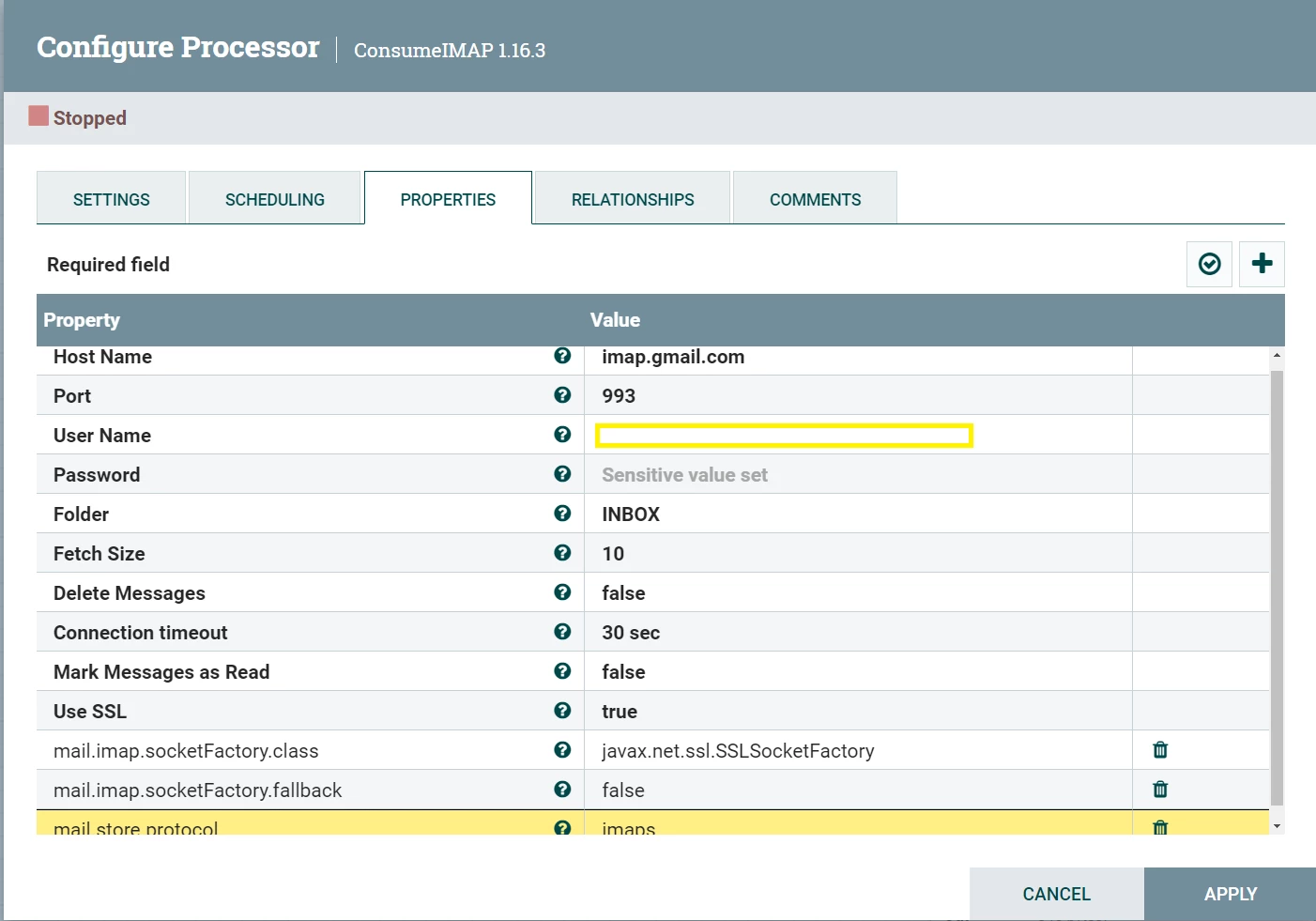
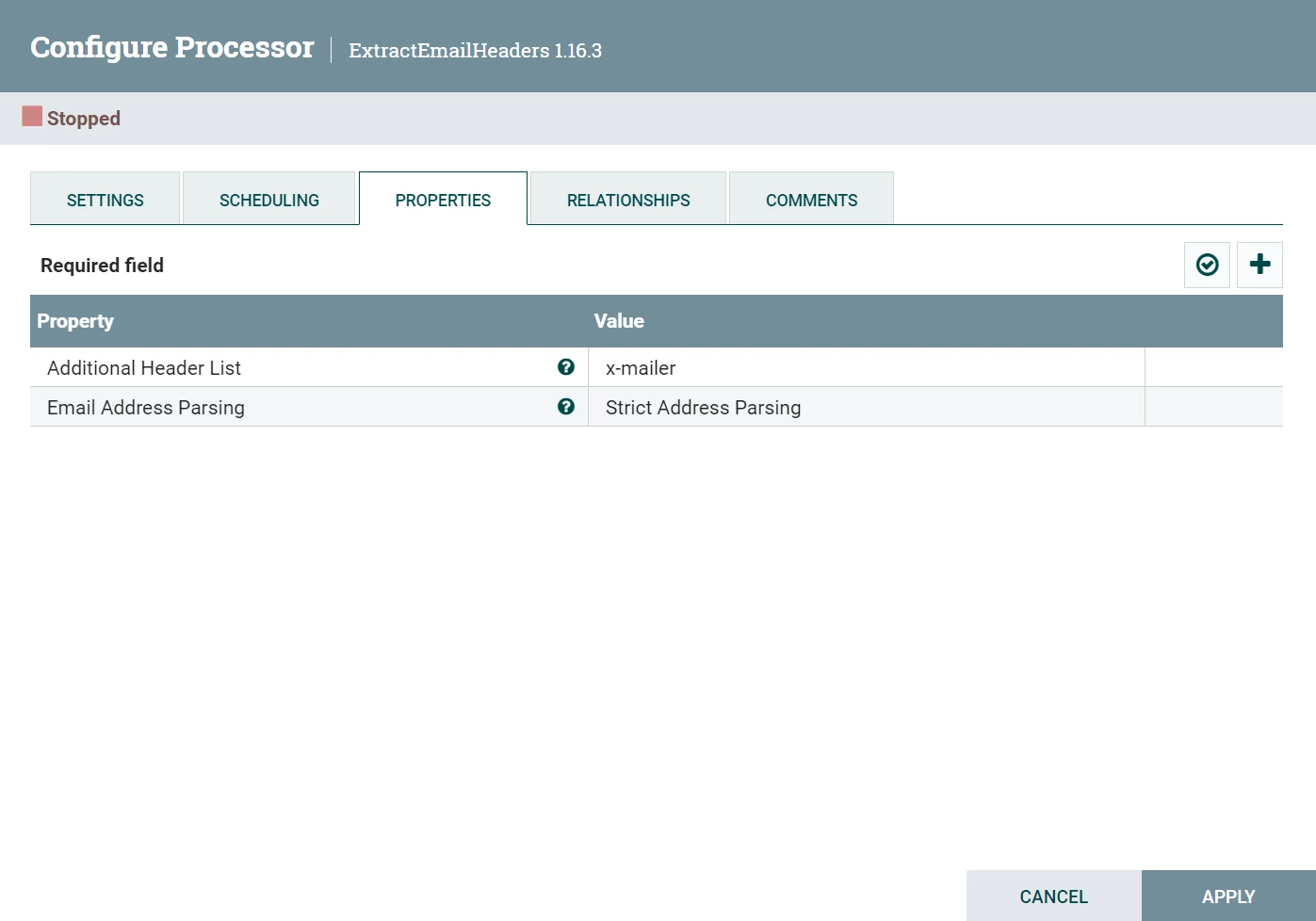
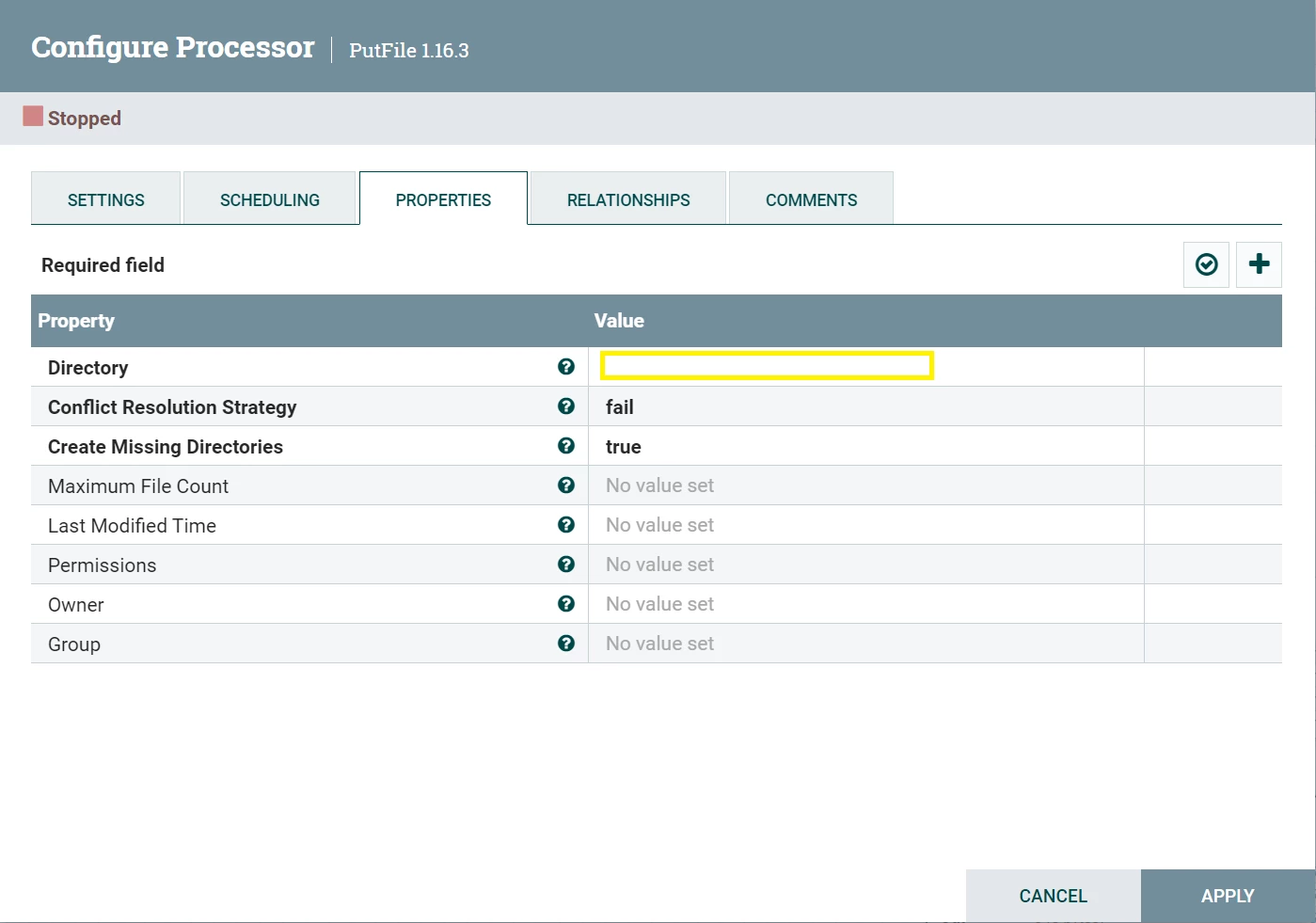
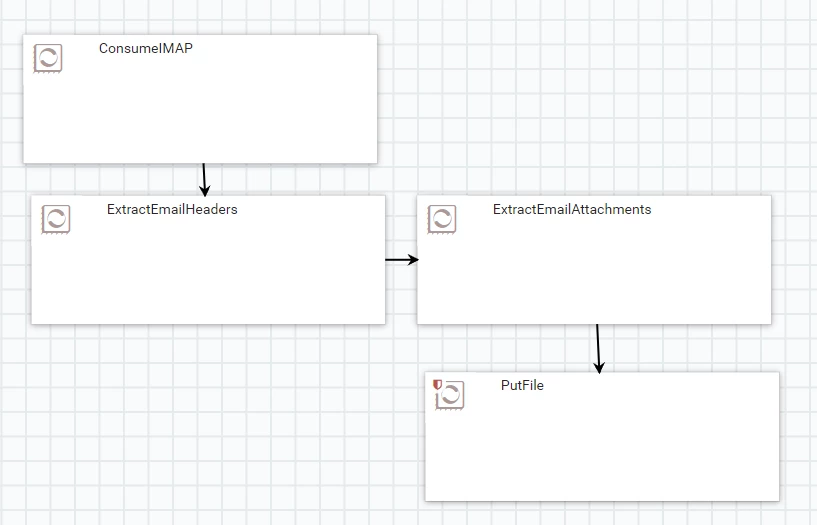
After following this article, I tried to create a flow where email attachments, subject, body, to, from, cc, bcc etc. can be extracted.  
sayak17_0-1658499133954.pngsayak17_1-1658499270962.pngsayak17_2-1658499305208.pngsayak17_3-1658499332439.pngsayak17_4-1658499411891.png


However the flow is not proceeding beyond the first processor:
sayak17_5-1658499520593.png

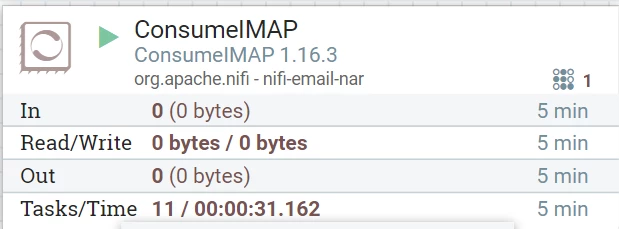
ConsumeIMAP is showing 0(0 bytes) in its Out, as shown in screenshot above.

 

sayak17
sayak17Answer
Gold ⭐️
July 26, 2022

My problem was solved after using a different email id.

As far as gmail settings are concerned:

  • access to less secure apps must be turned on.
  • IMAP access must be turned on in settings of gmail.

5 replies

steven-matison
Platinum ⭐️⭐️
Platinum ⭐️⭐️
July 22, 2022

@sayak17 Do you have connectivity to port 993 from nifi host to gmail host?   Test this with telnet to ensure network is connecting.   If not, check nifi host firewall, etc.  After this if still cannot connect, there may be gmail settings you need to enable to allow connectivity.

Translate
sayak17
sayak17Author
Gold ⭐️
July 22, 2022

@steven-matison I am unable to activate telnet on my windows. It is stuck:

sayak17_0-1658500905681.png

Any other way to check? Also is it possible to use a different port in the nifi processor's configuration and make it work?


Translate
steven-matison
Platinum ⭐️⭐️
Platinum ⭐️⭐️
July 22, 2022

In windows are you able to connect to gmail/imap using email client?    Assuming nifi is on windows, that may be a test.   I still think there are things needing to do on gmail side to allow.


The imap port needs to be whatever port gmail provides.  I assume it is 993 from above.  Another port will not resolve connectivity issue, unless 993 is the wrong port alltogether.

Translate
sayak17
sayak17Author
Gold ⭐️
July 22, 2022

Yes, I am able to connect to gmail using outlook. Yes nifi is on windows.

I had already enabled 'less secure app access' on gmail.

I had used 993 port, because that's what the article I have linked in my question had used. Googling around, I see 993 is the port used for IMAP.

Translate
sayak17
sayak17AuthorAnswer
Gold ⭐️
July 26, 2022

My problem was solved after using a different email id.

As far as gmail settings are concerned:

  • access to less secure apps must be turned on.
  • IMAP access must be turned on in settings of gmail.
Translate