shashank_naresh
Gold ⭐️
August 24, 2019
Solved

Hive Tables not visible in data analytics Studio

Hi,


I am facing an issue:

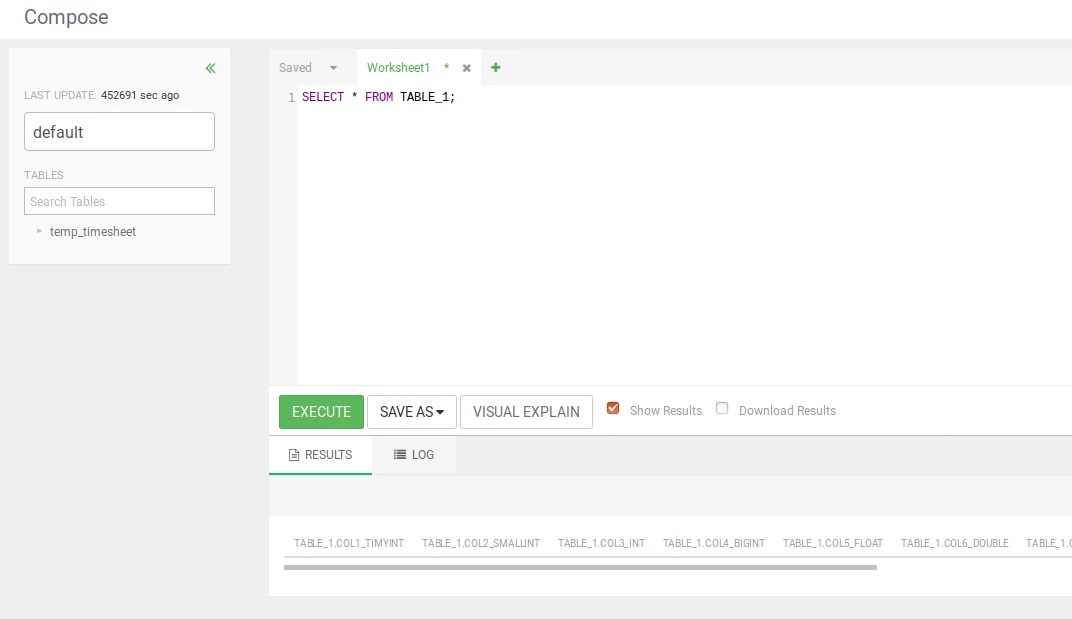
hive table created in data analytics studio is not listed under tables (refer below screen print, tables listed under "Search Tables" text box)

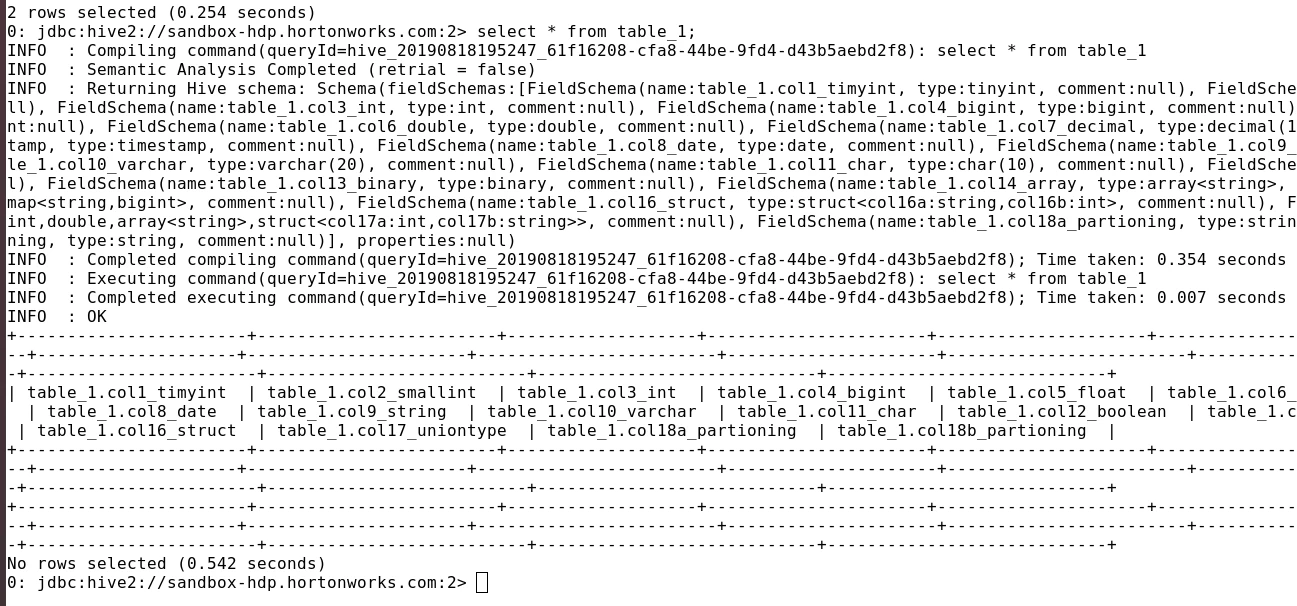
But when doing select that table is shown in results (refer below screen print, under results)

Could you please let me know what is the issue here and how it can be corrected.

More information - I am using HDP 3.0 sandbox with CDA enabled.
Screenshot from 2019-08-24 07-11-03.pngScreenshot from 2019-08-24 07-12-41.png

Shelton
SheltonAnswer
Gold ⭐️⭐️⭐️
November 24, 2019

@shashank_naresh @KWiseman 

I have responded to this issue before can you have a look at the thread 

https://community.cloudera.com/t5/Support-Questions/DAS-Database-Empty/m-p/238223#M200034

Please let me know if you need more clarification, I have attached 2 pdf's to walk you through the solution.
Happy hadooping

10 replies

cravani
Gold ⭐️
Gold ⭐️
August 25, 2019

Do you see any errors in /var/log/das/das-webapp.log? This log file would be on das-webapp host if possible please attach the file to the thread.

Translate
shashank_naresh
Gold ⭐️
September 3, 2019

Hi,

I am not seeing any error in /var/log/das/das-webapp.log.

Translate
hiveravids2
Silver ⭐️⭐️
September 4, 2019

I have encountered a similar scenario, just refreshing the page and reopenings the page helped in showing the table in Data Analytics Studio.

Translate
shashank_naresh
Gold ⭐️
November 10, 2019

Hi cloudera Team,


Following up for this issue;

Screenshot from 2019-11-10 12-06-05.png

Translate
KWiseman
Silver ⭐️⭐️
November 24, 2019

has there been any resolution?  I am in a similar situation.  This has been an ongoing issue with the hortonworks sandbox that has spanned a couple of computers and works fine on another and I have no idea as for why.  I followed as many different offerings for fixes like checking the hive event listeners and everything seems to be in order.


Any help would be appreciated. 

Translate
Shelton
SheltonAnswer
Gold ⭐️⭐️⭐️
November 24, 2019

@shashank_naresh @KWiseman 

I have responded to this issue before can you have a look at the thread 

https://community.cloudera.com/t5/Support-Questions/DAS-Database-Empty/m-p/238223#M200034

Please let me know if you need more clarification, I have attached 2 pdf's to walk you through the solution.
Happy hadooping

Translate
KWiseman
Silver ⭐️⭐️
November 24, 2019

As odd as it may be, I am able to create tables using the method you describe, and i'm able to upload tables as well - that is not really my issue.  My issue lies with creating the tables with hive.  I want to be able to write a query that creates a table instead of creating one using the the database screen.  


For example, if I go to compose and I write:

CREATE TABLE temp_drivers (col_value STRING)

the table is created, I know this because I can see it when I run SHOW TABLES.  But it does not show itself alongside the other tables that were created in the database using the GUI on the database screen.   


Translate