Hi @ighack ,
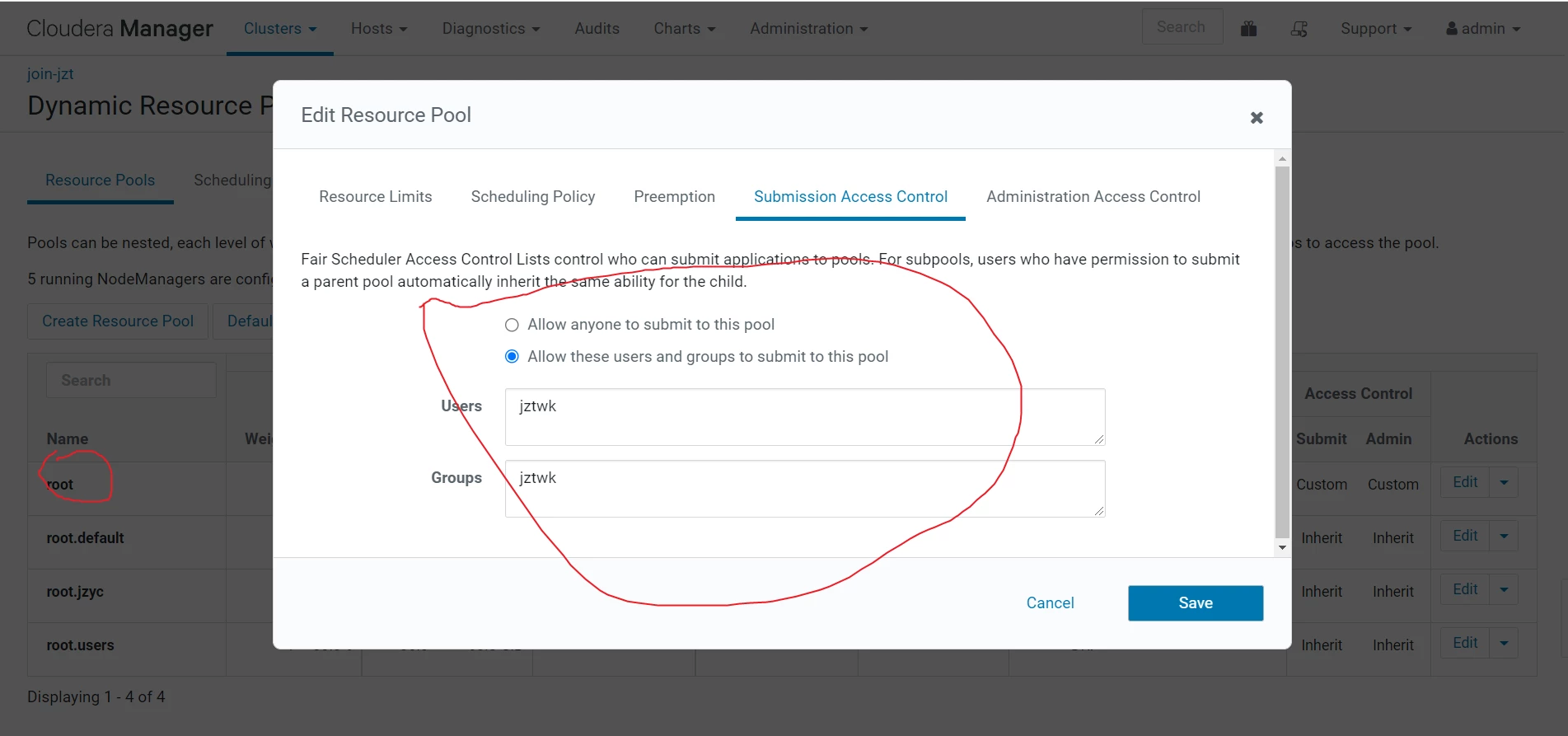
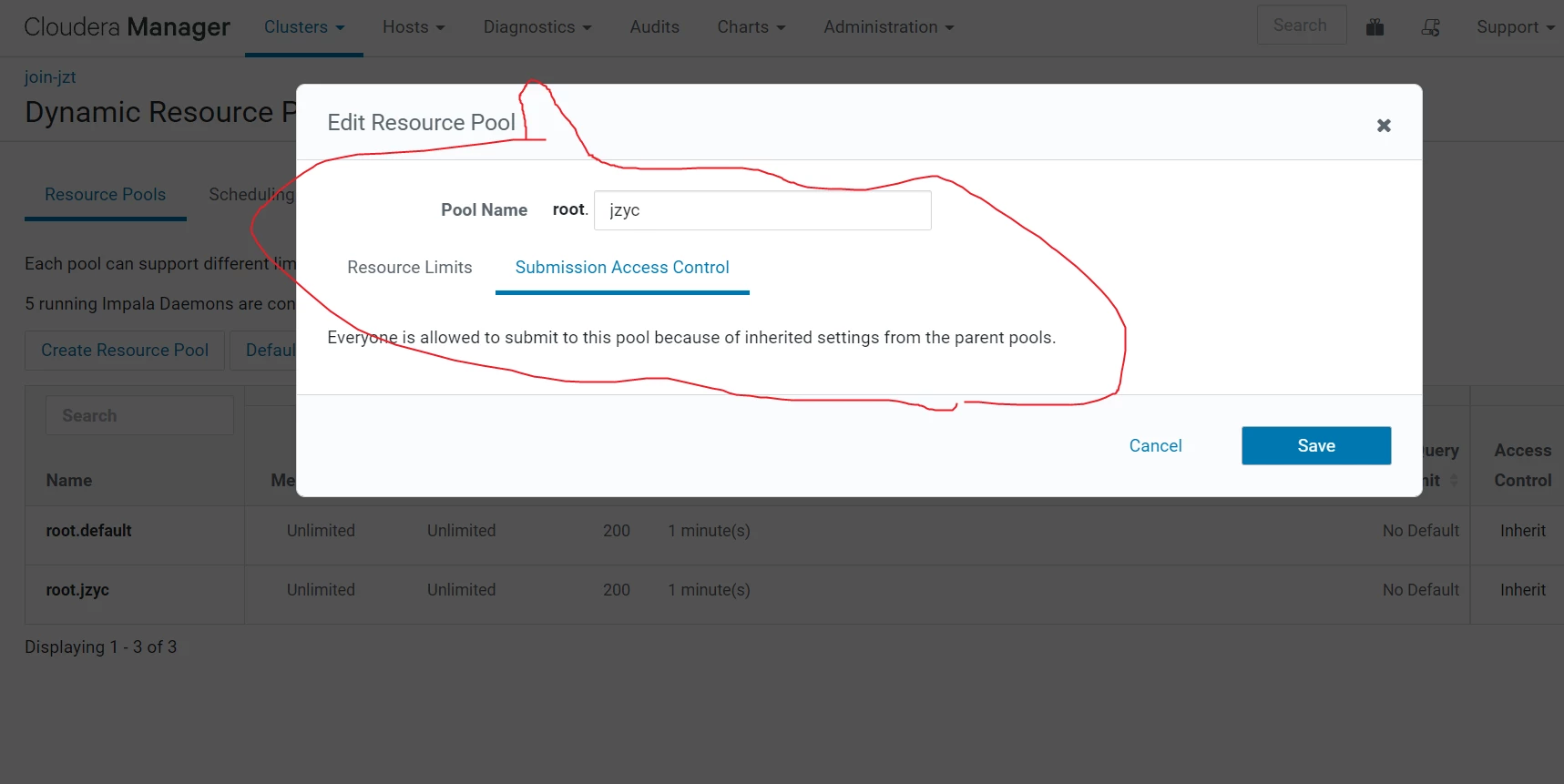
When click on Submission Access Control tab to specify which users and groups can submit queries by default, anyone can submit queries. To restrict this permission, select the Allow these users and groups option and provide a comma-delimited list of users and groups in the Users and Groups fields respectively.
I am attaching the screenshot for your reference.
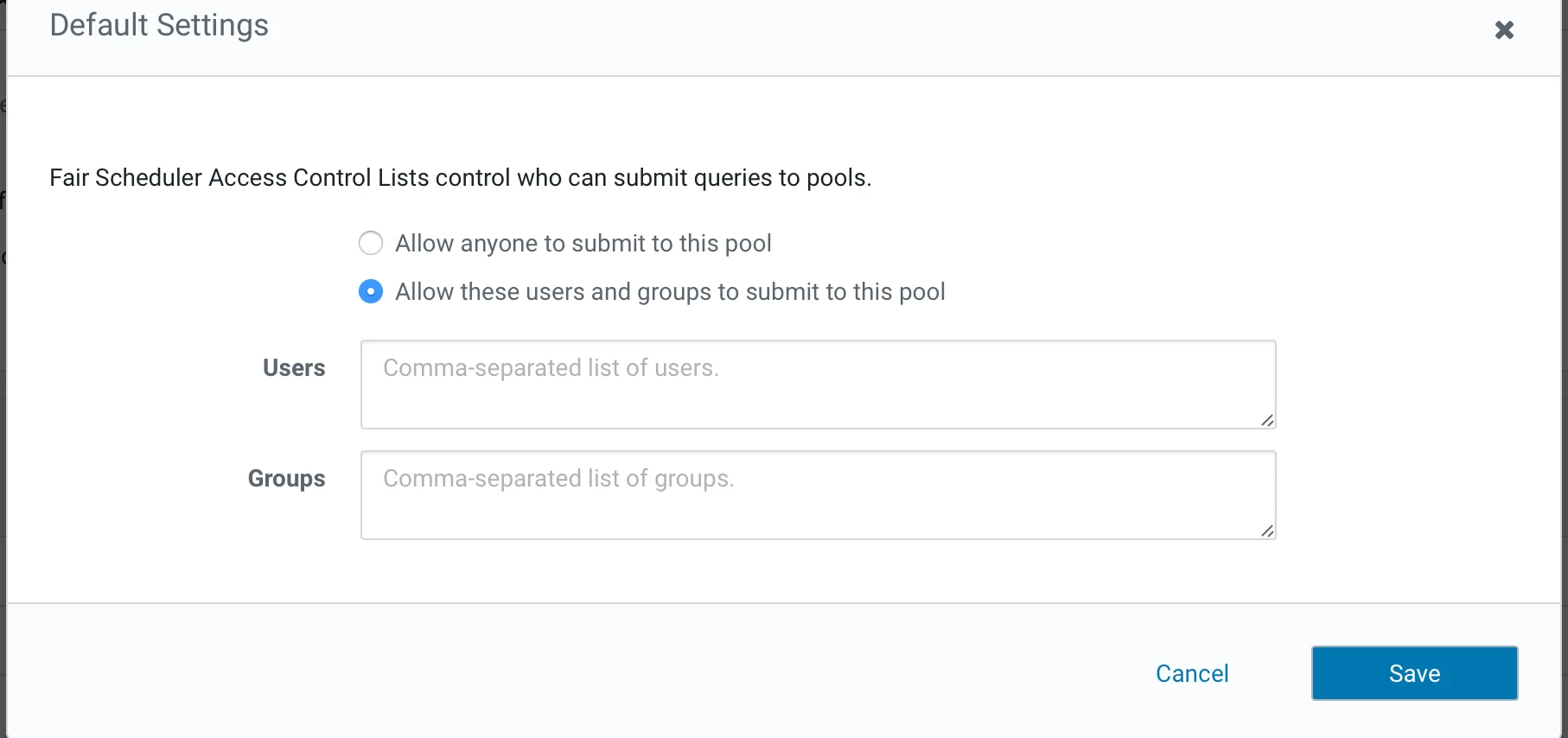
Please check the below Cloudera documentation for the same.
https://docs.cloudera.com/documentation/enterprise/6/6.3/topics/impala_howto_rm.html#enable_admission_control__d3424603e189
Regards,
Chethan YM
Was your question answered? Make sure to mark the answer as the accepted solution.
If you find a reply useful, say thanks by clicking on the thumbs up button.