@dhieru singhNiFi offers a "Summary" UI which has a connections tab you can select.
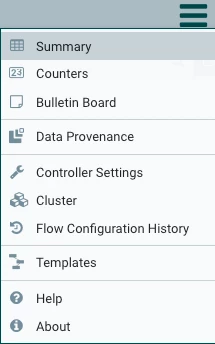
Once selected you can sort on the "Queue / Size threshold" column by clicking on the "Queue" word".

This will move your connections with the largest threshold percentage to the top of the list.
100% for Queue threshold indicates object threshold back pressure is being applied on that connection.
100% for Size threshold indicates that Queue Size back pressure is being applied on that connection.
Clicking on the error to the far right of the row will take you directly to hat connection on your canvas no matter which process group it exists within.
Thank you,
Matt
If you found this answer to be helpful in addressing your question, please take a moment to click the accept link below.




