caraaa
Silver ⭐️
Nov 6, 2022 1:08 PM UTC
Question

I can open localhost:50070 successfully, but I cannot see anything on overview subpage.

when I input:

start-all.sh

in command line, I can open localhost:50070 successfully.

However, if I click on the overview tab, nothing is shown on overview subpage.
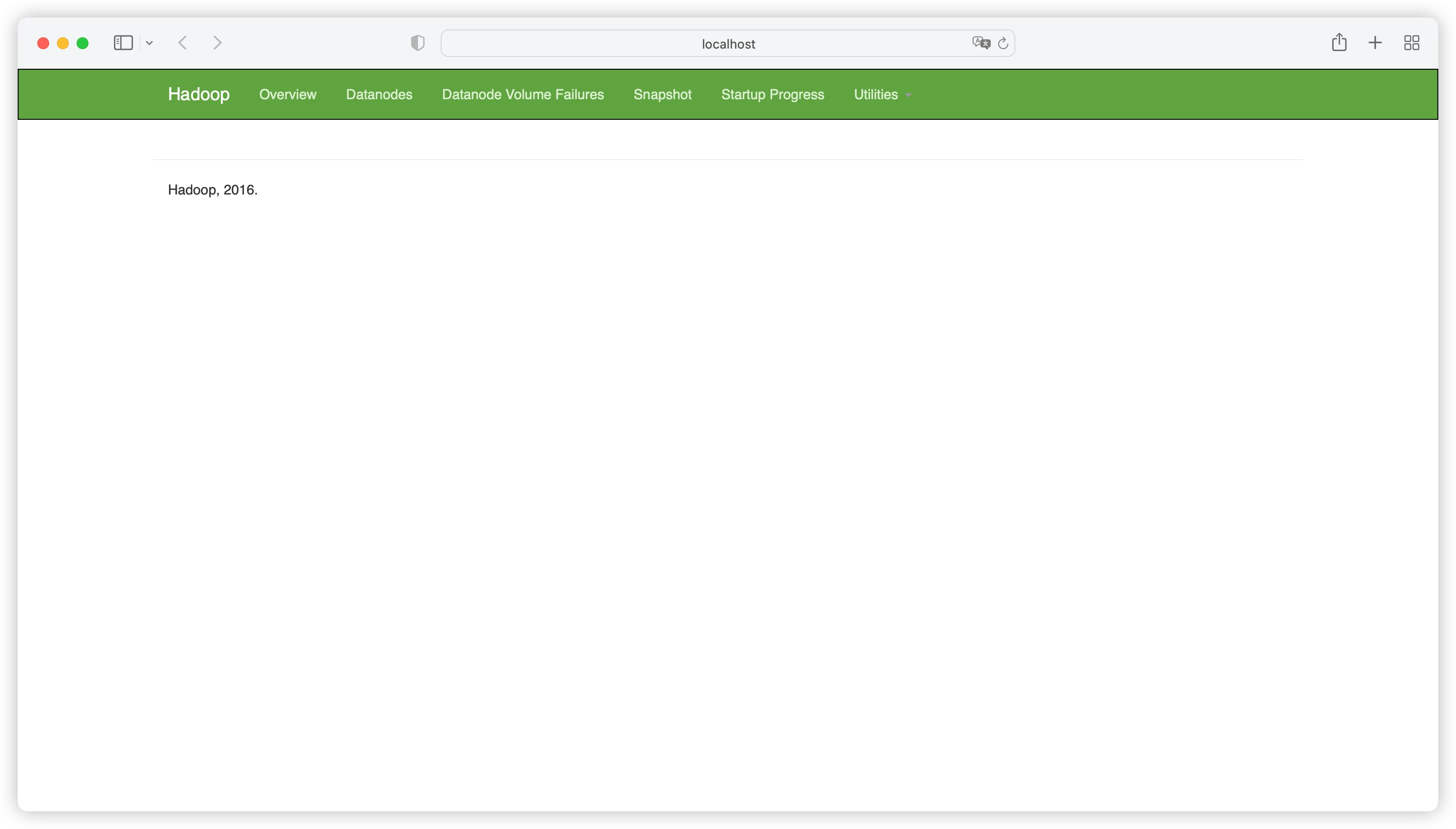
caraaa_0-1667739590026.png

But other subpages work well, like datanode subpage:
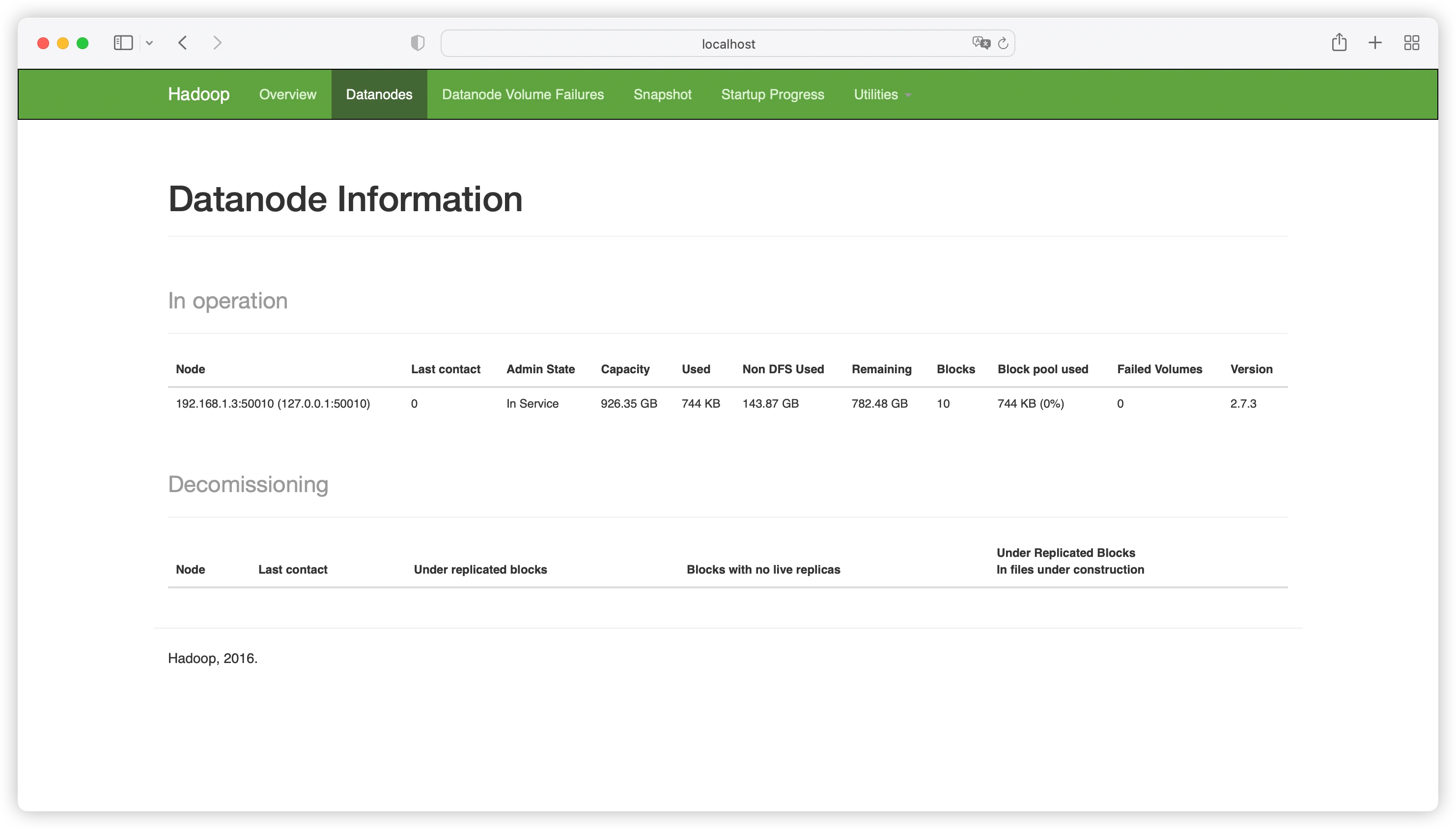
caraaa_1-1667739817542.png

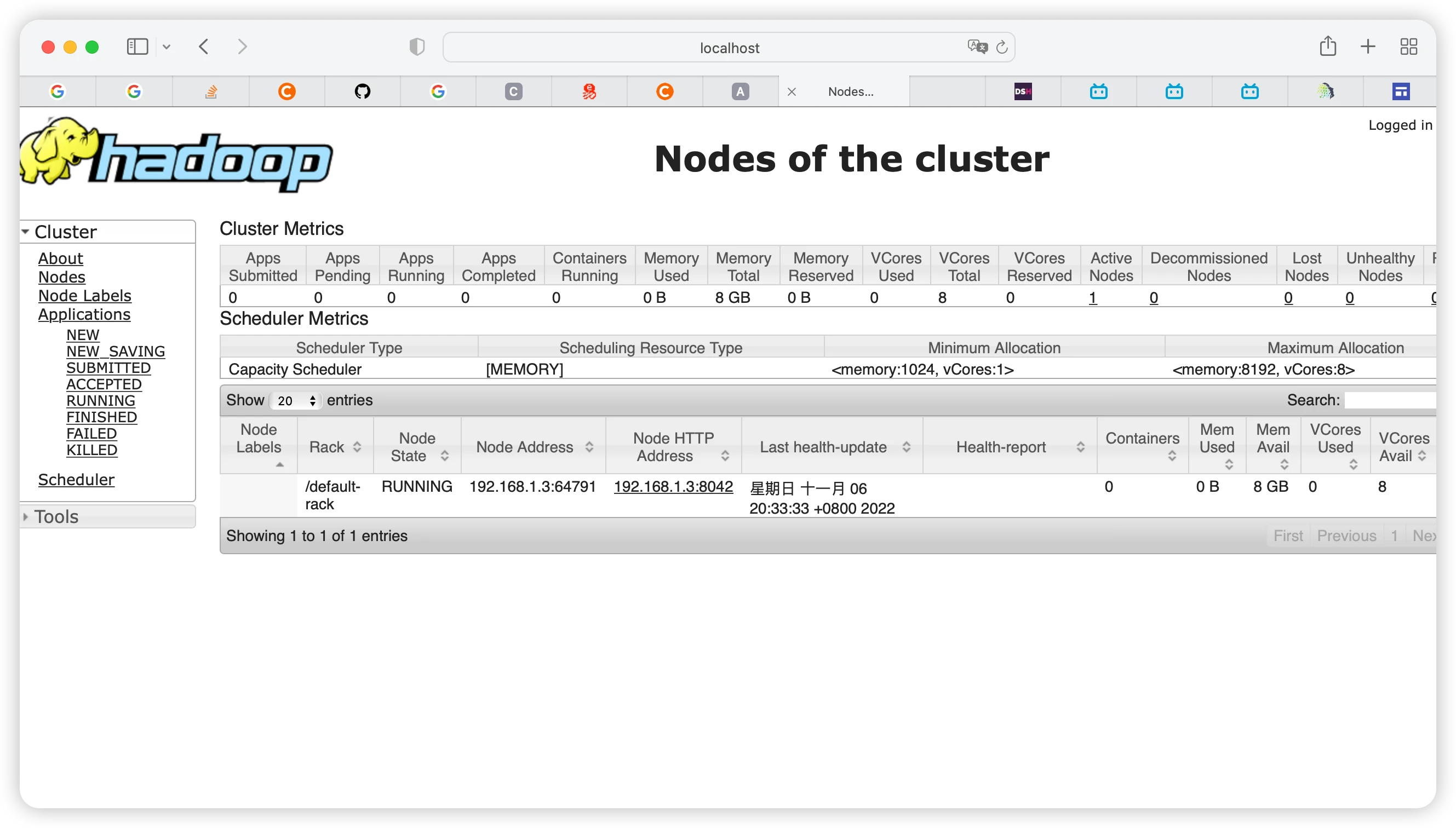
localhost:8088 also looks well:

caraaa_2-1667739916724.png


I don't know whether this case is normal or there's something wrong with my overview page.

 

3 replies

HanzalaShaikh
Gold ⭐️
Nov 6, 2022 2:12 PM UTC

It looks there is some loading issue.


Try reloading the page and multiple restart can also be the best option to correctly load the page with all options available to view.

Translate
caraaa
caraaaAuthor
Silver ⭐️
Nov 7, 2022 9:18 AM UTC

hi! thanks for answering my problem.

I still have no idea on overview subpage after stopping hdfs and reformatting nameode for serveral times. 

stop-all.sh

Hadoop namenode -format

start-all.sh


http:// localhost:50070/dfshealth.html#tab-overview still shows nothing.

and my jps looks normal:

caraaa_0-1667812457333.png

I also tried the wordcount example, the job goes well. I even reboot but it doesn't help.

Translate
blizano
Gold ⭐️
Gold ⭐️
Nov 7, 2022 4:04 PM UTC

What is the current HDP, CDH, or CDP version of this cluster? Is this issue present on every browser? Did it work as expected before?


Translate