@Mosoa
Before upgrading Apache NiFi you should read through the migration guide to include all releases between your current release and the release you are upgrading to.
https://cwiki.apache.org/confluence/display/NIFI/Migration+Guidance
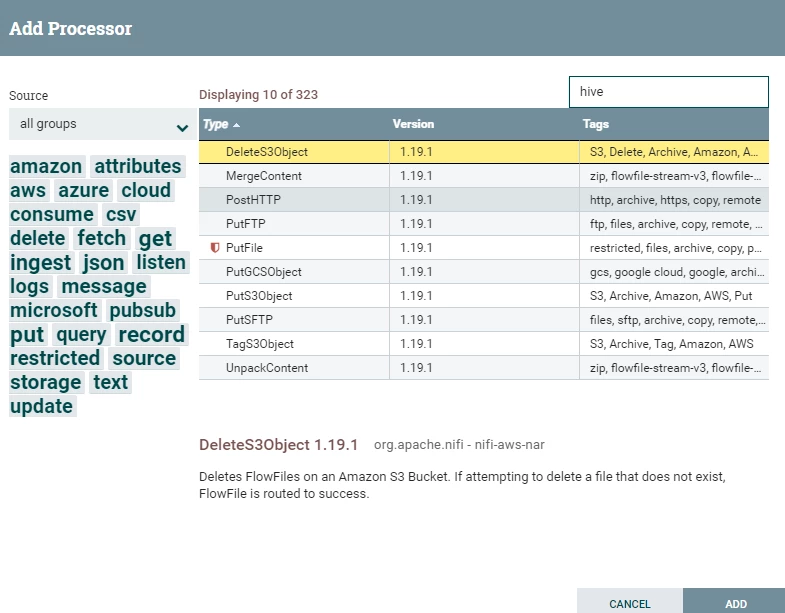
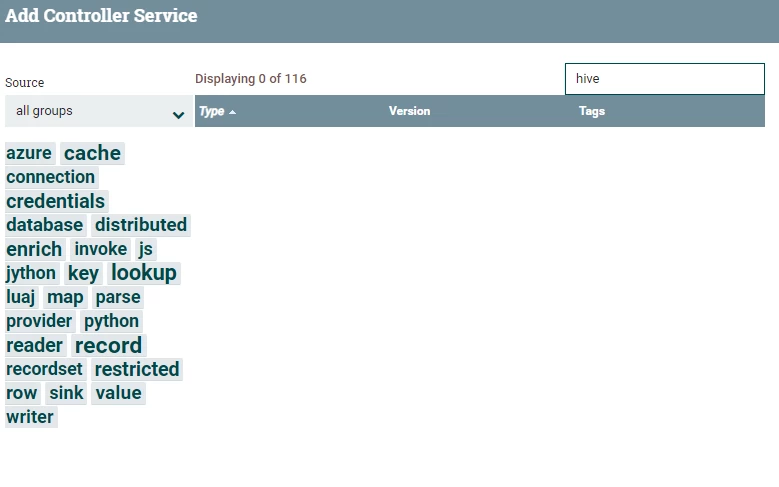
The Hive nar was removed as of Apache NiFi 1.17.0, so I am guessing your previous version was at least 1.16 or older.
As far as downloading and adding additional nars to NiFi, it is very easy.
1. Go to https://search.maven.org/ in your browser.
2. Search for Apache "NiFi Hive nar"
3. A list of artifacts will be shown, you'll need to click on all those you need, but I would start with "nifi-hive-nar" and "nifi-hive-services-api.nar" by clicking on the version number below each.
4. From the nar specific page you will see a "Downloads" option in the upper right corner of the page:
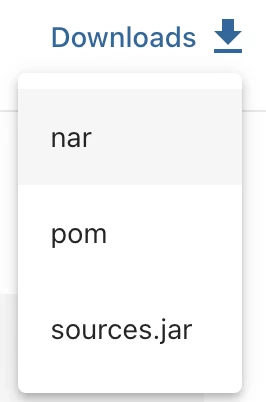
5. When you click on it three option appear. Select "nar".
6. Place the downloaded nar files in to the "lib" directory of your NiFi 1.19.1 installation. You'll notice that this directory already contains nar for other component classes already included with the base download.
7. Make sure ownership and permissions on these new nar files match other nars in the "lib" directory.
8. Start your NiFi 1.19.1
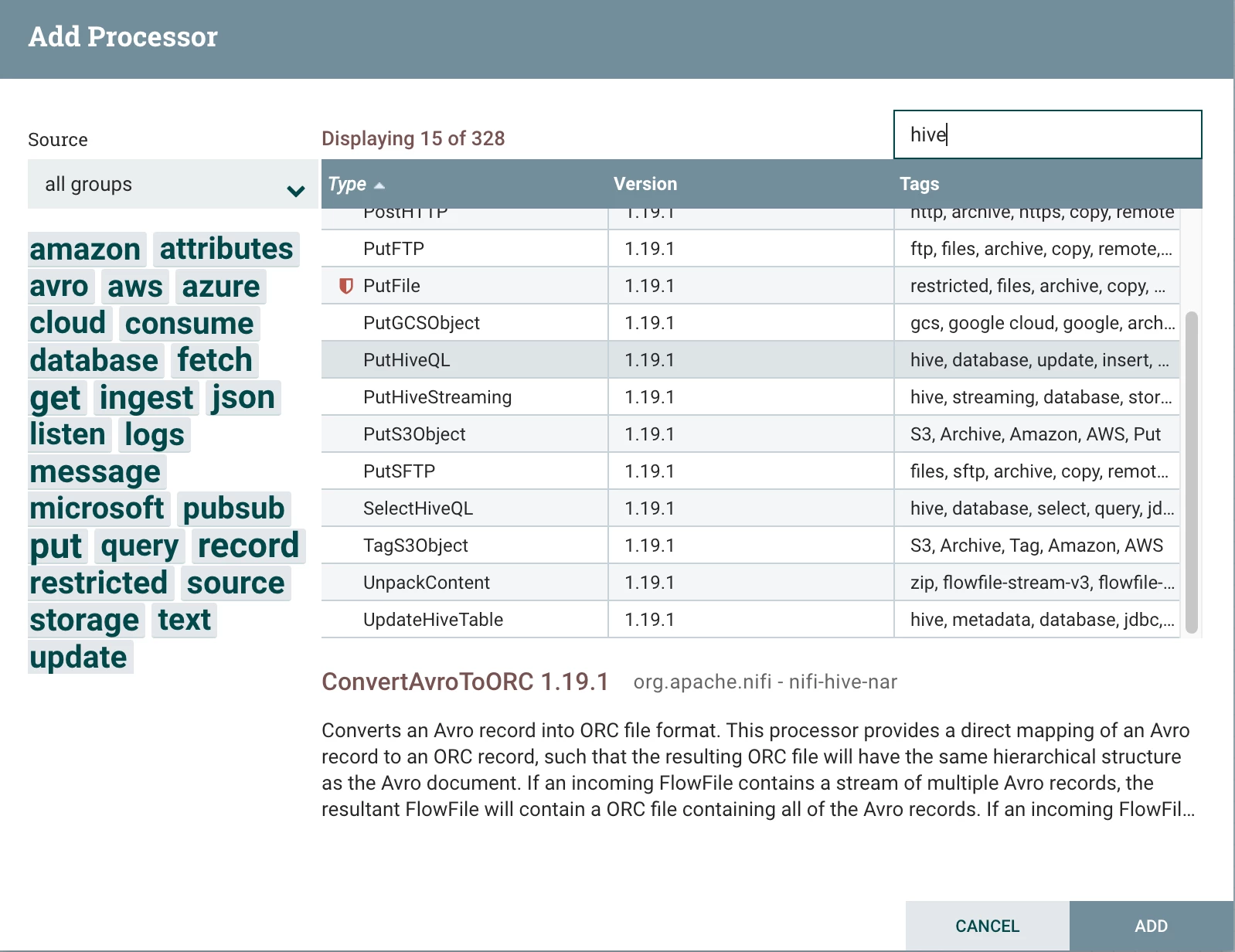
Now you will see the Hive components available in your NiFi UI:
If you found that the provided solution(s) assisted you with your query, please take a moment to login and click Accept as Solution below each response that helped.
Thank you,
Matt