eykf
Bronze ⭐️⭐️⭐️
June 19, 2023
Question

Nifi Integration with Microsoft Teams Channel

Hello,


I've been stuck on this issue for weeks and am currently on a wit's end.

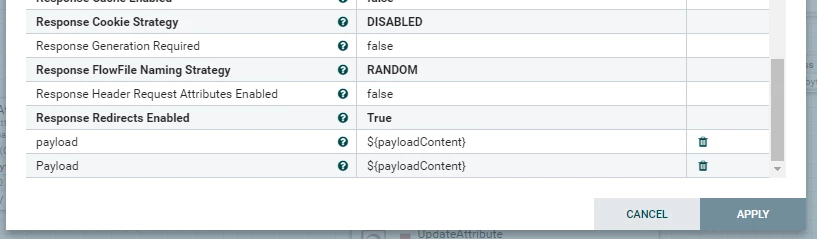
For the past few weeks, I've been trying to get my Apache Nifi to be able to post messages to a MsTeams channel. I've set up a MsTeams webhook and tried to use the 'InvokeHTTP' Processor to initiate a POST request to the MsTeams webhook.
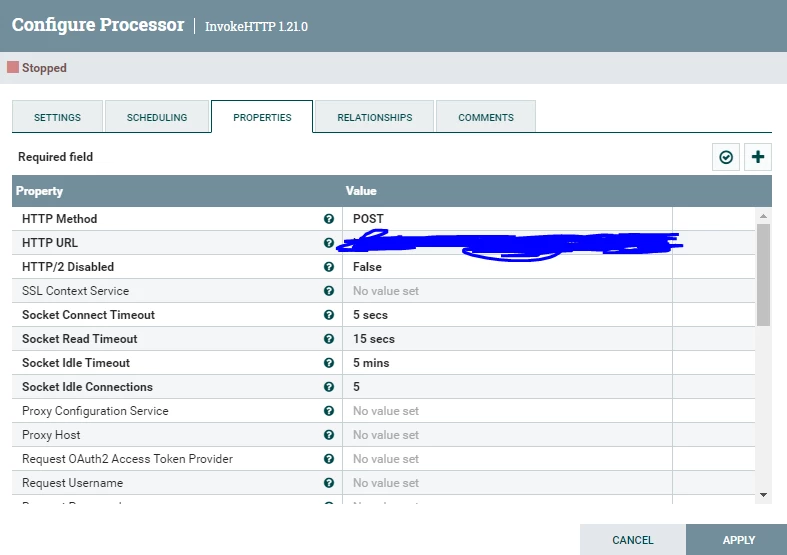
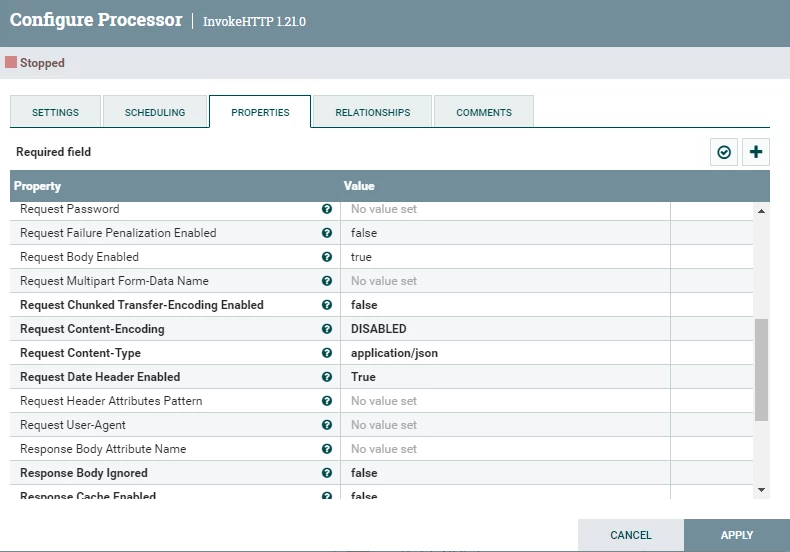
eykf_0-1687166766642.png

eykf_1-1687166786660.png

eykf_2-1687166801046.png

I've also tried using 'ExecuteStreamCommand' processor to invoke a curl Command to send a message to my Webhook URL, but its not working.
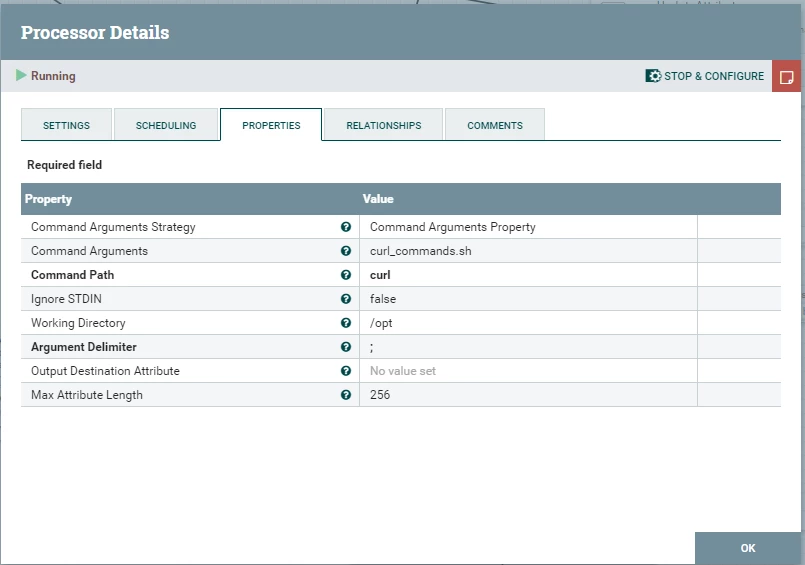
eykf_3-1687166927442.png

This is what's inside my curl_command.sh,


curl -H "Content-Type: application/json" \ -d "{\"text\": \"Hello World from curl\"}" \ <Webhook URL>


Any help would be greatly appreciated

 

2 replies

VidyaSargur
Community Manager
Community Manager
June 19, 2023

@eykf, Welcome to our community! To help you get the best possible answer, I have tagged in our NiFi experts @cotopaul @steven-matison  who may be able to assist you further.

Please feel free to provide any additional information or details about your query, and we hope that you will find a satisfactory solution to your question.

Translate
Regards, Vidya Sargur, Community Manager Was your question answered? Make sure to mark the answer as the accepted solution. If you find a reply useful, say thanks by clicking on the thumbs up button.
cotopaul
Platinum ⭐️
June 20, 2023

@eykf,

I never tried to send messages from NiFi to MS Teams but upon reading the documentation, I am not quite sure you need a Webhook URL at all.


MS Teams provides the Graph API to be able to integrate MS Teams into external application:
https://learn.microsoft.com/en-us/graph/api/resources/teams-api-overview?view=graph-rest-1.0

Now, assuming that you have the channel and the users already created, my first guess is that you would need only to send the message so basically all you have to do is create the API POST as described in the following link:
https://learn.microsoft.com/en-us/graph/api/chatmessage-post?view=graph-rest-1.0&tabs=http


And here are the parameters in case you need a more complex message, than the one described in the above link:
https://learn.microsoft.com/en-us/graph/api/resources/chatmessage?view=graph-rest-1.0


Translate