

org.apache.hadoop.ipc.RemoteException(org.apache.hadoop.security.AccessControlException): Permission denied - While doing Sqoop
Hi Everyone, I am new to Hadoop Ecosystem. I have installed Cloudera on Ubuntu and while i was performing simple sqoop from Postgres to Hive/HDFS getting following error. Appreciate the help:
Caused by: org.apache.hadoop.ipc.RemoteException(org.apache.hadoop.security.AccessControlException): Permission denied: user=nthumu, access=WRITE, inode="/user/hive/warehouse/postgres":hdfs:hive:drwxrwx--x
at 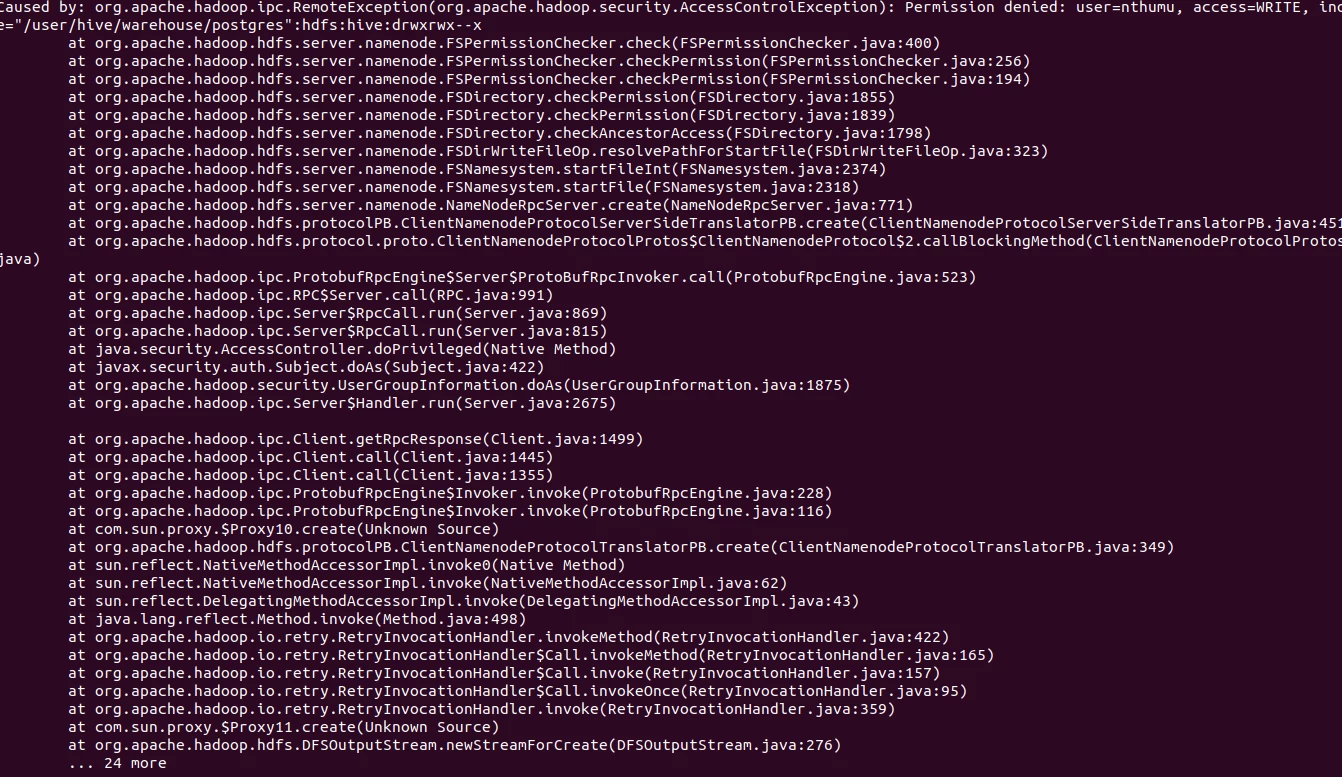 org.apache.hadoop.hdfs.server.namenode.FSPermissionChecker.check(FSPermissionChecker.java:400)
at org.apache.hadoop.hdfs.server.namenode.FSPermissionChecker.checkPermission(FSPermissionChecker.java:256)
at org.apache.hadoop.hdfs.server.namenode.FSPermissionChecker.checkPermission(FSPermissionChecker.java:194)
at org.apache.hadoop.hdfs.server.namenode.FSDirectory.checkPermission(FSDirectory.java:1855)
at org.apache.hadoop.hdfs.server.namenode.FSDirectory.checkPermission(FSDirectory.java:1839)
at org.apache.hadoop.hdfs.server.namenode.FSDirectory.checkAncestorAccess(FSDirectory.java:1798)
at org.apache.hadoop.hdfs.server.namenode.FSDirWriteFileOp.resolvePathForStartFile(FSDirWriteFileOp.java:323)
at org.apache.hadoop.hdfs.server.namenode.FSNamesystem.startFileInt(FSNamesystem.java:2374)
at org.apache.hadoop.hdfs.server.namenode.FSNamesystem.startFile(FSNamesystem.java:2318)
at org.apache.hadoop.hdfs.server.namenode.NameNodeRpcServer.create(NameNodeRpcServer.java:771)
at org.apache.hadoop.hdfs.protocolPB.ClientNamenodeProtocolServerSideTranslatorPB.create(ClientNamenodeProtocolServerSideTranslatorPB.java:451)
at org.apache.hadoop.hdfs.protocol.proto.ClientNamenodeProtocolProtos$ClientNamenodeProtocol$2.callBlockingMethod(ClientNamenodeProtocolProtos.java)
at org.apache.hadoop.ipc.ProtobufRpcEngine$Server$ProtoBufRpcInvoker.call(ProtobufRpcEngine.java:523)
at org.apache.hadoop.ipc.RPC$Server.call(RPC.java:991)
at org.apache.hadoop.ipc.Server$RpcCall.run(Server.java:869)
at org.apache.hadoop.ipc.Server$RpcCall.run(Server.java:815)
at java.security.AccessController.doPrivileged(Native Method)
at javax.security.auth.Subject.doAs(Subject.java:422)
at org.apache.hadoop.security.UserGroupInformation.doAs(UserGroupInformation.java:1875)
at org.apache.hadoop.ipc.Server$Handler.run(Server.java:2675)
at org.apache.hadoop.ipc.Client.getRpcResponse(Client.java:1499)
at org.apache.hadoop.ipc.Client.call(Client.java:1445)
at org.apache.hadoop.ipc.Client.call(Client.java:1355)
at org.apache.hadoop.ipc.ProtobufRpcEngine$Invoker.invoke(ProtobufRpcEngine.java:228)
at org.apache.hadoop.ipc.ProtobufRpcEngine$Invoker.invoke(ProtobufRpcEngine.java:116)
at com.sun.proxy.$Proxy10.create(Unknown Source)
at org.apache.hadoop.hdfs.protocolPB.ClientNamenodeProtocolTranslatorPB.create(ClientNamenodeProtocolTranslatorPB.java:349)
at sun.reflect.NativeMethodAccessorImpl.invoke0(Native Method)
at sun.reflect.NativeMethodAccessorImpl.invoke(NativeMethodAccessorImpl.java:62)
at sun.reflect.DelegatingMethodAccessorImpl.invoke(DelegatingMethodAccessorImpl.java:43)
at java.lang.reflect.Method.invoke(Method.java:498)
at org.apache.hadoop.io.retry.RetryInvocationHandler.invokeMethod(RetryInvocationHandler.java:422)
at org.apache.hadoop.io.retry.RetryInvocationHandler$Call.invokeMethod(RetryInvocationHandler.java:165)
at org.apache.hadoop.io.retry.RetryInvocationHandler$Call.invoke(RetryInvocationHandler.java:157)
at org.apache.hadoop.io.retry.RetryInvocationHandler$Call.invokeOnce(RetryInvocationHandler.java:95)
at org.apache.hadoop.io.retry.RetryInvocationHandler.invoke(RetryInvocationHandler.java:359)
at com.sun.proxy.$Proxy11.create(Unknown Source)
at org.apache.hadoop.hdfs.DFSOutputStream.newStreamForCreate(DFSOutputStream.java:276)

