

zukhriddin
Gold ⭐️
February 21, 2024
Solved

PutDatabaseRecord TableNotFoundException exception

I am trying to copy table rows from one oracle database to another oracle table. PutDatabaseRecord cannot find the second table. I checked many times that table  exists. But it is still giving error. Does anybody know how to solve it?
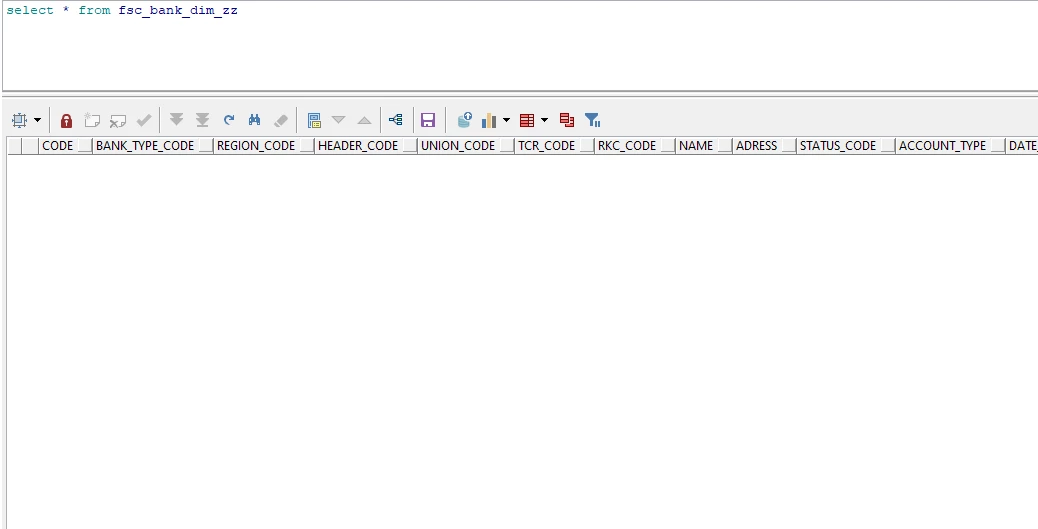
 

Screenshot_43.png


PutDatabaseRecord[id=cb461cc1-018d-1000-21fe-ec8db1afeca1] Failed to put Records to database for FlowFile[filename=040d505a-1d6c-4f36-8a2b-38bcf577a059]. Routing to failure.: org.apache.nifi.processors.standard.db.TableNotFoundException: Table fsc_bank_dim_zz not found, ensure the Catalog, Schema, and/or Table Names match those in the database exactly


 

zukhriddin
Gold ⭐️
April 3, 2024

Thanks for the reply. I have found the answer myself. The table name must be all in capital letters. No need to add schema or catalog name.

4 replies

SAMSAL
Platinum ⭐️⭐️⭐️
February 21, 2024

Hi ,

Can you post screenshot for the PutDatabaseRecord configuration and the associated Database Connection Pooling Service configuration to help us troubleshoot what is going on? Are both tables located under the same DB?


Translate
cotopaul
Platinum ⭐️
February 22, 2024

@zukhriddin, when using PutDatabaseRecord, you have to set the Schema Name and the Table Name :). The Catalog Name is not quite necessary as is it not used for Oracle databases. Next, on the Database Type, make sure that you have selected the correct version for your Oracle DB... and of course the Statement Type should be INSERT (at least while you are testing) 

PS: make sure that the user you have configured in your Database Connection Pooling Service has all the necessary grants to see and modify your table.

Translate
DianaTorres
Community Manager
Community Manager
February 27, 2024

@zukhriddin Has the reply helped resolve your issue? If so, please mark the appropriate reply as the solution, as it will make it easier for others to find the answer in the future.  Thanks.

Translate
Regards, Diana Torres, Senior Community Moderator
zukhriddin
zukhriddinAuthorAnswer
Gold ⭐️
April 3, 2024

Thanks for the reply. I have found the answer myself. The table name must be all in capital letters. No need to add schema or catalog name.

Translate