@Jobin George
When you add new components (Process groups or processors), they inherit the policies from the parent component by default. This means the your process group (Group1) has inherited some policies maybe from its parent process group and your processor (getSFTP) has inherited policies from the process group it is inside. My guess is that those inherited policies are allowing user "john" view and "modify" to process group 'Group1'.
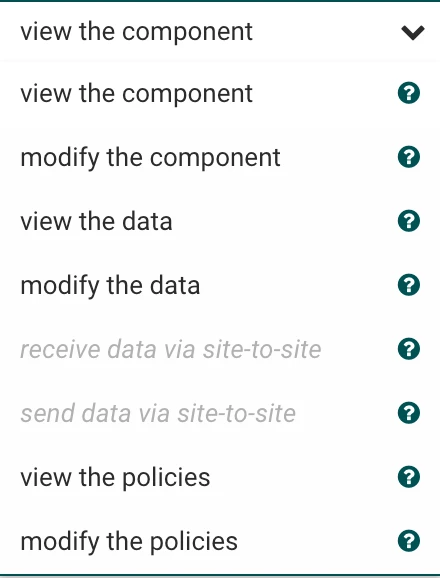
When you select a component (process group or processor) and click on the key icon to modify/set its policies, you may notice the following in the "Access Policies" UI that is displayed:

This line is telling you that the policies you are currently looking at are coming from a parent process group. If you modify any of these policies, what you are really doing is modifying the policies on that parent process group rather then on the actual selected component.
In order to set specific policies for the select component, you must fist click on "Override". You will then see the above effective policy line go away and the specific policy you are currently looking at will be cleared of all entries. Now you can add specific users for this policy that are applied to only tis component. If the component is a process group, any processor or additional process group within will inherit this new policy.
Keep in mind that every policy inherits from its parent by default, so clicking on "Override" only create a new policy accesses for that one policy. You will need to select each available policy for a component and click "Override" for each one where you want to set component specific policy accesses.
Thanks,
Matt