Need your help and suggestion here as i went through many of the Nifi related article here , since my use case is different need your valuable suggestion .
1. i want to know how to use SSL\TLS to have https mode for nifi url 2. in our organization already we are generating signed certificate with SAN entries as nifi-dev.x.x.net [domain we try to access via browser] nifinode1.x.x.net nifinode2.x.x.net nifinode3.x.x.net zookeepernode1.x.x.net zookeepernode2.x.x.net zookeepernode3.x.x.net post request raised we get a file nifi.crt file with this what else certificates are required\Needed? 3. as trial basis tried already creating keystore and truststore but seems some issue 4.
@pavanshettyg5 The TLS implementation for NiFi requires proper configuration of both keystore and truststore your organization's signed certificate with SAN entries to enable secure HTTPS access. Based on your description, you've received a signed certificate (nifi.crt) but are experiencing issues with the complete TLS setup. Required Certificates & Files
Certificate Authority (CA) Certificate: The root certificate from your signing authority
Truststore: Contains the Certificate Authority (CA) root/intermediate certificates that signed your NiFi certificate (for mutual TLS or cluster communication).
Signed Certificate (nifi.crt): Your domain certificate with the SAN entries
Private Key: The private key used to generate the CSR
1. Prepare Certificate Files
Ensure you have:
The signed certificate (nifi.crt)
Your private key
The CA certificate (request from your CA if not available)
Problem 1: Missing Private Key or Certificate Chain
If you only havenifi.crt, youmustalso have:
Theprivate key(e.g.nifi.key) generated during the CSR process.
TheCA root/intermediate certificates(if your organization uses a private CA).
Problem 2: Improper Keystore/Truststore Format
NiFi uses Java KeyStores (JKS or PKCS12). Ensure your keystore/truststore is in the correct format.
If your organization uses OpenSSL-based tools, convert the PEM files (nifi.crt + nifi.key + CA chain) into a PKCS12/JKS keystore.
Problem 3: SAN Entries Not Recognized
Verify the SAN entries in your certificate match the NiFi node hostnames (e.g.nifinode1.x.x.net).
Useopenssl x509 -in nifi.crt -text -noout to check SANs.
3. Step-by-Step Solution
A. Prepare the Keystore
Combine Certificate and Private Key:
If you havenifi.crtandnifi.key, create a PKCS12 keystore:
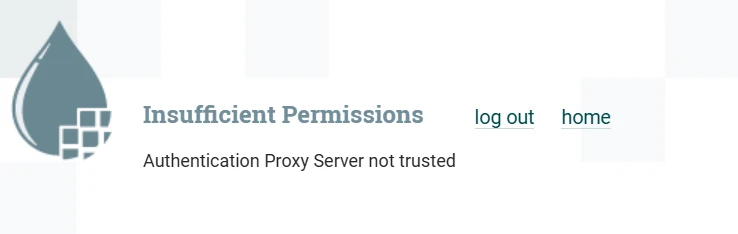
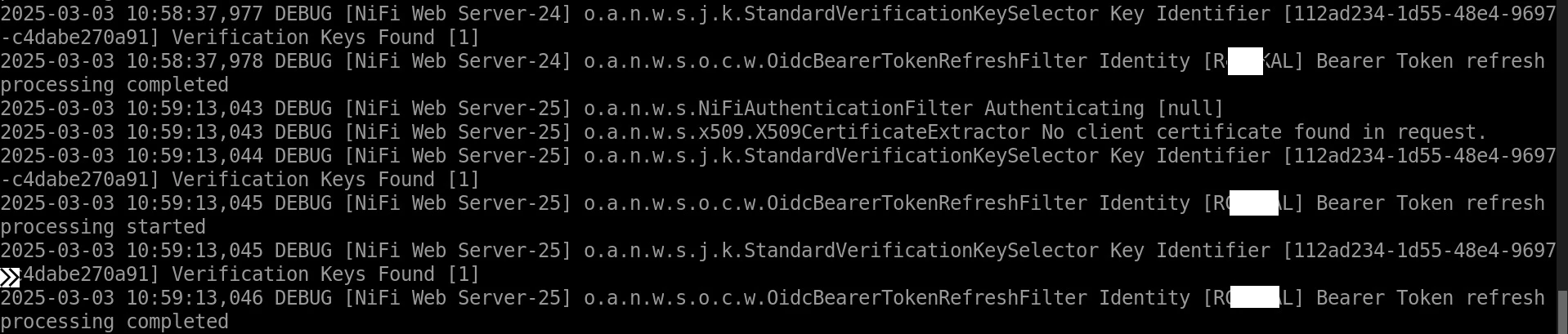
The NiFi screenshot you shared implies authentication was successful, but you are having some form of authorization issue. The second screenshot you shared from the logs is not providing much useful information.
What is observed in both the nifi-user.log and nifi-app.log when you attempt to access the NiFi UI?
You mention that you are using "OIDC provider". So when you access NiFi are you getting to the login prompt where you provide your OIDC credentials?
What is seen in the logs at this time and when you submit your credentials?
Does your NiFi truststore contain the complete trust chain (all root and intermediate public certs used to sign the server certificate) for your OIDC endpoint?
Please help our community grow and thrive. If you foundanyof the suggestions/solutions provided helped you with solving your issue or answering your question, please take a moment to login and click "Accept as Solution" on one or more of them that helped.
Hi @Shelton Thanks so much for detailed information @MattWho thanks much for the reply and apologies for short info. based on above information was able to create SSL certificates and generate Keystore and trustore in jks format . initially i was not configured CA file into truststore so faced some issue 2. then i did not added nifi nodes entries as intial identity in autherizers.xml file so above issue occured . i followed cloudera blogs where you had informed https://community.cloudera.com/t5/Support-Questions/insufficient-permissions-untrusted-proxy/m-p/366443#M239582 based on these i was able to resolve and 3 node cluster with external zookeeper was able to up. i appreciate your kind help and your time here . much thanks to both 🙂