Ansar_2601
Silver ⭐️⭐️
February 25, 2020
Solved

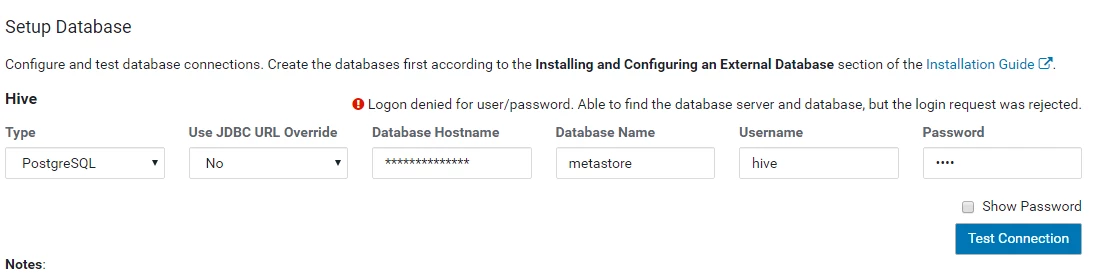
Test connection getting failed while added Hive and other services in Cluster

Hi All, 


Kindly help me in adding services to the cluster. I have been struggling to add Hive and other services as the Test connection is getting failed with the error. Able to find server and databases, and logon failed. 


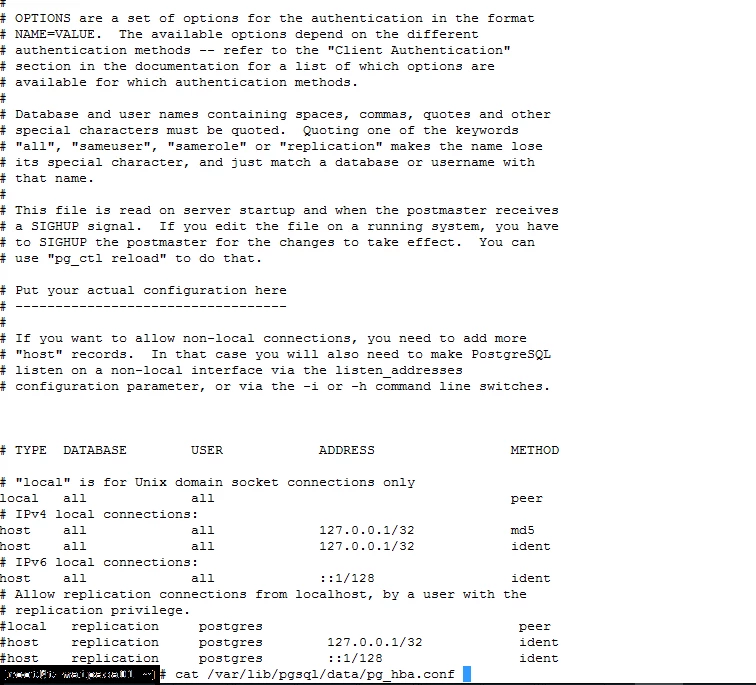
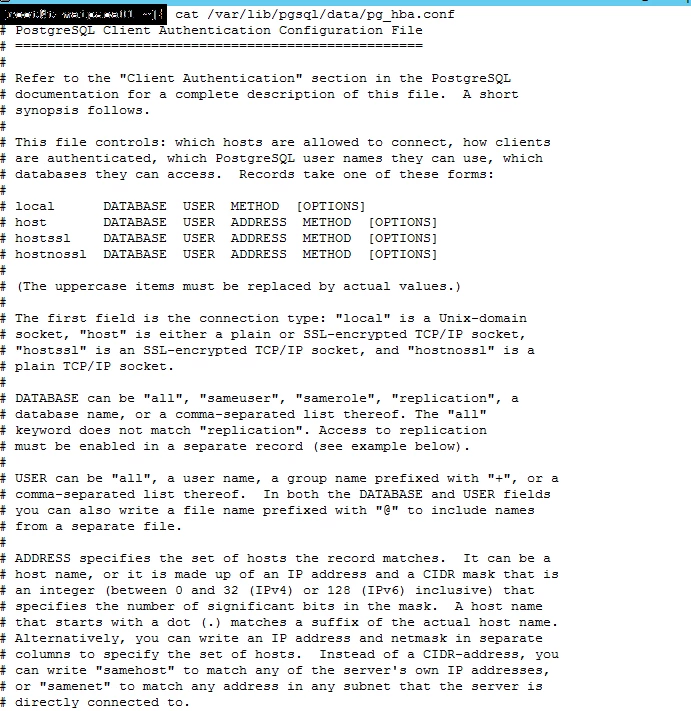
The error in the scm logs state no pg_hba.con available for the host and user. However, have checked them all. 


Also, attached are the pictures as I work on a remote desktop where I cannot login to this platform. 


Kindly assist. 


Thanks, 
AnsarHive connection failed logs.pngHive connection failed.pngpg_hba conf file 2.pngpg_hba conf file.png
venkatsambath
Gold ⭐️⭐️⭐️
February 26, 2020

Can you follow the steps mentioned in this link 

https://docs.cloudera.com/documentation/enterprise/5-14-x/topics/cm_ig_extrnl_pstgrs.html#cmig_topic_5_6_1


Specifically these lines


if you want to access PostgreSQL from a different host, replace 127.0.0.1 with your IP address and update postgresql.conf, which is typically found in the same place as pg_hba.conf, to include: listen_addresses = '*'


3 replies

Ansar_2601
Silver ⭐️⭐️
February 26, 2020

@jsensharma 

@MattWho 

@Shelton 


I understand this might be a stupid question but I am struggling to proceed in addition of the services. I am looking for an assistance, as I got some deliverable responsibilities today. 

I appreciate your time and response on this. 

Thanks, 
Ansar

Translate
venkatsambath
Gold ⭐️⭐️⭐️
Gold ⭐️⭐️⭐️
February 26, 2020

Can you follow the steps mentioned in this link 

https://docs.cloudera.com/documentation/enterprise/5-14-x/topics/cm_ig_extrnl_pstgrs.html#cmig_topic_5_6_1


Specifically these lines


if you want to access PostgreSQL from a different host, replace 127.0.0.1 with your IP address and update postgresql.conf, which is typically found in the same place as pg_hba.conf, to include: listen_addresses = '*'


Translate
Ansar_2601
Silver ⭐️⭐️
February 26, 2020

@venkatsambath 


Thanks for the assistance. I followed the same some time back and it worked, I had to add my ip address where postgresql is installed. That worked for me. 


Appreciate your help.


Thanks.

Ansar

Translate