Open NLP Example Apache NiFi Processor
Open NLP Example Apache NiFi Processor
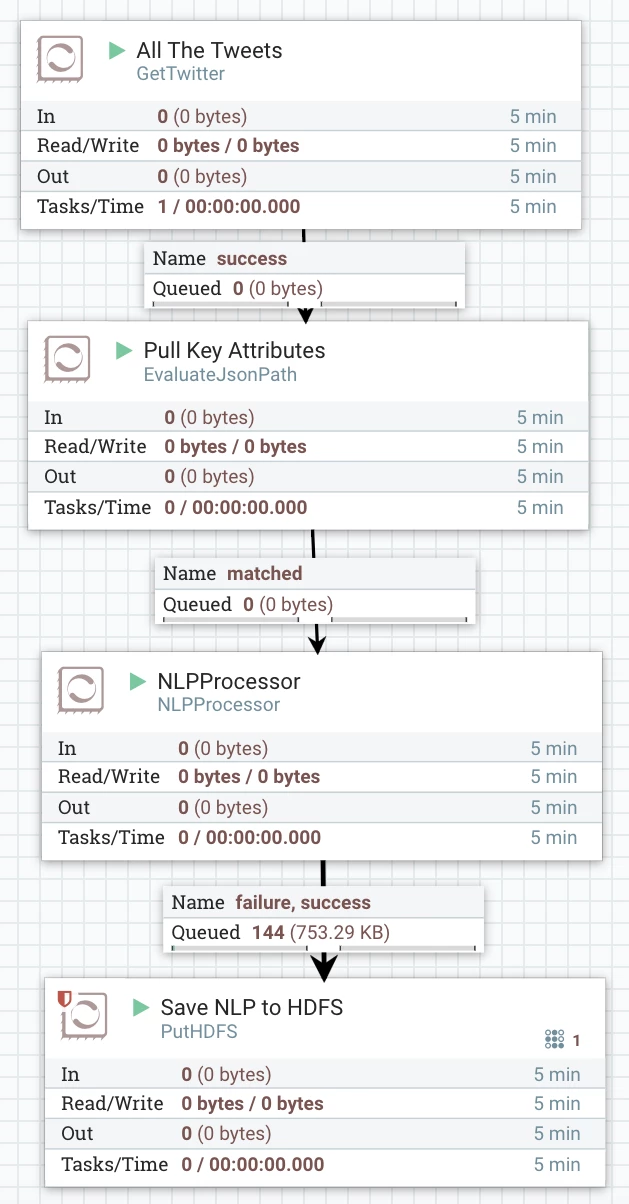
I wanted to be able to add NLP processing to my dataflow without calling to Apache Spark jobs or other disconnected ways. A custom processor let's me write fast Java 8 microservices to process functionality in my stream in a concise way. All the source code for this processor is available with the Apache license in github. So I wrote one.
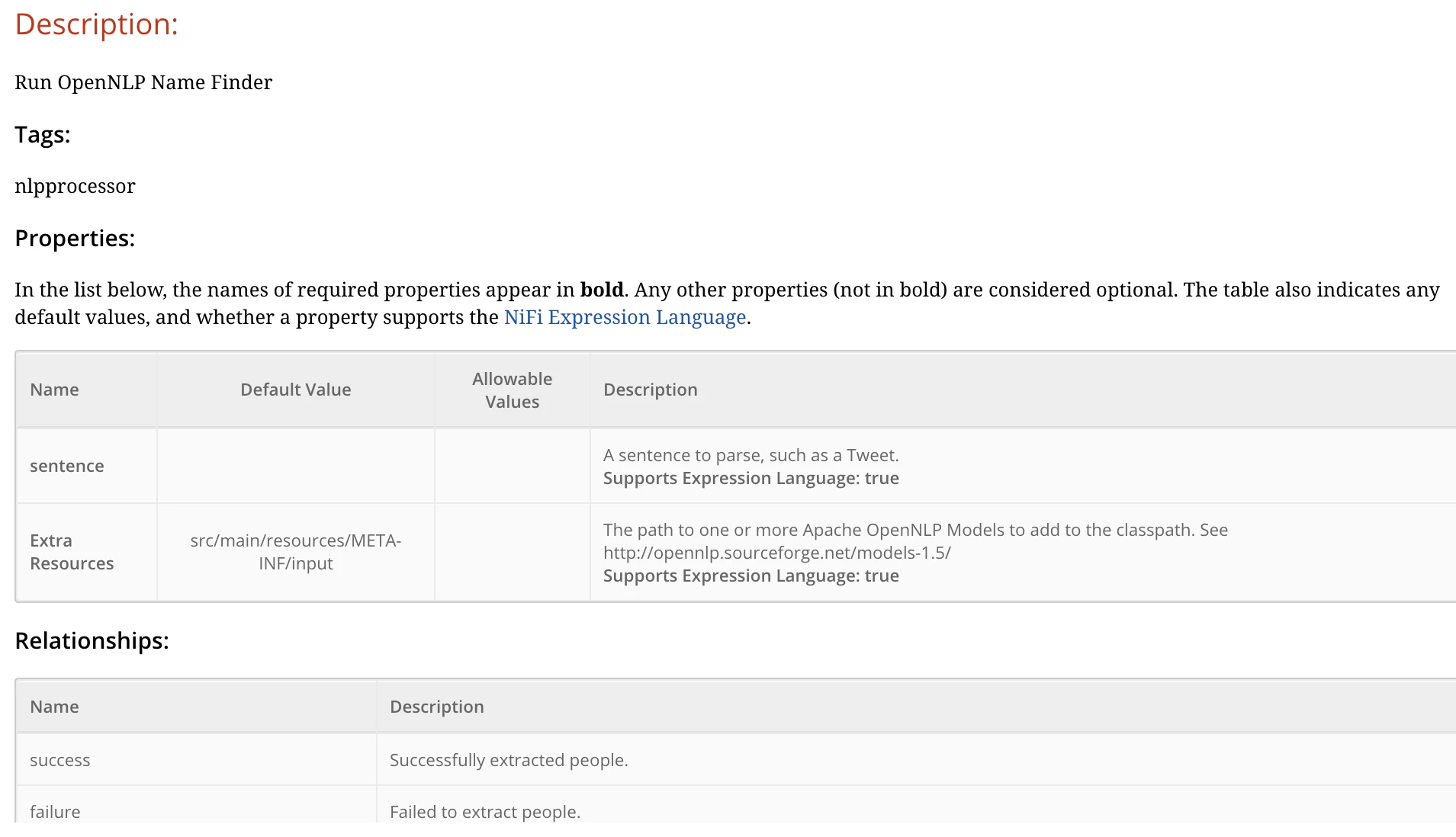
See the attached generated HTML documentation for the processor.
If you would like to use this processor.
git clone https://github.com/tspannhw/nifi-nlp-processor

mvn package

cp nifi-nlp-nar/target/nifi-nlp-nar-1.0.nar /usr/hdf/current/nifi/lib/
You can also download a prebuilt NAR from github.
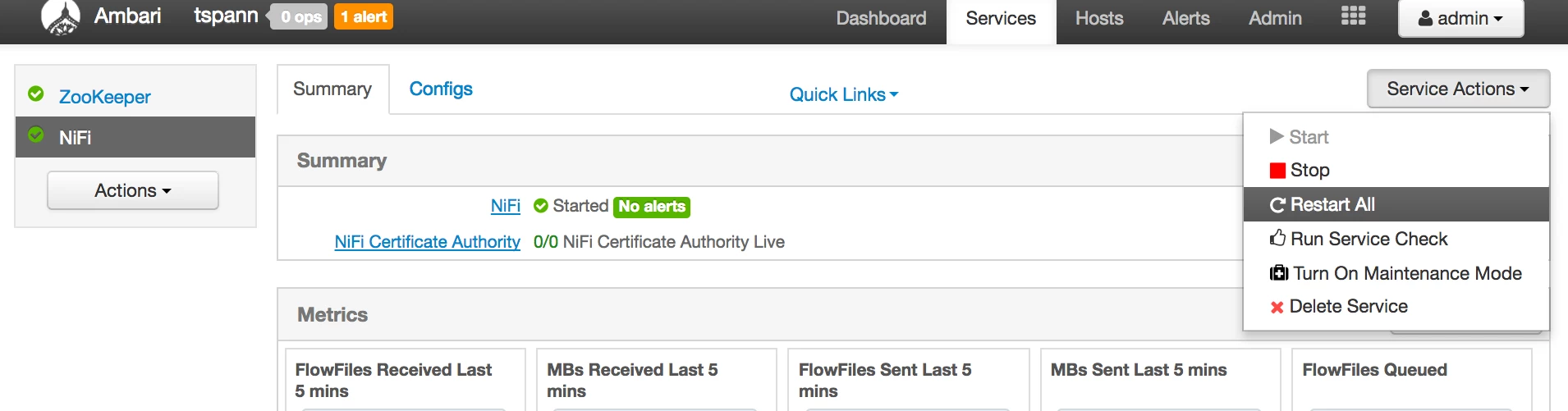
Then restart NIFI via Ambari and you can start using it.
This has been tested for HDF 2.x NiFi.
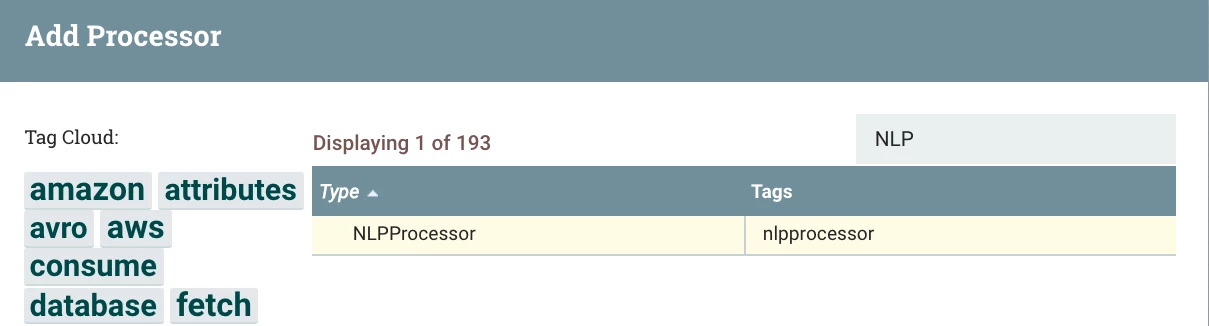
Add the NLP Processor.
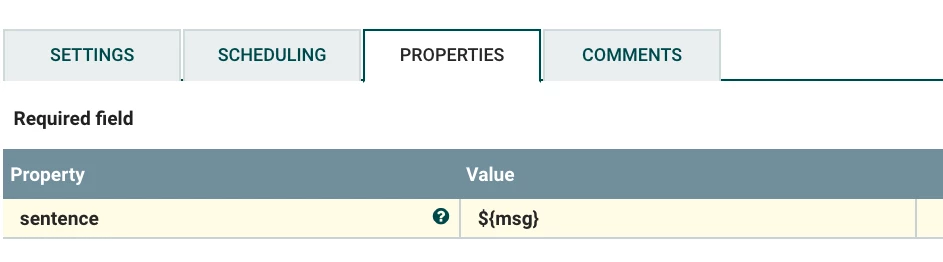
Then set the properties, you need to set sentence that you want parsed. You can use expression language to grab a field from an attribute like I am doing to grab the Tweet.
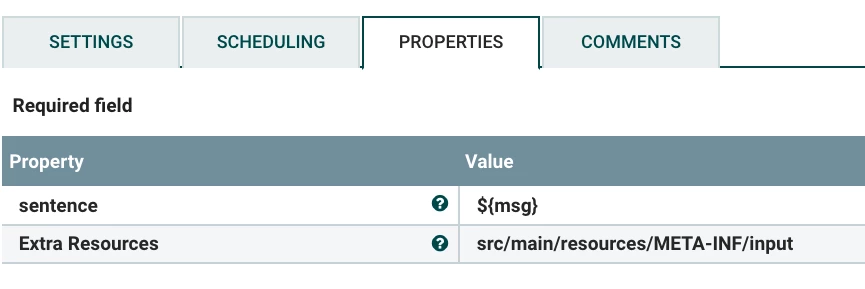
Send it a sentence, say from Twitter and you will get back. You need to set the Extra Resources to a directory where you have downloaded the Apache OpenNLP prebuilt models referenced below.
Results
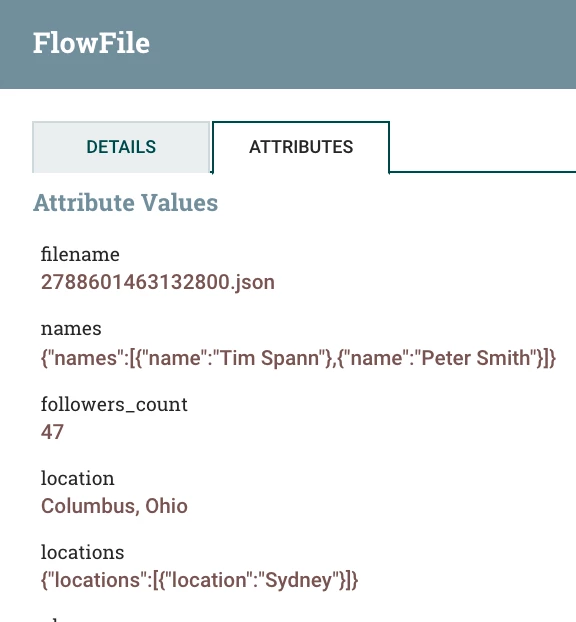
Two attributes get added to your flow. They contain JSON arrays of locations and names extracted from your sentence (or page of text).
Locations
{"locations":[{"location":"Sydney"}]}
Names
{"names":[{"name":"Tim Spann"},{"name":"Peter Smith"}]}
Entities extracted from the text using Apache OpenNLP via a custom NiFi Processor.
Current Version Uses (Apache OpenNLP Pre-built Models v1.5)
- en-token.bin
- en-ner-person.bin
- en-ner-location.bin
You can add other languages and models as enhancements.
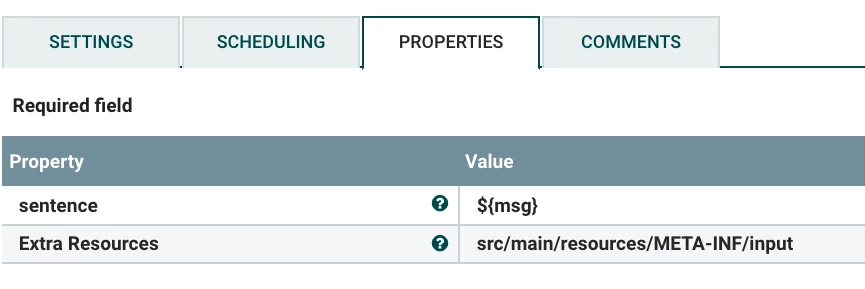
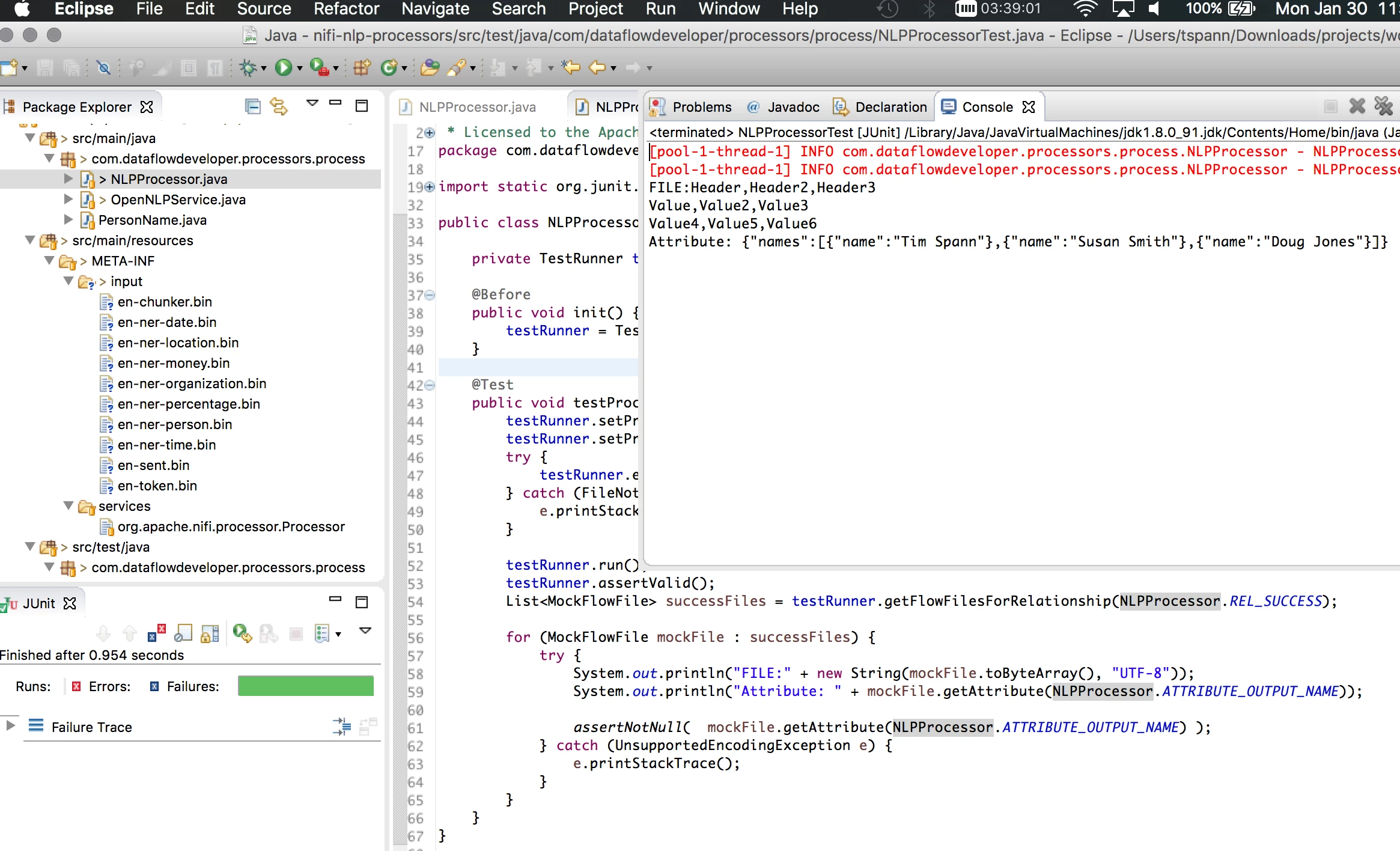
If you would like to extend the processor, it includes a JUnit test for you to run and extend. If uses the NiFi TestRunner and will allow you to see the flowfile, set inputs and get outputs.
Note:
The current version supports English only, if you want to extend it, please fork the project and I will merge code in.
References:
Models to Download and install to /usr/hdf/current/nifi/lib/
http://opennlp.sourceforge.net/models-1.5/
https://community.hortonworks.com/articles/76240/using-opennlp-for-identifying-names-from-text.html