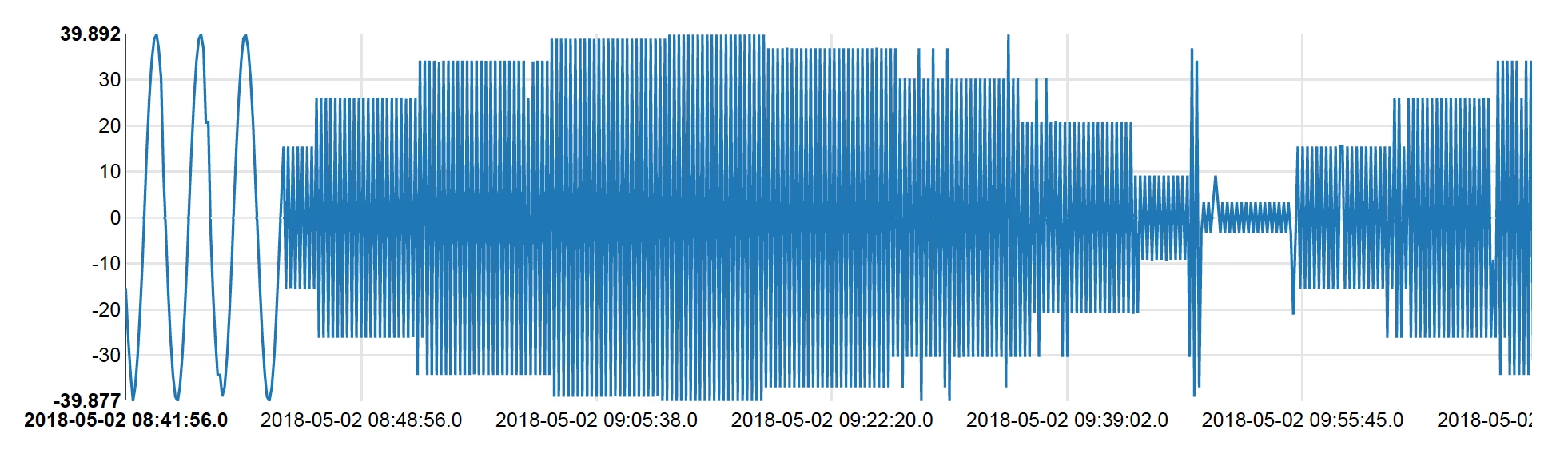
Spark HBase Connector + Composite Rowkey & SQL Analysis
The following example provides a guide to connecting to HBase from Spark then perform a few operations using Spark on the data extracted from HBase
Please add the following repo to your package manager
http://repo.hortonworks.com/content/repositories/releases/
and import the following class
com.hortonworks:shc-core:1.1.0-2.1-s_2.11
Keep in mind that new releases may be available
Import the following classes
import org.apache.spark.sql.{SQLContext, _}
import org.apache.spark.sql.execution.datasources.hbase._
import org.apache.spark.{SparkConf, SparkContext}
import spark.sqlContext.implicits._
import org.apache.spark.sql.types._
The first step in connecting to HBase is defining how Spark should interpret each row of data found in HBase. This is done by defining a catalog to use with the connector
def catalog = s"""{
 |"table":{"namespace":"default", "name":"timeseries"},
 |"rowkey":"key",
 |"columns":{
  |"col0":{"cf":"rowkey", "col":"key", "type":"string"},
  |"col1":{"cf":"cf", "col":"t", "type":"string"},
  |"col2":{"cf":"cf", "col":"v", "type":"string"},
  |"col3":{"cf":"cf", "col":"id", "type":"string"}
 |}
|}""".stripMargin
Next we read from Hbase using this catalog
val df = sqlContext
 .read
 .options(Map(HBaseTableCatalog.tableCatalog->catalog.toString))
 .format("org.apache.spark.sql.execution.datasources.hbase")
 .load()
Since the available data formats for the catalog ( I believe these are limited to Avro datatypes ) you will almost always need to cast something into a more meaningful datatype. Also you can see here that I am using "split" to break the composite row key into its two parts
val df2 = df.withColumn("value", df("col2").cast(FloatType))
 .withColumn("tag", split(df("col0"), "-").getItem(0))
 .withColumn("t", unix_timestamp(split(df("col0"), "-").getItem(1), "yyyy/MM/dd HH:mm:ss").cast(TimestampType))
Now that we have a data frame containing the data we want to work with, we can perform SQL simply by registering the data frame as a temporary table.
df2.registerTempTable("Sine1")
Now we can use SQL to explore the data and apply other manipulations
select * from sine1