CDP Cloudera Manager Fails to install Cloudera Runtime
Hello,
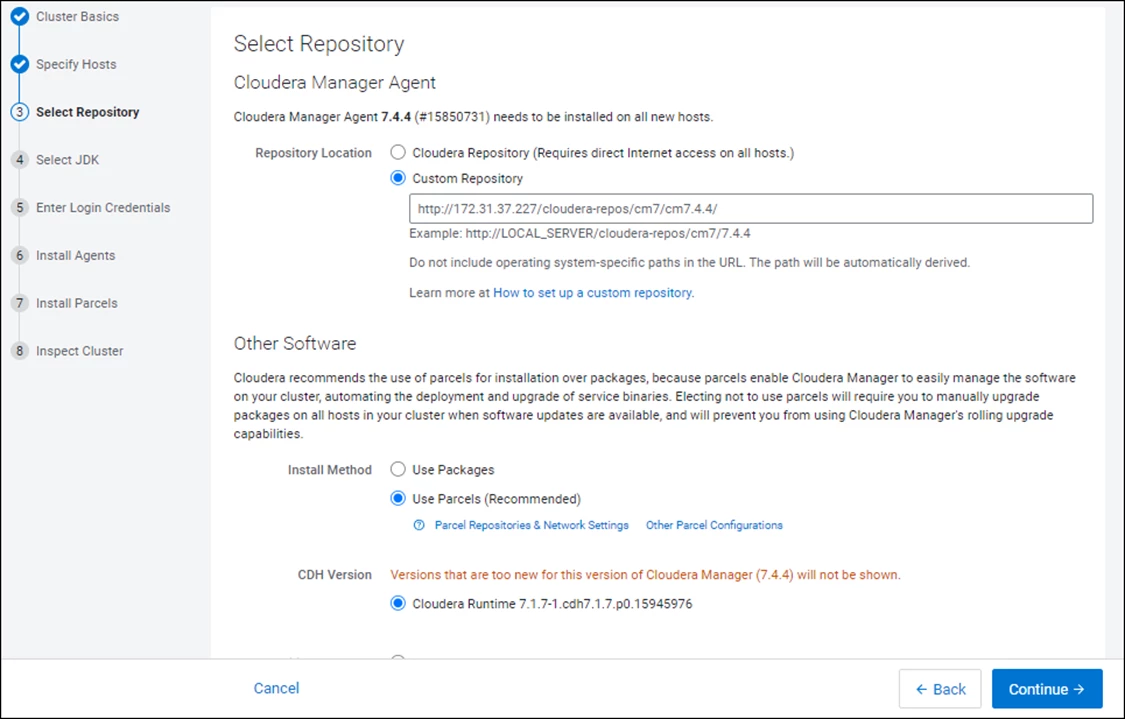
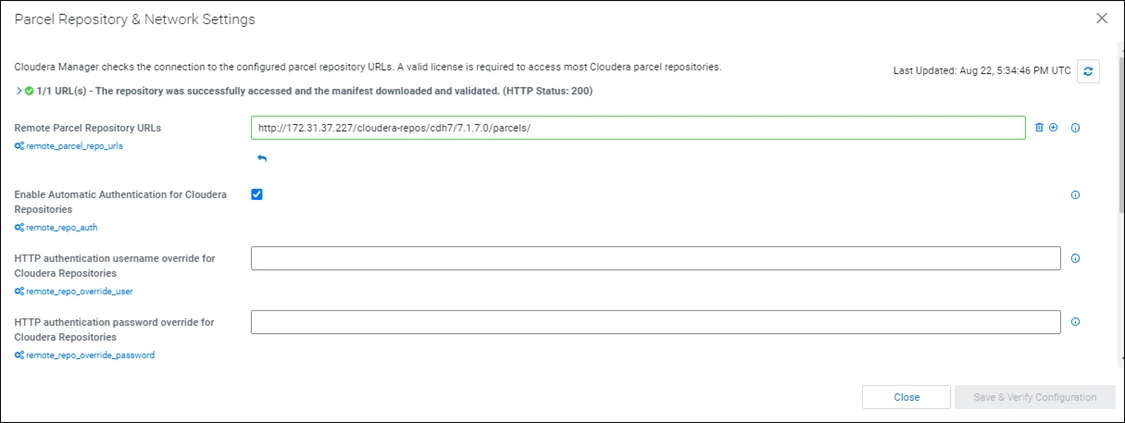
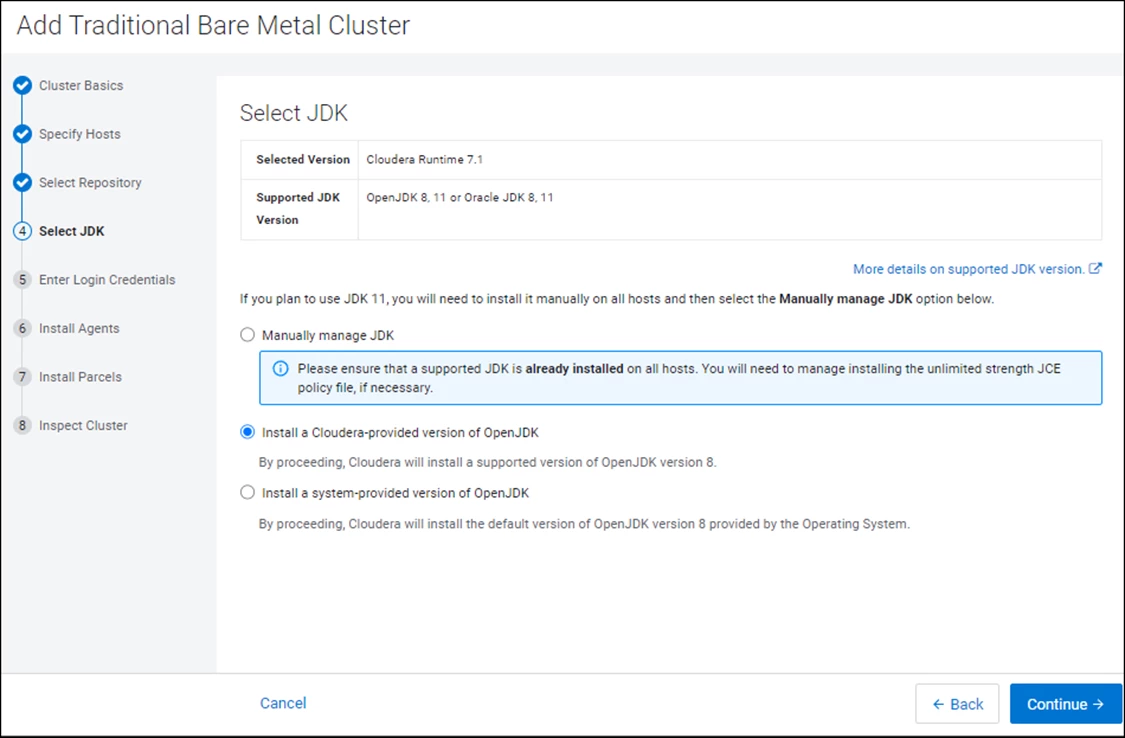
I tried to install a trial CDP Cluster following the given steps: https://docs.cloudera.com/cdp-private-cloud-base/latest/installation/topics/cdpdc-trial-installation...
The Cloudera Manager executed is https://archive.cloudera.com/cm7/7.4.4/cloudera-manager-installer.bin It was installed successfully.
The Cluster installation is failing with the messages:
Uninstalled. View Failed to install openjdk8 package.
Error: Cannot find a valid baseurl for repo: cloudera-manager
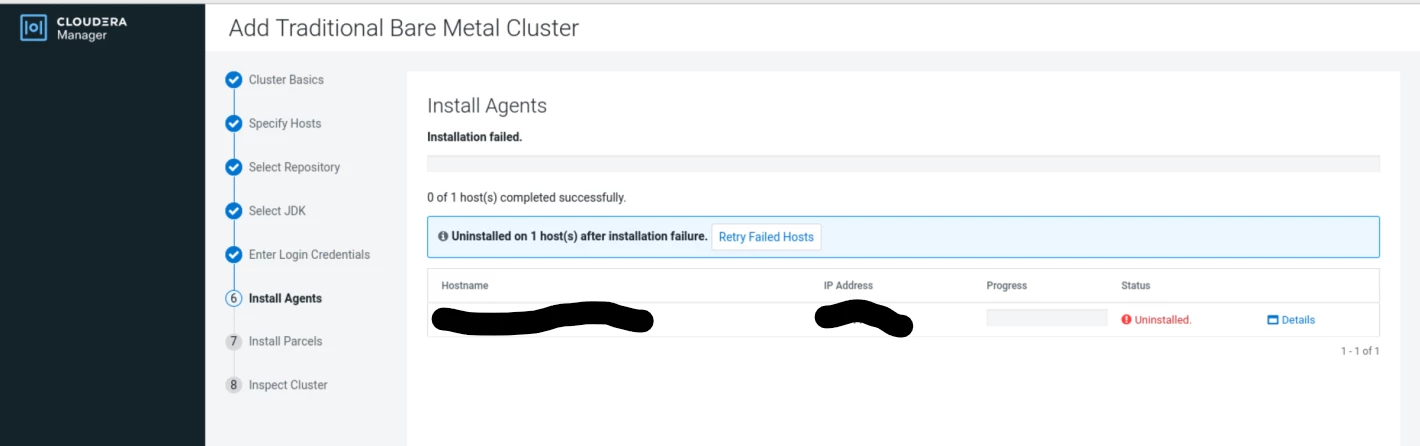
This is the complete log:
Uninstalled. View Failed to install openjdk8 package. View
/tmp/scm_prepare_node.pCEw7JVQ
using SSH_CLIENT to get the SCM hostname: 100.200.196.179 59194 22
opening logging file descriptor
Starting installation script...
Acquiring installation lock...
BEGIN flock 4
END (0)
Detecting root privileges...
effective UID is 1000
BEGIN which pbrun
END (1)
BEGIN sudo -S id
/usr/bin/which: no pbrun in (/home/opc/.local/bin:/home/opc/bin:/usr/share/Modules/bin:/usr/local/bin:/usr/bin:/usr/local/sbin:/usr/sbin)
END (0)
Using 'sudo ' to acquire root privileges
Detecting distribution...
BEGIN grep Tikanga /etc/redhat-release
uid=0(root) gid=0(root) groups=0(root) context=unconfined_u:unconfined_r:unconfined_t:s0-s0:c0.c1023
END (1)
BEGIN grep 'Scientific Linux release 5' /etc/redhat-release
END (1)
BEGIN grep Santiago /etc/redhat-release
END (1)
BEGIN grep 'CentOS Linux release 6' /etc/redhat-release
END (1)
BEGIN grep 'CentOS release 6' /etc/redhat-release
END (1)
BEGIN grep 'Scientific Linux release 6' /etc/redhat-release
END (1)
BEGIN grep Maipo /etc/redhat-release
END (1)
BEGIN grep Ootpa /etc/redhat-release
END (0)
/etc/redhat-release ==> RHEL 8
Detecting Cloudera Manager Server...
BEGIN sudo yum -y install bind-utils
Red Hat Enterprise Linux release 8.9 (Ootpa)
Last metadata expiration check: 0:01:32 ago on Tue 23 Apr 2024 11:06:53 PM GMT.
Package bind-utils-32:9.11.36-11.el8_9.1.x86_64 is already installed.
Dependencies resolved.
Nothing to do.
Complete!
END (0)
BEGIN host -t PTR 100.200.196.179
189.196.111.100.in-addr.arpa domain name pointer ml.phx.personal.com.
END (0)
using ml.phx.personal.com as scm server hostname
BEGIN which python
/usr/bin/python
END (0)
BEGIN python -c 'import socket; import sys; s = socket.socket(socket.AF_INET); s.settimeout(5.0); s.connect((sys.argv[1], int(sys.argv[2]))); s.close();' ml.phx.personal.com 7182
END (0)
BEGIN which wget
END (0)
/usr/bin/wget
BEGIN wget -qO- -T 1 -t 1 http://169.254.169.254/latest/meta-data/public-hostname && /bin/echo
END (8)
Installing package repositories...
Checking https://archive.cloudera.com/cm7/7.4.4/redhat8/yum/repodata/repomd.xml
Checking https://archive.cloudera.com/cm7/7.4.4/repodata/repomd.xml
Using
installing repository file /tmp/scm_prepare_node.pCEw7JVQ/repos/rhel8/cloudera-manager.repo
repository file /tmp/scm_prepare_node.pCEw7JVQ/repos/rhel8/cloudera-manager.repo installed
installing rpm keys
BEGIN gpg --import /tmp/scm_prepare_node.pCEw7JVQ/customGPG
gpg: keybox '/tmp/scm_prepare_node.pCEw7JVQ/gnupg.BgYX5lHFzp/pubring.kbx' created
gpg: /tmp/scm_prepare_node.pCEw7JVQ/gnupg.BgYX5lHFzp/trustdb.gpg: trustdb created
gpg: key 327574EE02A818DD: public key "Cloudera Apt Repository" imported
gpg: key F90C0D8FE8F86ACD: public key "Yum Maintainer <webmaster@cloudera.com>" imported
gpg: key 73985D43B0B19C9F: public key "Parameterized Build <security@cloudera.com>" imported
gpg: key 2279662784415700: public key "Cloudera <security@cloudera.com>" imported
gpg: key 0F65552736F57F35: public key "Cloudera <security@cloudera.com>" imported
gpg: Total number processed: 5
gpg: imported: 5
END (0)
BEGIN sudo rpm --import /tmp/scm_prepare_node.pCEw7JVQ/F36A89E33CC1BD0F71079007327574EE02A818DD.pub
END (0)
BEGIN sudo rpm --import /tmp/scm_prepare_node.pCEw7JVQ/12B52DEFA56D22DCBCB471FF84080586D1CA74A1.pub
END (0)
BEGIN sudo rpm --import /tmp/scm_prepare_node.pCEw7JVQ/5F14D39EF0681ACA6F044A43F90C0D8FE8F86ACD.pub
END (0)
BEGIN sudo rpm --import /tmp/scm_prepare_node.pCEw7JVQ/7B190376A6113C5C2549955B11BA70F151184508.pub
END (0)
BEGIN sudo rpm --import /tmp/scm_prepare_node.pCEw7JVQ/9543951160C284C0E7CA254573985D43B0B19C9F.pub
END (0)
BEGIN sudo rpm --import /tmp/scm_prepare_node.pCEw7JVQ/E5DFAD1E19FDE5DEF3D3F6848839DC26A96421E4.pub
END (0)
BEGIN sudo rpm --import /tmp/scm_prepare_node.pCEw7JVQ/CECDB80C4E9004B0CFE852962279662784415700.pub
END (0)
BEGIN sudo rpm --import /tmp/scm_prepare_node.pCEw7JVQ/0103D08AC48124C3ACDF729D74EC0834205B70ED.pub
END (0)
BEGIN sudo rpm --import /tmp/scm_prepare_node.pCEw7JVQ/DF2C4DD7629B1AC08A0966E00F65552736F57F35.pub
END (0)
BEGIN sudo rpm --import /tmp/scm_prepare_node.pCEw7JVQ/221AB118CB3531ECAAC5852455D3E5536180AD2B.pub
END (0)
BEGIN sudo rpm --import /tmp/scm_prepare_node.pCEw7JVQ/FA92354299AF0F5C3056AE2FD7EC5050A59875AF.pub
END (0)
Refreshing package metadata...
BEGIN sudo yum --disablerepo=* --enablerepo=cloudera* clean all
74 files removed
END (0)
BEGIN sudo rm -Rf /var/cache/yum/*
END (0)
BEGIN sudo yum --disablerepo=* --enablerepo=cloudera* makecache
Error: Cannot find a valid baseurl for repo: cloudera-manager
END (1)
Installing openjdk8 package...
BEGIN sudo yum --disablerepo=* --enablerepo=cloudera* list installed openjdk8
Installed Packages
openjdk8.x86_64 8.0+232_9-cloudera
END (0)
BEGIN echo openjdk8 cloudera-manager-agent cloudera-manager-daemons | grep openjdk8
openjdk8 cloudera-manager-agent cloudera-manager-daemons
END (0)
BEGIN sudo yum --disablerepo=* --enablerepo=cloudera* info openjdk8
Error: Cannot find a valid baseurl for repo: cloudera-manager
END (1)
remote package openjdk8 is not available, giving up
waiting for rollback request
detected rollback request
rolling back installation
Reverting changes...
rollback started
Removing package repositories...
repository file /etc/yum.repos.d/cloudera-manager.repo restored
Cleaning the package manager cache...
BEGIN sudo yum --disablerepo=* --enablerepo=cloudera* clean all
0 files removed
END (0)
BEGIN sudo rm -Rf /var/cache/yum/*
END (0)
Uninstalled.
rollback completed
closing logging file descriptor
The commands that are failing like sudo yum --disablerepo=* --enablerepo=cloudera* info openjdk8 were executed in a terminal without issues.
Any Idea what is missing on this Trial Installation?