

rizalt
Silver ⭐️⭐️⭐️
June 19, 2025
Question

Cleaning data HDFS

Hi Everyone, Can you help me please.

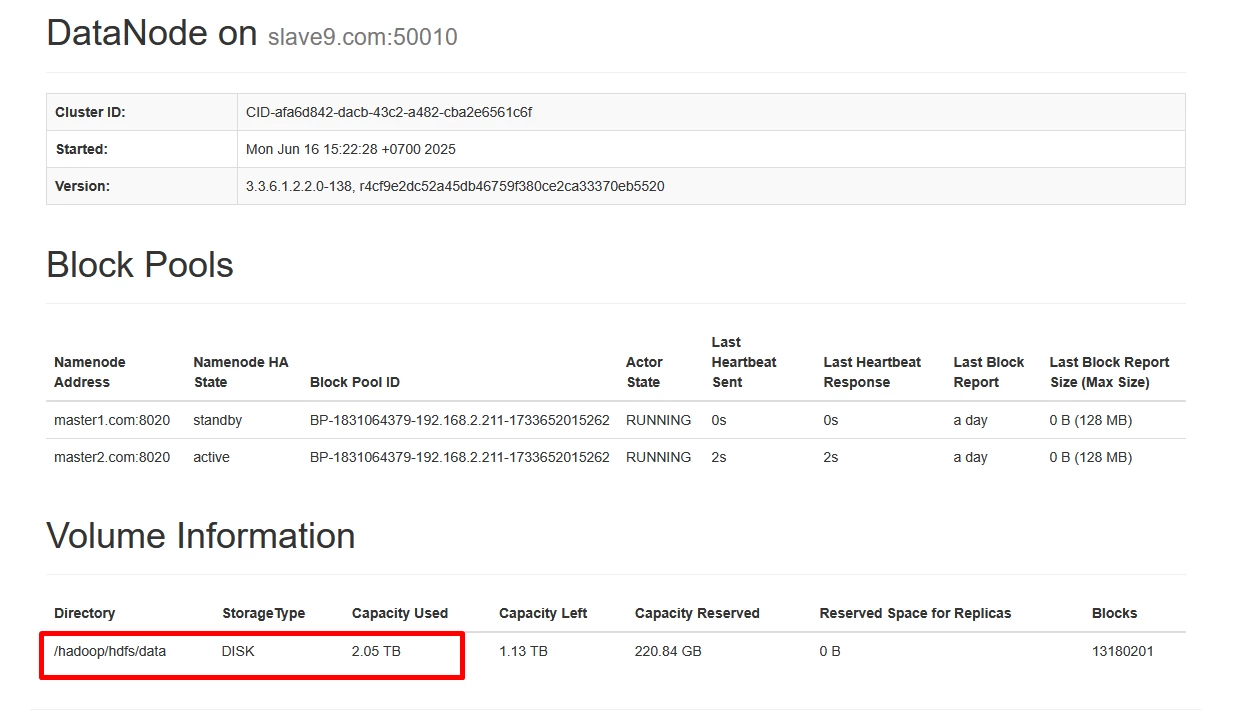
In my cluster have 80% used  storage each nodes, I want to clean up each node but I am very worried if deleting data from /hadoop/hdfs/data folder will affect HDFS cluster. see below capacity left 1TB but capacity used 2TB, but in not have table data in my cluster
rizalt_0-1750302119893.png

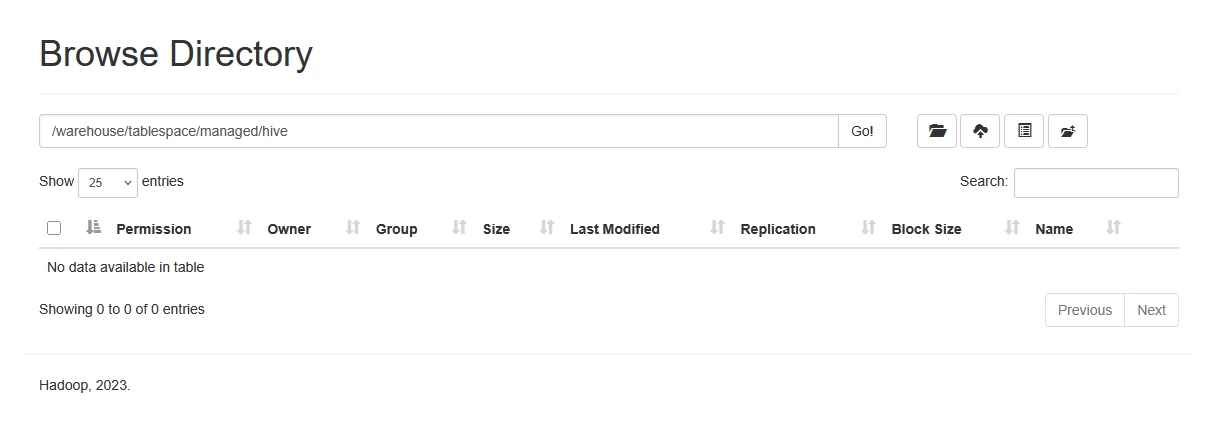
Not have table in my cluster like below
rizalt_1-1750302397603.png

please suggestions for case, Can I to remove file in folder /hadoop/hdfs/data? please tell me to step by step to remove it

 

3 replies

jromero
Gold ⭐️
Gold ⭐️
July 2, 2025

Hello @rizalt 

Thanks for posting your questions on Cloudera Community forum!

If I understood well, your space usage is high although it seems you don't have any data in hdfs at all.

For confirmation, could you please run this command against hdfs (make sure to have a kerberos ticket if the cluster is kerberized:

hdfs dfs -du -h /

or show me from the browse directory page, the root folder.

Finally, to answer your immediate question, please don't remove any data from  /hadoop/hdfs/data.  It is preferred to remove things using the proper tools.  We will walk you through it once we get the above information.

Regards,

JR

Translate
sathishkr
Silver ⭐️⭐️⭐️
Silver ⭐️⭐️⭐️
July 2, 2025

Hello @rizalt 

Do not try to delete anything on /hadoop/hdfs/data. From your query it seems you may have snapshots enabled which might be holding the blocks. Deleting the snapshots that belongs to /warehouse/tablespace/managed/hive may help to recover the space. You may check if the snapshot enabled for /warehourse or it child directory using below comamnd.

$ hdfs lsSnapshottableDir

If you find snapshot for this directory, you may delete it from Cloudera Manager using procedure specified in the below documentation.

https://docs.cloudera.com/runtime/7.3.1/data-protection/topics/hdfs-deleting-snapshots-cm.html

While deleting the snapshots start deleting with oldest to the newest.


Translate
yagoaparecidoti
Gold ⭐️
July 2, 2025

hi @rizalt ,

from your report, you probably have snapshots enabled for this directory, so any delete in this directory will not be 100% effective unless the snapshot is also deleted.

deleting the snapshot will make it impossible to recover data if necessary.

so, on the namenode webui page, in the "snapshot" tab, check your snapshots.

Translate
