

scoutjohn
Gold ⭐️
August 31, 2023
Solved

Wait for a Flowfile to be picked only after the previous flowfile has been processed completely

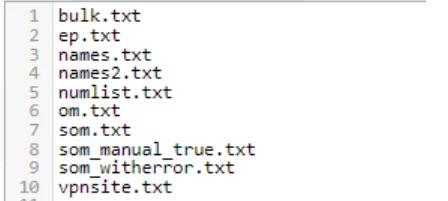
I have a flowfile that is a list of files,
scoutjohn_0-1693473889872.png

that gets split into individual flowfiles (10 in this case)

I am using FetchSFTP to fetch the file from a sftp location, the content of this fetched file is then split and is processed and stored.
In this example: I want to start processing ep.txt only after i have processed bulk.txt after that names.txt and so on.


I was referring to these links:

NiFi workflow monitoring – Wait/Notify pattern with split and merge – Pierre Villard
and 
How to wait for all fragments to be processed, then do something? (ijokarumawak.github.io)

I was able to implement something like this.
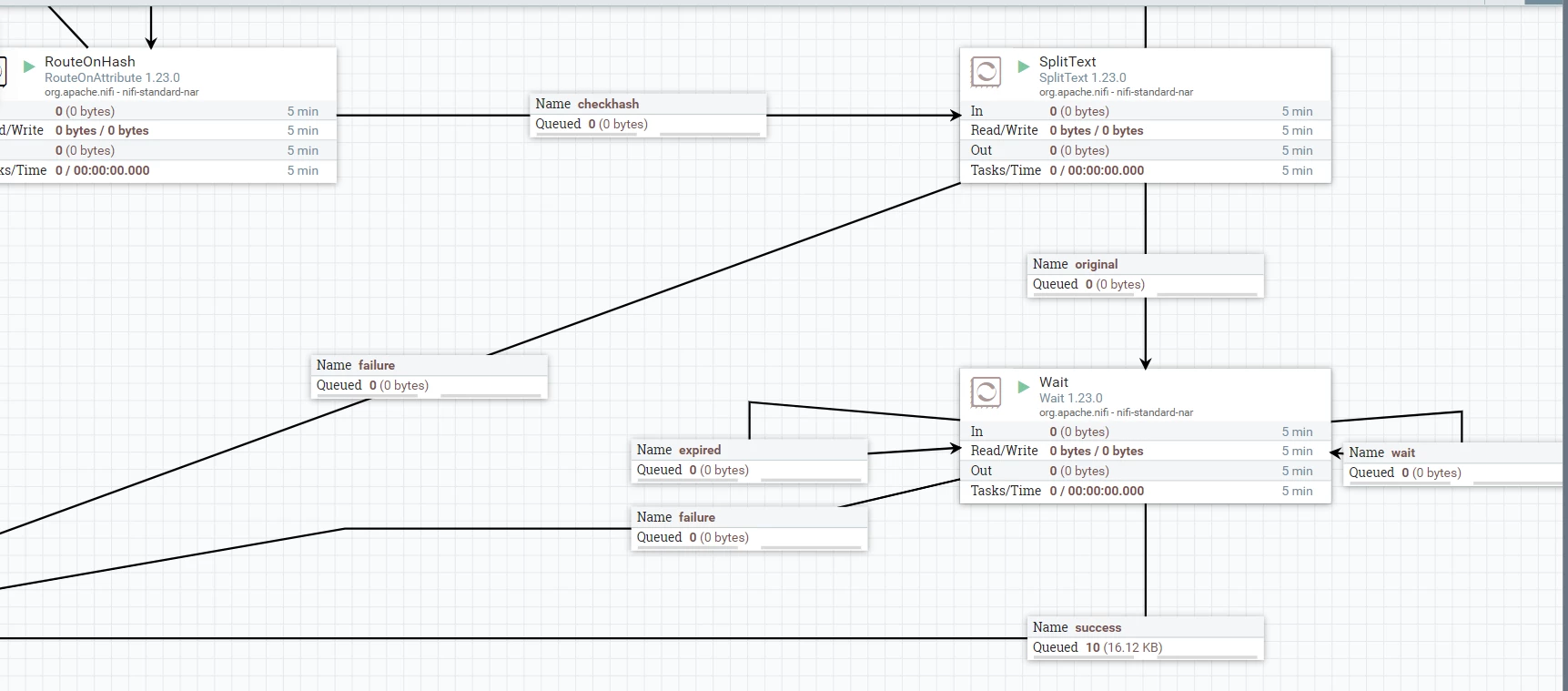
scoutjohn_1-1693474216619.png


but this is not what I was looking for, I want to implement a wait before fetchSFTP 
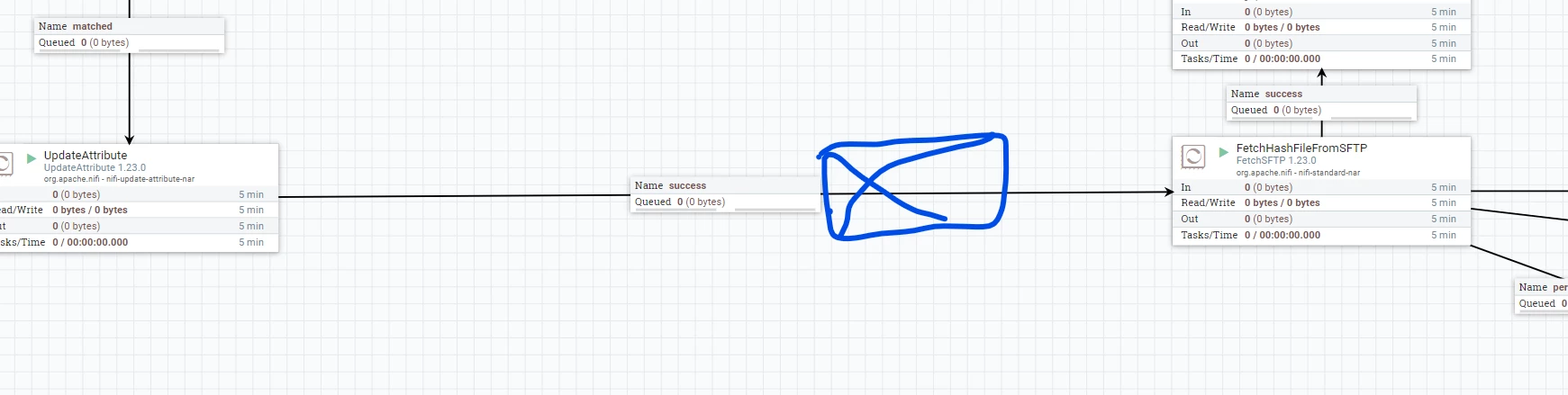
scoutjohn_2-1693474309531.png


I tried release signal identifier with filename , but that was stopping any flowfile from moving forward.


Please advise, thank you 

SAMSAL
SAMSALAnswer
Platinum ⭐️⭐️⭐️
August 31, 2023

5 replies

ckumar
Platinum ⭐️
Platinum ⭐️
August 31, 2023

You can evaluate the following for better approach 

1. Batch use case with ListSFTP/FetchSFTP

2 . ExecuteStateless processor  

Thank you 


Translate
scoutjohn
scoutjohnAuthor
Gold ⭐️
August 31, 2023

Thanks for the reply, I cannot use list sftp as it does not allow incoming request hence I have created an execute stream command processor that fetches the list.

I will then feed  these list into fetch sftp and then process these files.

I want to fetch these file one by one only after the previous file has processed completely. So far with my implementation the files are picked almost immediately and processed, I cannot use the control rate processor in between because each file has different set of data and have varying processing time

Translate
SAMSAL
SAMSALAnswer
Platinum ⭐️⭐️⭐️
August 31, 2023

Another way to consider for processing one file at a time:

https://www.youtube.com/watch?v=kvJx8vQnCNE&lc=UgzHBAI-4X3vn_dWSHV4AaABAg.9ssoo7vzq1d9ssqH-c7ttL


Translate
scoutjohn
scoutjohnAuthor
Gold ⭐️
September 4, 2023

@SAMSAL : Thank you for this. This could be what I am looking for, Will try with this and update here. 

Translate
scoutjohn
scoutjohnAuthor
Gold ⭐️
September 4, 2023

Update :
This is working as I hoped for 

scoutjohn_0-1693805260874.png

scoutjohn_2-1693805976120.png


scoutjohn_1-1693805306230.png

With this configuration the FileProcessor group will take the next flowfile  only  after completely processing the flowfile that is inside the group.


Thank you @SAMSAL, @pvillard 

Translate

