

mike_bronson7
Gold ⭐️⭐️⭐️
February 20, 2020
Solved

ambari metrics collector not display the metrics after moving to distributed mode


hi all


we have HDP version 2.6.5 and ambari 2.6.2.2


we configured the following 


Metrics Service operation mode=distributed

hbase.rootdir=hdfs://hdfsha:8020/user/ams/hbase


and all the rest according to - https://cwiki.apache.org/confluence/display/AMBARI/AMS+-+distributed+mode


so ambari configured to save the data on hdfs instead the local disk


after metrics collector service restart we saw the following from log


2020-02-20 20:09:15,770 INFO [timeline] timeline.HadoopTimelineMetricsSink: No live collector to send metrics to. Metrics to be sent will be discarded. This message will be skipped for the next 20 times.
2020-02-20 20:11:35,769 INFO [timeline] timeline.HadoopTimelineMetricsSink: No live collector to send metrics to. Metrics to be sent will be discarded. This message will be skipped for the next 20 times.


and


2020-02-20 20:30:10,306 INFO org.apache.hadoop.metrics2.impl.MetricsSystemImpl: phoenix metrics system started
2020-02-20 20:30:10,450 WARN org.apache.hadoop.hbase.io.util.HeapMemorySizeUtil: hbase.regionserver.global.memstore.upperLimit is deprecated by hbase.regionserver.global.memstore.size
2020-02-20 20:30:15,327 WARN org.apache.hadoop.hbase.io.util.HeapMemorySizeUtil: hbase.regionserver.global.memstore.upperLimit is deprecated by hbase.regionserver.global.memstore.size


and without metrics as
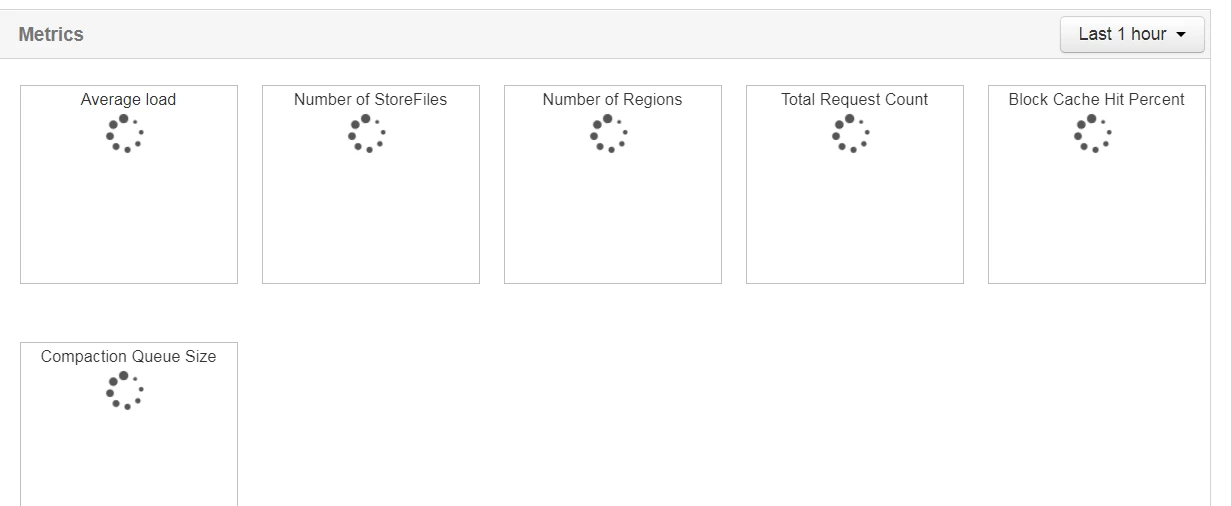
 

Capture.PNG


and after some time the metrics collector service failed 


why this happens ? 


NOTE - I must to say that - when data of metrics saved on local disk then everything was ok 


is that because reaching data on HDFS is more slow?

jsensharma
Platinum ⭐️⭐️
February 20, 2020

@mike_bronson7 

This does not look right? Ideally with HDFS HA name we do not use the Port number because "hdfsha" is not a hostname but just a logical name.


hbase.rootdir=hdfs://hdfsha:8020/user/ams/hbase


If you NameService name is "hdfsha" (defined in "Custom core-site" as "dfs.nameservices=hdfsha") then ideally you should be using the following in your AMS configuration in your "Advanced ams-hbase-site"


hbase.rootdir=/user/ams/hbase


. As your AMS mode is "distributed" hence AMS will automatically assume that the data is in HDFS and will be able to figure out the actual NameService name dynamically so we do not even need to specify "hdfs://hdfsha" there.   After fixing the "hbase.rootdir" in AMS configs please kill and restart the AMS processes. Then specially check the AMS logs specially the following logs and please share if you notice any error ... please share the Full stacktrace.


/var/log/ambari-metrics-collector/hbase-ams-master-*.log
/var/log/ambari-metrics-collector/hbase-ams-region-*.log
/var/log/ambari-metrics-collector/ambari-metrics-collector.log


.


7 replies

jsensharma
Platinum ⭐️⭐️
Platinum ⭐️⭐️
February 20, 2020

@mike_bronson7 

This does not look right? Ideally with HDFS HA name we do not use the Port number because "hdfsha" is not a hostname but just a logical name.


hbase.rootdir=hdfs://hdfsha:8020/user/ams/hbase


If you NameService name is "hdfsha" (defined in "Custom core-site" as "dfs.nameservices=hdfsha") then ideally you should be using the following in your AMS configuration in your "Advanced ams-hbase-site"


hbase.rootdir=/user/ams/hbase


. As your AMS mode is "distributed" hence AMS will automatically assume that the data is in HDFS and will be able to figure out the actual NameService name dynamically so we do not even need to specify "hdfs://hdfsha" there.   After fixing the "hbase.rootdir" in AMS configs please kill and restart the AMS processes. Then specially check the AMS logs specially the following logs and please share if you notice any error ... please share the Full stacktrace.


/var/log/ambari-metrics-collector/hbase-ams-master-*.log
/var/log/ambari-metrics-collector/hbase-ams-region-*.log
/var/log/ambari-metrics-collector/ambari-metrics-collector.log


.


Translate
mike_bronson7
Gold ⭐️⭐️⭐️
February 21, 2020

Dear jay 


do you mean to set it as


Capture.PNG


or


Capture.PNG

Translate
Michael-Bronson
jsensharma
Platinum ⭐️⭐️
Platinum ⭐️⭐️
February 21, 2020

@mike_bronson7 


As the Metrics Service operation mode is already selected to "distributed" hence Ambari will make AMS aware that it needs to find that hbase.rootdir on HDFS. 
Following should be fine.


hbase.rootdir=/user/ams/hbase


Translate

