

shamika
Silver ⭐️⭐️
July 12, 2023
Question

No applicable policy found error while login to nifi

Logs from nifi-app.log file 
ERROR [nifi.async.multi_dest.batch_nifi.async.multi_dest.batch.solr_destWriter] o.a.s.client.solrj.impl.CloudSolrClient Request to collection ranger_audits failed due to (401) org.apache.solr.client.solrj.impl.HttpSolrClient$RemoteSolrException: Error from server at http://<hostname>:8886/solr/ranger_audits_shard1_replica_n1: Expected mime type application/octet-stream but got text/html. <html>
<head>
<meta http-equiv="Content-Type" content="text/html;charset=utf-8"/>
<title>Error 401 Authentication required</title>
</head>
<body><h2>HTTP ERROR 401</h2>
<p>Problem accessing /solr/ranger_audits_shard1_replica_n1/update. Reason:
<pre>    Authentication required</pre></p>
</body>
</html>
, retry? 0
 
Pfa the error attachment
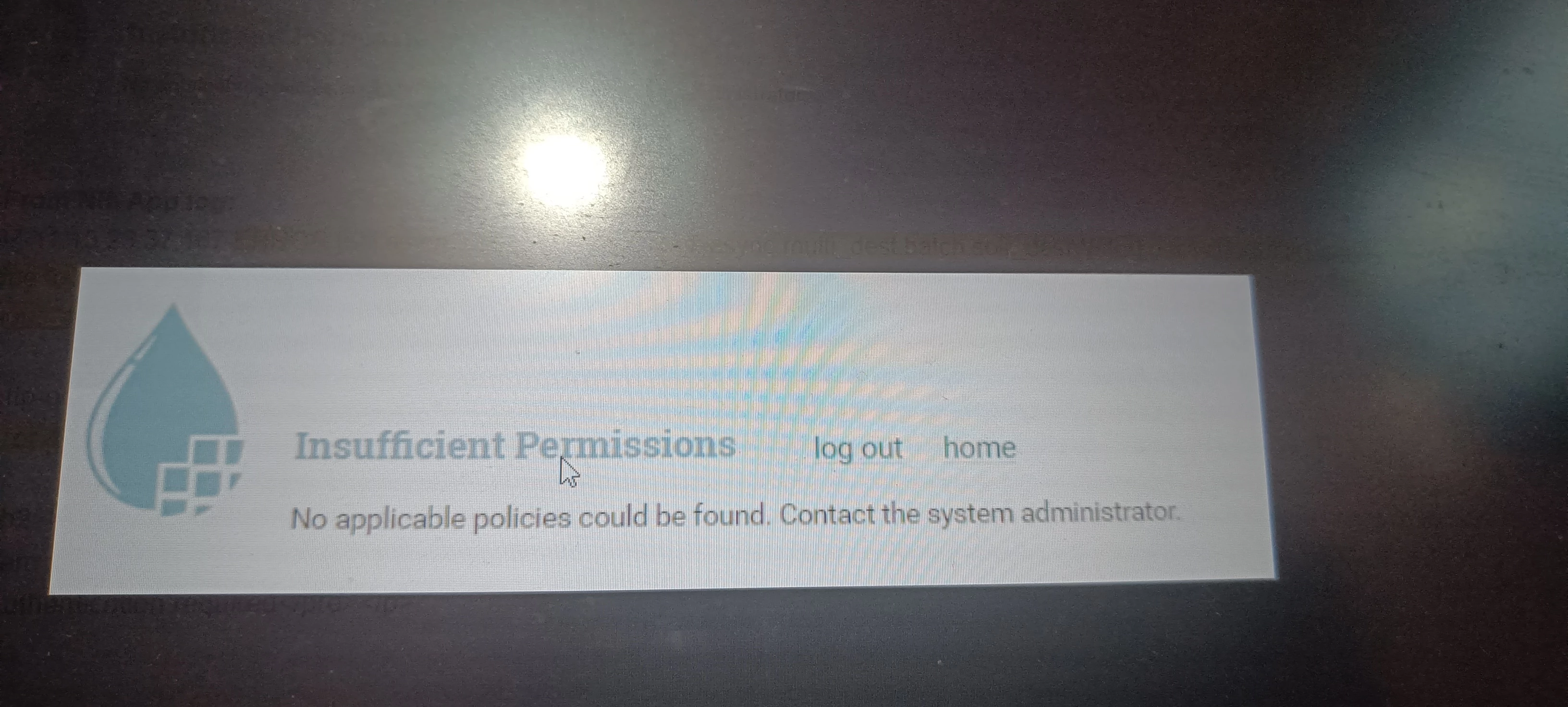
IMG20230712163228.jpg

8 replies

MattWho
Titanium ⭐️⭐️⭐️
Titanium ⭐️⭐️⭐️
July 12, 2023

@shamika 
When you log in to NiFi, you'll want to inspect the nifi-user.log to see the exact exception and NiFi policy that the authenticated user is missing authorization for.  The screenshot you shared above that appears right after successful authentication implies that your authenticated user's identity string (you see this in nifi-user.log) is not authorized on the "view the user interface" NiFi Policy (/flow NiFi resource Identifier in Ranger).

If you found that the provided solution(s) assisted you with your query, please take a moment to login and click Accept as Solution below each response that helped.

Thank you,

Matt

Translate
shamika
shamikaAuthor
Silver ⭐️⭐️
July 12, 2023

Can you please suggest what things i need chacke in ranger policy to resolve this no applicable policy issue

Translate
MattWho
Titanium ⭐️⭐️⭐️
Titanium ⭐️⭐️⭐️
July 12, 2023

@shamika 
You need to check the nifi-user.log to see your exact user identity string which is being denied when trying to view the user interface.   That exact user identity string (case sensitive) must then exist as a user in Ranger service and be authorized fro Read on the "/flow" NiFi Resource identifier under the NIFI service in service manager.

You can find a full list of NiFi Resource Identifier descriptions in the following Cloudera Community article and how they relate to the policies within the NiFi service:
https://community.cloudera.com/t5/Community-Articles/NiFi-Ranger-based-policy-descriptions/ta-p/246586

If you found that the provided solution(s) assisted you with your query, please take a moment to login and click Accept as Solution below each response that helped.

Thank you,

Matt


Translate
Ganesha
Silver ⭐️⭐️
July 13, 2023

Have a same issue, when you'll know how to solve it, tag me please

Translate
shamika
shamikaAuthor
Silver ⭐️⭐️
July 13, 2023

Sure, if you got the fix. Let me know 🙂

Translate
gtorres
Silver ⭐️⭐️⭐️
Silver ⭐️⭐️⭐️
July 14, 2023

The nifi-user.log is showing the user "myuser", which belongs to the groups "bigG, bigdGer", does not have access to the /flow resource. You can check on the Ranger audit section, for the resource that is denied, then give access to the groups or the username to this resource.


Translate

