Created on 07-06-2016 08:39 PM - edited 09-16-2022 01:35 AM
Follow the instructions here on how to download and import the vm into virtual box
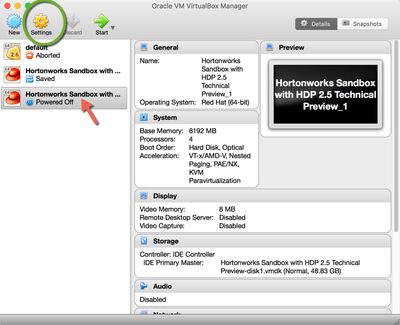
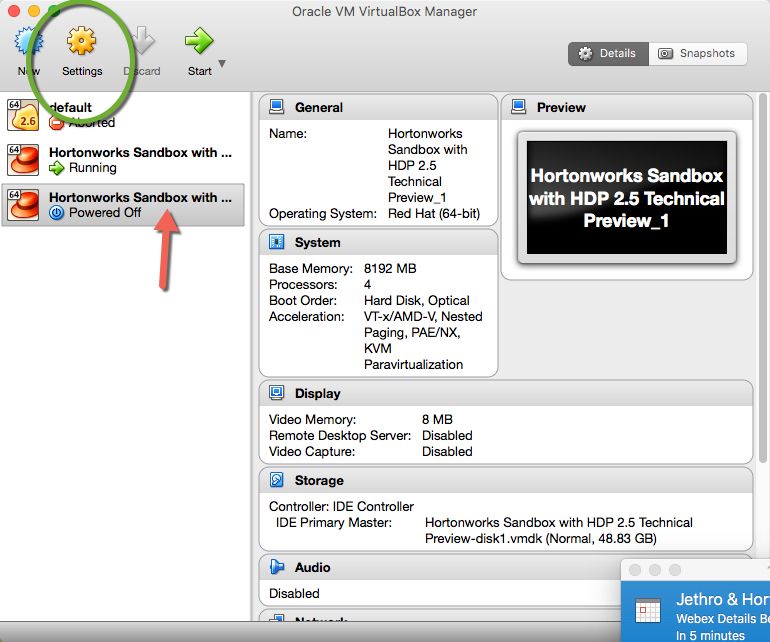
Once you have imported the vm select the vm and click on setting
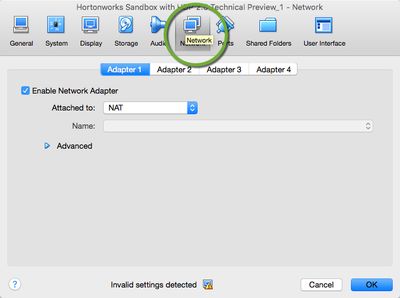
5642-2016-07-07-20-30-10.jpgThen click on network
5563-2016-07-06-12-25-57.jpg
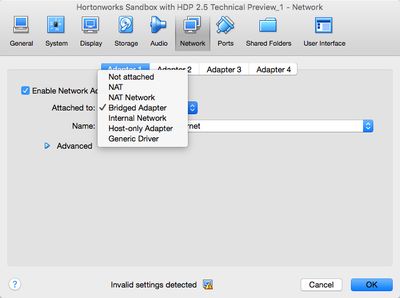
To assign a IP in the attach to down drop list select "Bridge Adapter"
5564-2016-07-06-12-26-24.jpg
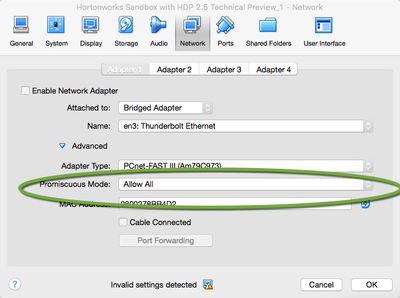
Then under option Promiscuous Mode select "Allow All"
5565-2016-07-06-12-26-59.jpg
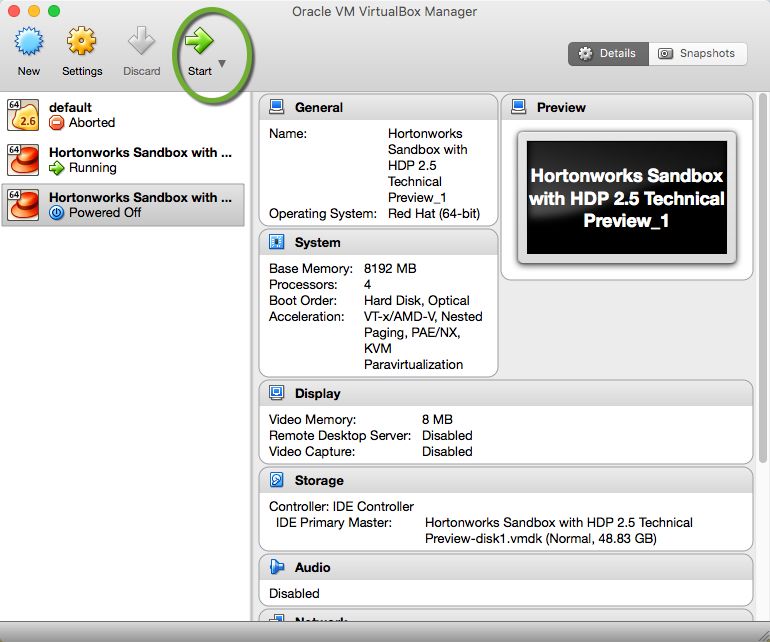
Now start your vm
5566-2016-07-06-12-27-49.jpg
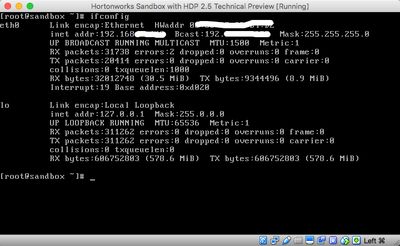
Once the machine is up verify you have a IP address
5567-2016-07-06-12-28-12.jpg
Now you have IP for your vm. have fun.
Created on 07-07-2016 07:21 PM
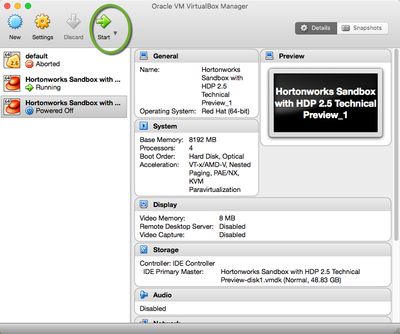
@Sunile Manjee nice article. Minor edit: the first screenshot should show Settings circled not Start.
Created on 07-08-2016 01:28 AM
@slachterman Good catch. fixed.