Our Community is getting an upgrade! To get everything ready for the relaunch, we’ll be placing the site in read-only mode starting September 21st.
We really appreciate your understanding while we get things set up behind the scenes. Catch up on all the exciting details about the move here.
Need help or have questions? Drop us a line at [email protected]

Support Questions

Find answers, ask questions, and share your expertise
Announcements
Share your experience with Cloudera on G2 and get a $25 Amazon Gift card.
Hi, I'm CLEO! Something exciting is coming to the Community. Stay Tuned!

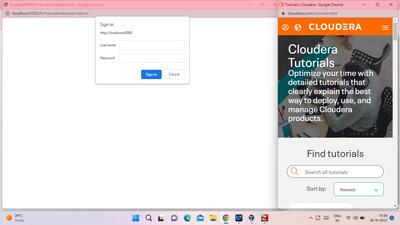
Unable to login in Ambari tried all the passwords

avatar
Explorer

also tried on web shell client gettiing  server not yet listening on http port 8080 after 50 seconds Exiting.Tried all passwords plz help?

Ninja_0-1666760915066.png


22 REPLIES 22

avatar
Contributor

@Ninja  Try below.

  1. The login using credentials: root / hadoop

  2. Type the following commands: ambari-admin-password-reset

avatar
Explorer

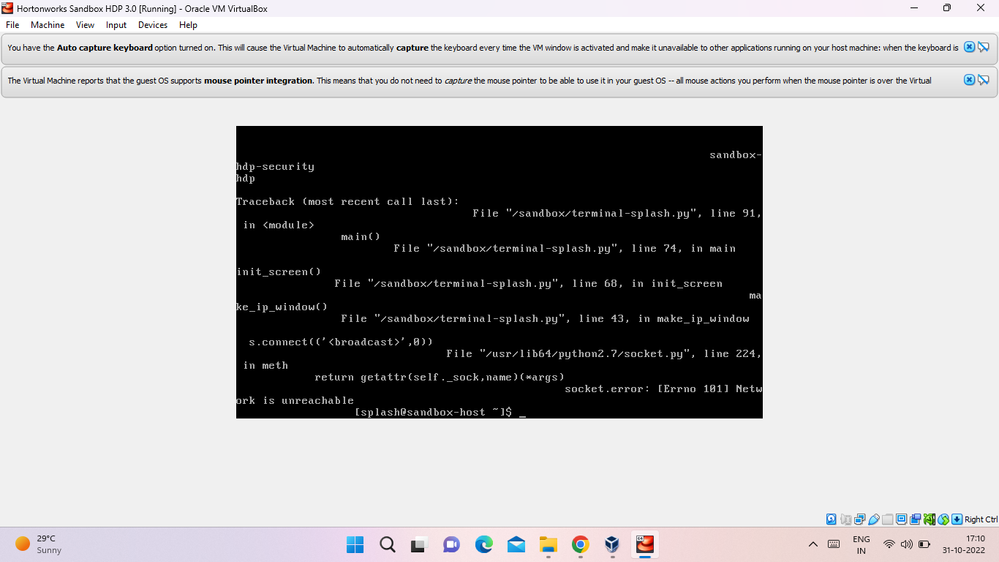
getting this errorgetting this errorScreenshot (8).png

avatar
Explorer

hahhaa sure