
Our Community is getting an upgrade! To get everything ready for the relaunch, we’ll be placing the site in read-only mode starting September 21st.
We really appreciate your understanding while we get things set up behind the scenes. Catch up on all the exciting details about the move here.
Need help or have questions? Drop us a line at [email protected]

Archives of Support Questions (Read Only)
- Cloudera Community
- Board Archive
- Archives of Support Questions (Read Only)
- Cloudbreak UI is not able to connect cloudbreak
- Subscribe to RSS Feed
- Mark Question as New
- Mark Question as Read
- Float this Question for Current User
- Bookmark
- Subscribe
- Mute
- Printer Friendly Page
- Subscribe to RSS Feed
- Mark Question as New
- Mark Question as Read
- Float this Question for Current User
- Bookmark
- Subscribe
- Mute
- Printer Friendly Page
Cloudbreak UI is not able to connect cloudbreak
- Labels:
-
Hortonworks Cloudbreak


Created 05-15-2018 07:39 PM
- Mark as New
- Bookmark
- Subscribe
- Mute
- Subscribe to RSS Feed
- Permalink
- Report Inappropriate Content
Everyday in the evening i stopped my cloudbreak VM and restart next morning while i start working. MY cloudbreak VM's Public IP is static, even though every time while starting cloud break VM, I am not able to access the cloud break UI. Then i need to execute cbd restart or cbd start. Sometimes before these two commands I need to execute cbd update . Then in azure I need to reset password . after all these i am able to see cloud break UI in browser. My question:
1. How can i resolve this issue? Restarting cloud break VM do i always need to to execute those commands everytime?
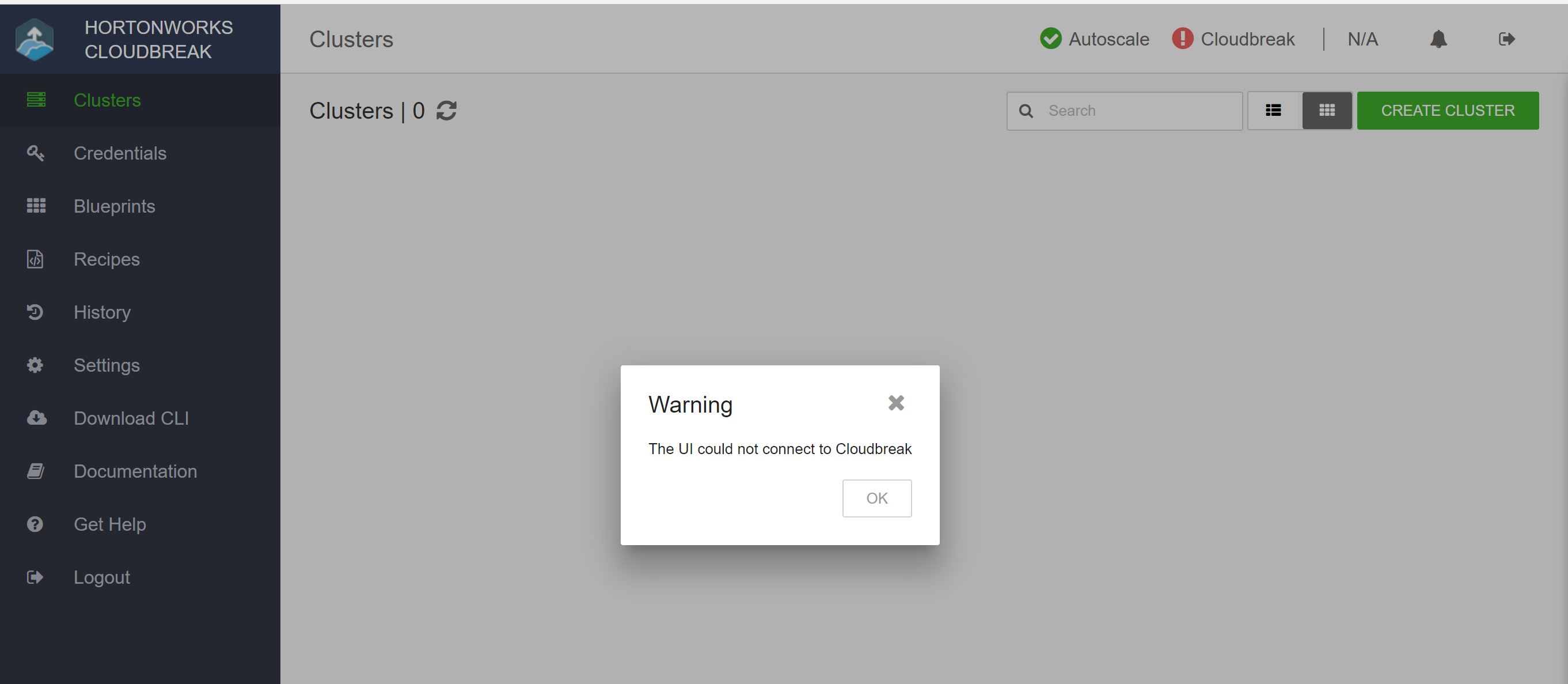
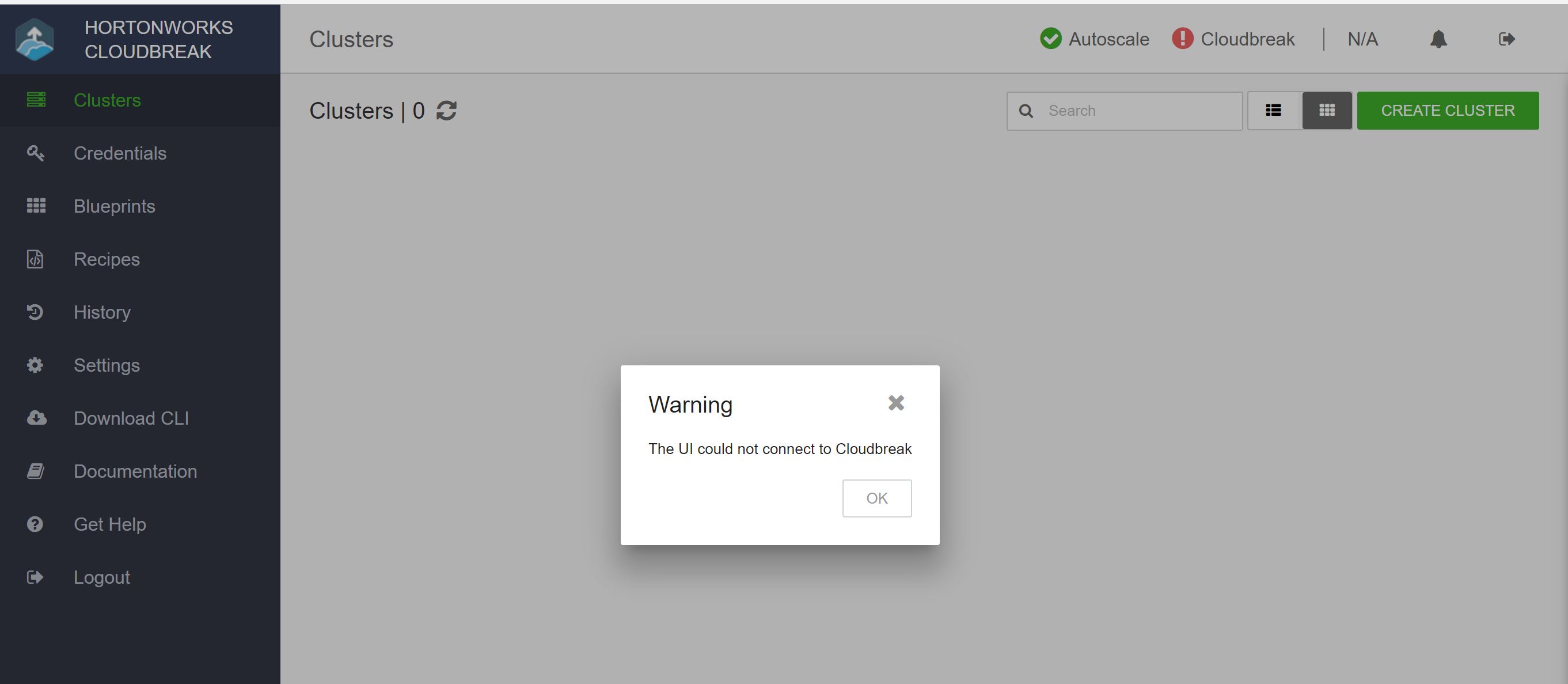
2. Today though i am able to access the UI, but its saying error "UI is not able to connect cloudbreak". Please see the snap shot.cbd-error.jpg
how to resolve this issue? FYI: I am using cloudbreak 2.5.0 on Azure. Thank you

Created 05-17-2018 09:56 PM
- Mark as New
- Bookmark
- Subscribe
- Mute
- Subscribe to RSS Feed
- Permalink
- Report Inappropriate Content
Hi Marshal,
The Cloudbreak containers do not start on boot with the docker service. You can create a service and set to start on boot. Try this (working on CentOS 7):
- Create a file: /usr/lib/systemd/system/cbd-start
- Add to the file:
[Unit]
Description=Start Cloudbreak containers
After=docker.service

[Service]
Type=forking
WorkingDirectory=/var/lib/cloudbreak-deployment
ExecStart=/usr/bin/cbd start

[Install]
WantedBy=multi-user.target
- Restart services:
systemctl daemon-reload
- Enable service on boot:
systemctl enable cbd-start.service
After restart the VM, and Cloudbreak is running, you can access it via a browser.
Best regards,
Gergely
Created 05-17-2018 09:56 PM
- Mark as New
- Bookmark
- Subscribe
- Mute
- Subscribe to RSS Feed
- Permalink
- Report Inappropriate Content
Hi Marshal,
The Cloudbreak containers do not start on boot with the docker service. You can create a service and set to start on boot. Try this (working on CentOS 7):
- Create a file: /usr/lib/systemd/system/cbd-start
- Add to the file:
[Unit]
Description=Start Cloudbreak containers
After=docker.service

[Service]
Type=forking
WorkingDirectory=/var/lib/cloudbreak-deployment
ExecStart=/usr/bin/cbd start

[Install]
WantedBy=multi-user.target
- Restart services:
systemctl daemon-reload
- Enable service on boot:
systemctl enable cbd-start.service
After restart the VM, and Cloudbreak is running, you can access it via a browser.
Best regards,
Gergely
Created 05-21-2018 04:36 PM
- Mark as New
- Bookmark
- Subscribe
- Mute
- Subscribe to RSS Feed
- Permalink
- Report Inappropriate Content
Hi @gtopolyai,
Thanks a lot for your response. The script is working. Thanks for the help.
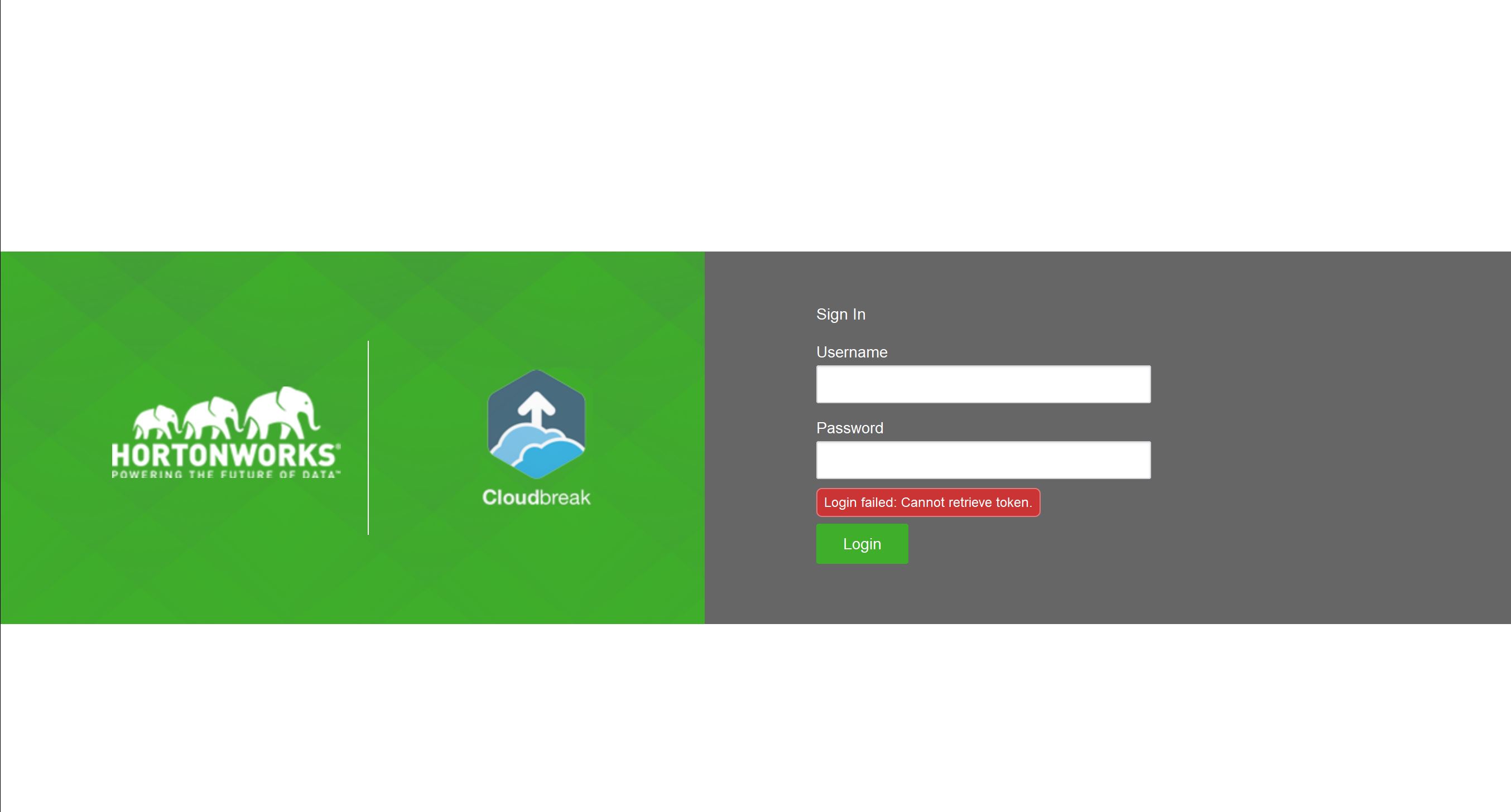
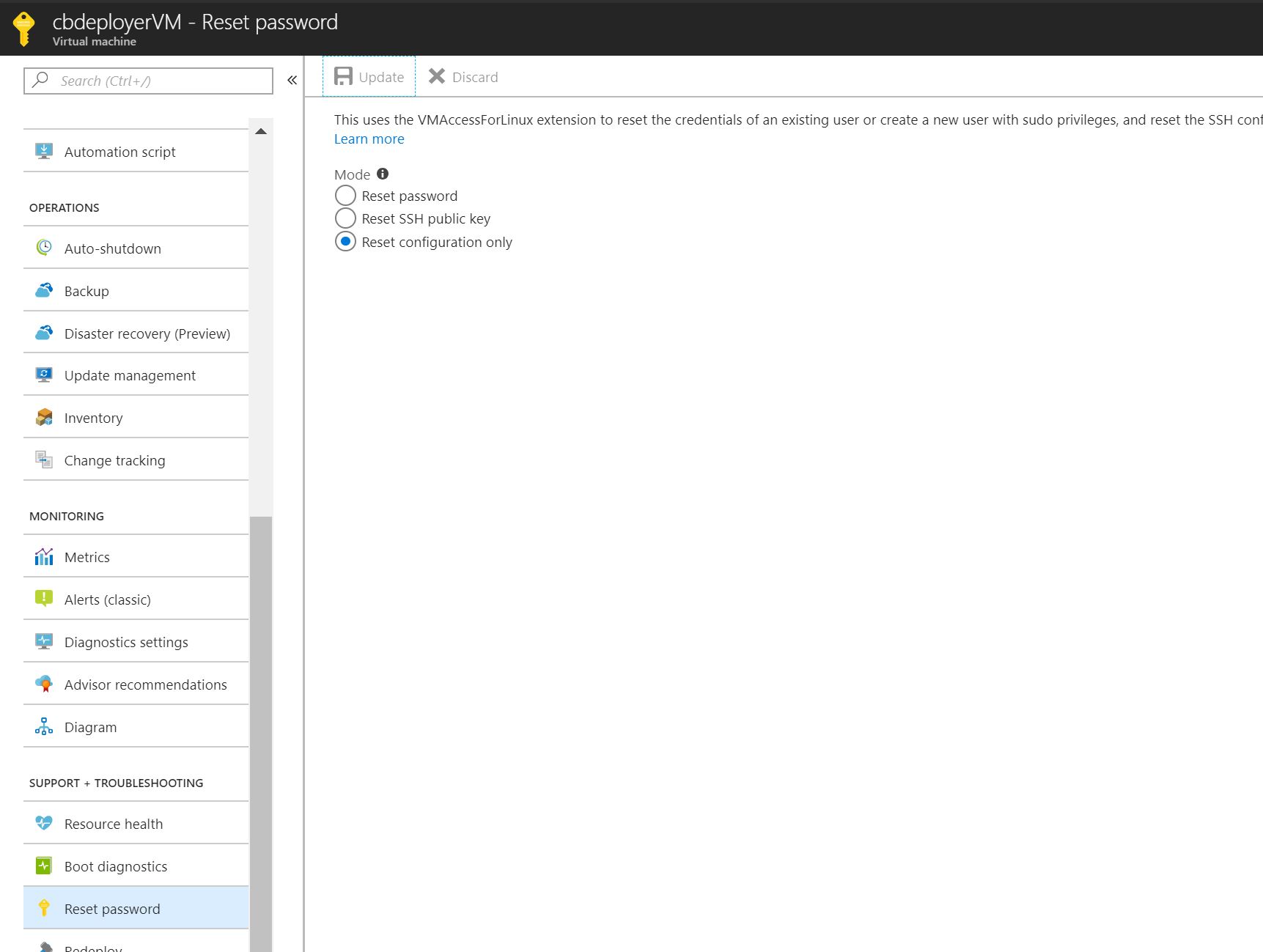
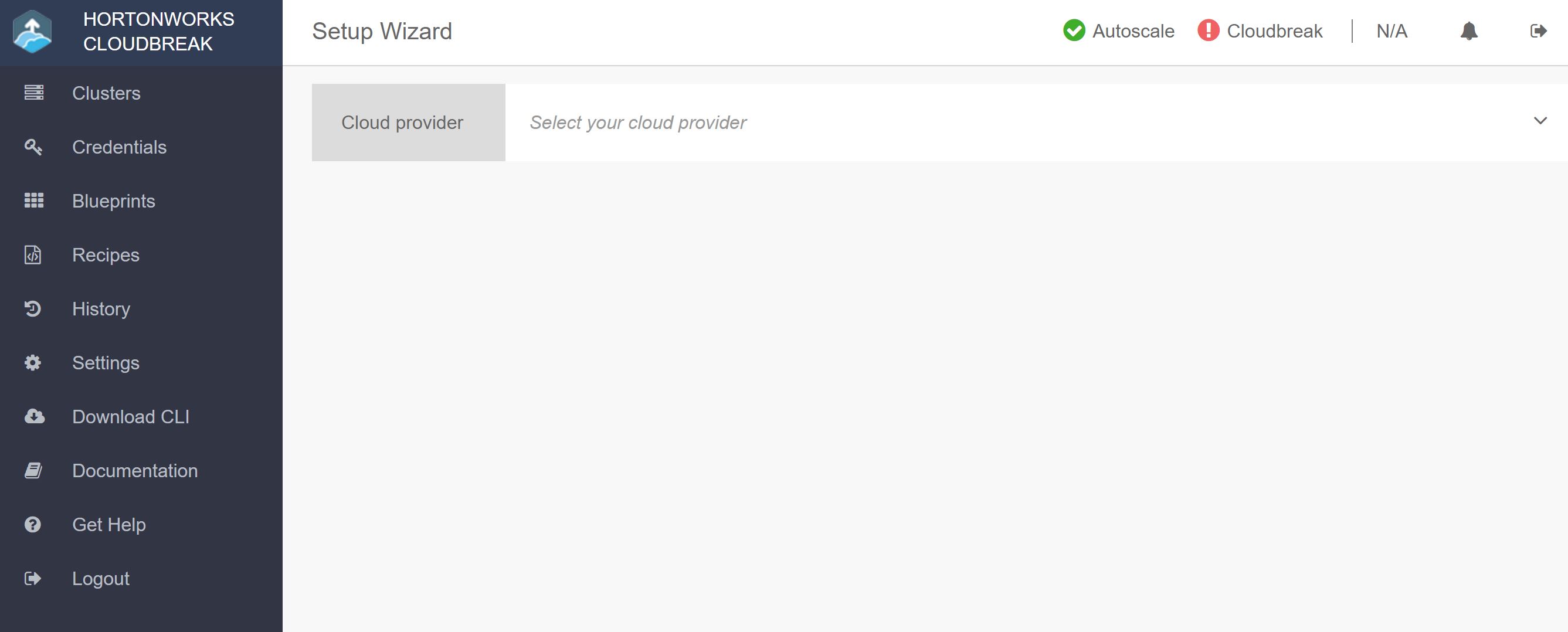
But Having the same issue with the 2nd one. Cloudbreak UI is showing an error: please check the screenshot. cbd-error2.jpg and the password is not working initially. when resetting the password through Azure portal cbd-error3.jpg Then password works with error "The UI could not connect to cloudbreak "cbd-error.jpg. But last 3 weeks when i did not try restart my cloudbreak VM everything was working fine without any issue. what might be the problem here? please suggest.
Thank you.
Created 05-22-2018 08:55 AM
- Mark as New
- Bookmark
- Subscribe
- Mute
- Subscribe to RSS Feed
- Permalink
- Report Inappropriate Content
Hi Marshal,
We have some issue with cbd start command. I suggest a workaround for you. Change this:
ExecStart=/usr/bin/cbd start
With this:
ExecStart=/usr/bin/cbd restart
This command is an alias for these commands:
cbd kill
cbd regenerate
cbd start
Best regards,
Gergely
Created 05-22-2018 07:43 PM
- Mark as New
- Bookmark
- Subscribe
- Mute
- Subscribe to RSS Feed
- Permalink
- Report Inappropriate Content
Hi @gtopolyai,
Thanks for the update. Yeap, restart works better than only start.
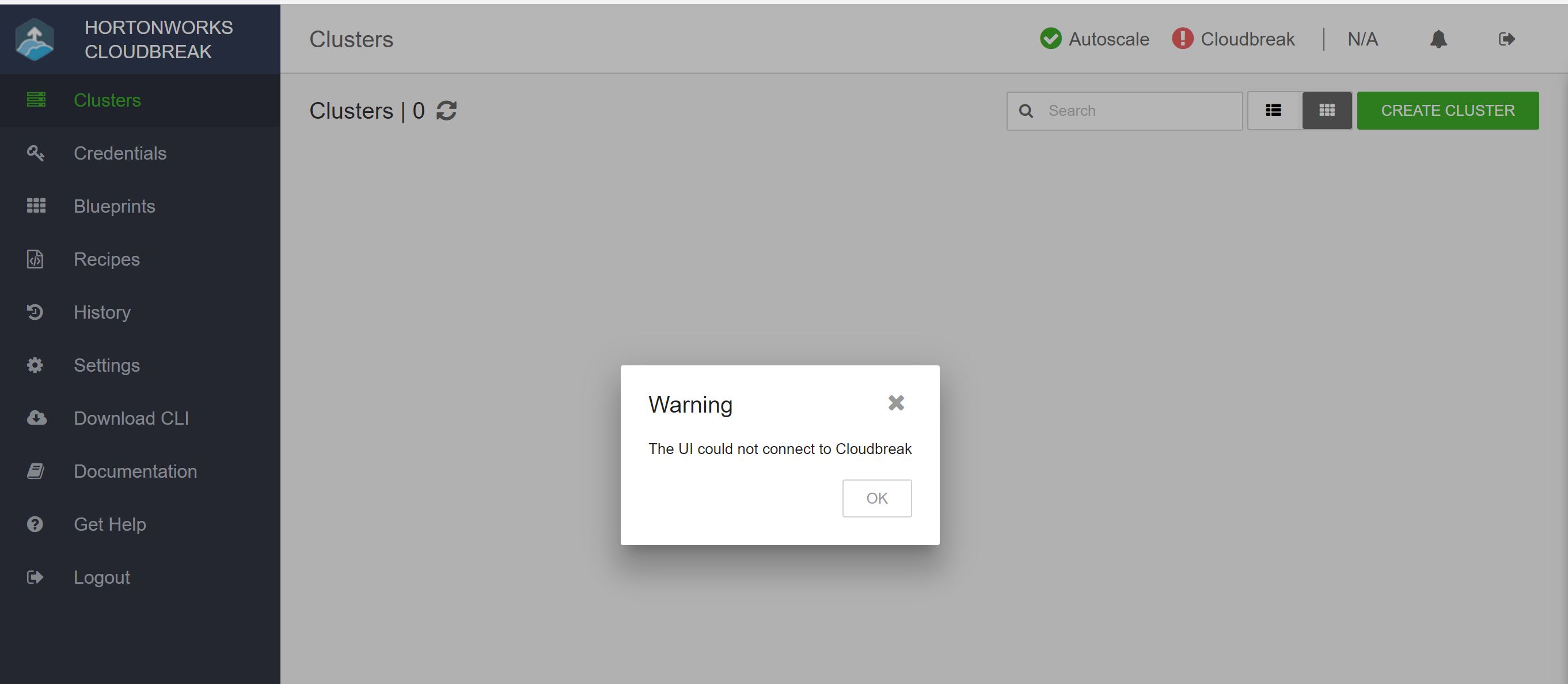
But still "UI is not able to connect Cloudbreak."cbd-error.jpg In the credential section there is no credential available, where there was one before restart cbd-error4.jpg. Here is the cbd ps stratus: Is it because of cbreak_cloudbreak_1 is not in start state? I have tried to run the script " sh start_cloudbreak_app.sh " in that location. But it did not work.
cbd ps
      Name                     Command               		 State         	    Ports
-----------------------------------------------------------------------------------------------------
cbreak_cloudbreak_1        /start_cloudbreak_app.sh bash            Exit 1
cbreak_commondb_1          /bin/bash -c cd /var/lib/p ...           Up            172.17.0.1:5432->5432/tcp
cbreak_consul_1            /bin/consul agent -server  ...           Up            8300/tcp, 8301/tcp, 8301/udp,
                                                                                  8302/tcp, 8302/udp,
                                                                                  0.0.0.0:8400->8400/tcp,
                                                                                  0.0.0.0:8500->8500/tcp,86000/tcp,
                                                                                  172.17.0.1:53->8600/udp
cbreak_haveged_1           haveged -F                               Up
cbreak_identity_1          /tmp/run.sh                              Up            0.0.0.0:8089->8080/tcp
cbreak_logrotate_1         /start.sh                                Up
cbreak_logsink_1           socat -u TCP-LISTEN:3333,r ...           Up            0.0.0.0:32770->3333/tcp
cbreak_logspout_1          /bin/sh -c sleep 1; (ROUTE ...           Up            0.0.0.0:8000->80/tcp
cbreak_mail_1              /bin/sh -c /opt/install.sh ...           Up            172.17.0.1:25->25/tcp
cbreak_periscope_1         /start_periscope_app.sh                  Up            0.0.0.0:8085->8080/tcp
cbreak_registrator_1       /bin/registrator consul:// ...           Up
cbreak_smartsense_1        /var/lib/smartsense/start- ...           Exit 1
cbreak_sultans_1           /hortonworks-cloud-auth/st ...           Up            0.0.0.0:3001->3000/tcp, 3001/tcp
cbreak_traefik_1           /entrypoint.sh --debug --w ...           Up            0.0.0.0:443->443/tcp,
                                                                                  0.0.0.0:80->80/tcp,
                                                                                 172.17.0.1:8081->8080/tcp
cbreak_uluwatu_1           /hortonworks-cloud-web/sta ...           Up            0.0.0.0:3000->3000/tcp
Created 05-23-2018 09:55 AM
- Mark as New
- Bookmark
- Subscribe
- Mute
- Subscribe to RSS Feed
- Permalink
- Report Inappropriate Content
Hi Marshal,
Could you please attach the logs?
You can save into a file with this command:
docker logs cbreak_cloudbreak_1 > cloudbreak.log
Thanks,
Gergely
Created 05-23-2018 04:53 PM
- Mark as New
- Bookmark
- Subscribe
- Mute
- Subscribe to RSS Feed
- Permalink
- Report Inappropriate Content
Hi @gtopolyai,
Please have the log attached. Thank youcloudbreaklog.txt



Created 05-25-2018 11:39 AM
- Mark as New
- Bookmark
- Subscribe
- Mute
- Subscribe to RSS Feed
- Permalink
- Report Inappropriate Content
Hi @Marshal Tito,
Please check if you have firewalld and SELinux disabled. These can cause the issues seen in the logs.


