
Our Community is getting an upgrade! To get everything ready for the relaunch, we’ll be placing the site in read-only mode starting September 21st.
We really appreciate your understanding while we get things set up behind the scenes. Catch up on all the exciting details about the move here.
Need help or have questions? Drop us a line at [email protected]

Archives of Support Questions (Read Only)
- Cloudera Community
- Board Archive
- Archives of Support Questions (Read Only)
- Connection refused for HDF sandbox
- Subscribe to RSS Feed
- Mark Question as New
- Mark Question as Read
- Float this Question for Current User
- Bookmark
- Subscribe
- Mute
- Printer Friendly Page
- Subscribe to RSS Feed
- Mark Question as New
- Mark Question as Read
- Float this Question for Current User
- Bookmark
- Subscribe
- Mute
- Printer Friendly Page
Connection refused for HDF sandbox
- Labels:
-
Apache NiFi


Created 05-18-2017 10:42 PM
- Mark as New
- Bookmark
- Subscribe
- Mute
- Subscribe to RSS Feed
- Permalink
- Report Inappropriate Content
I have been able to connect to HDP sanbox by ssh -p 2222. But with the new HDF sandbox, I was stuck again with the "connection refused" error. After I brought up the sandbox, I tried the URL "http://10.0.2.15:18888/" but just got timeout error. Any idea ? @mqureshi
Created 05-19-2017 11:54 PM
- Mark as New
- Bookmark
- Subscribe
- Mute
- Subscribe to RSS Feed
- Permalink
- Report Inappropriate Content
Finally I figured out the reason. I downloaded the HDF sandbox vmware image. When I click the file to open, it pop up and automatically opened by virtualbox which can't work correctly for the network part. Realized this, I turned off and opened in VMWare. Issue gone. Thanks for your help.
Created on 05-23-2017 05:36 PM - edited 08-18-2019 02:26 AM
- Mark as New
- Bookmark
- Subscribe
- Mute
- Subscribe to RSS Feed
- Permalink
- Report Inappropriate Content
Yes, I'm able to log on http://127.0.0.1:9080 and http://127.0.0.1:18888. Can't open http://sandbox-hdf.hortonworks.com:19090/nifi
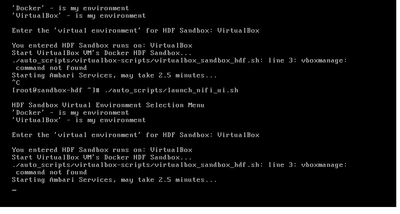
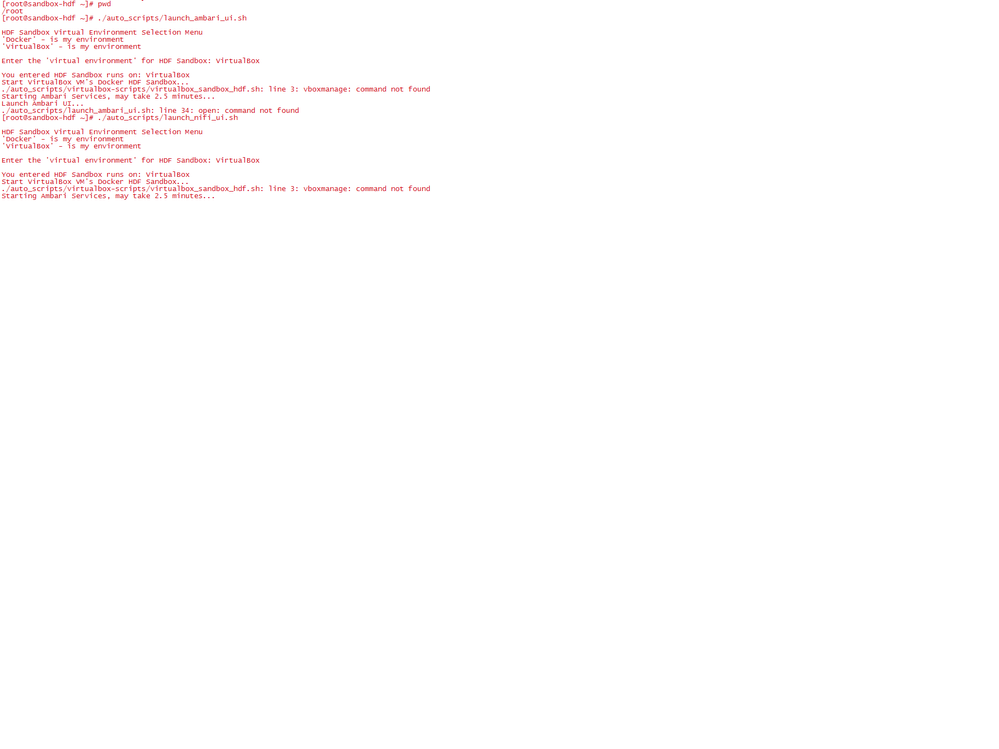
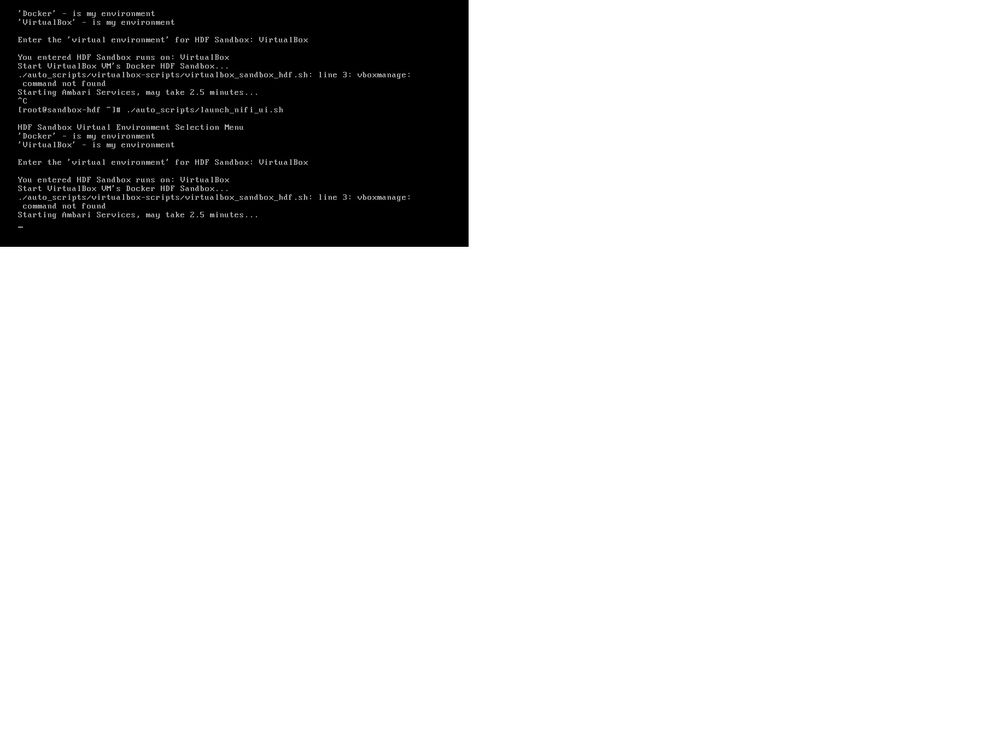
Have issue with the tutorial script . It says virtualBox command not found. @Sonu Sahi
Created 05-23-2017 05:40 PM
- Mark as New
- Bookmark
- Subscribe
- Mute
- Subscribe to RSS Feed
- Permalink
- Report Inappropriate Content
I'm able to open Nifi UI by http://localhost:19090/nifi/ . Maybe I can ignore the script error ?
Created 05-23-2017 07:24 PM
- Mark as New
- Bookmark
- Subscribe
- Mute
- Subscribe to RSS Feed
- Permalink
- Report Inappropriate Content
Same issue with script init_nifi_in_src_data.sh. Command not found. It's a pain. You don't have this issue ? @Sonu Sahi



Created 05-23-2017 07:34 PM
- Mark as New
- Bookmark
- Subscribe
- Mute
- Subscribe to RSS Feed
- Permalink
- Report Inappropriate Content
No, I don't have this issue. I'm able to hit the nifi UI at http://127.0.0.1:19090/nifi/ without a problem

Created 03-18-2018 05:40 PM
- Mark as New
- Bookmark
- Subscribe
- Mute
- Subscribe to RSS Feed
- Permalink
- Report Inappropriate Content
I have the same error (using either IP address or /etc/hosts entry):
ssh [email protected] -p 12222
ssh: connect to host sandbox-hdf.hortonworks.com port 12222: Connection refused
ssh [email protected] -p 12222 -->
ssh: connect to host 172.17.0.2 port 12222: Connection refused
I am using a fresh Dockerized HDF sandbox installed (today) on Ubuntu 16.04 - with the Trucking IoT tutorial set up from here:
https://github.com/orendain/trucking-iot/tree/hadoop-summit-2017#setup-on-existing-hdf-hdp
The weird thing is that the 'shell-in-a-box' works fine (with either IP address or /etc/hosts entry):
http://sandbox-hdf.hortonworks.com:4200
Anyone have any ideas on what might be amiss? Is this biting anyone else?
Thanks


Created 03-18-2018 06:01 PM
- Mark as New
- Bookmark
- Subscribe
- Mute
- Subscribe to RSS Feed
- Permalink
- Report Inappropriate Content

- « Previous
-
- 1
- 2
- Next »

