UpdateHiveTable - Hive DDL changes - Hive Update Schema i.e. Data Drift i.e. Hive Schema Migration!!!!
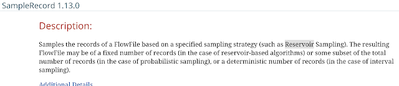
SampleRecord- different sampling approaches to records (Interval Sampling, Probabilistic Sampling, Reservoir Sampling)
CDC updates
Kudu updates
AMQP and MQTT integration upgrades
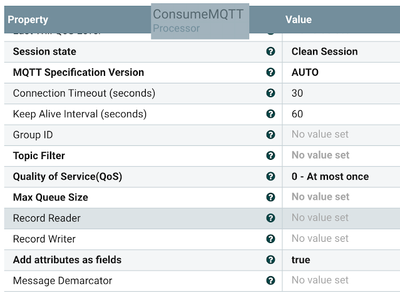
ConsumeMQTT - readers, and writers added
HTTP access to NiFi by default is now configured to accept connections to 127.0.0.1/localhost only. If you want to allow broader access for some reason for HTTP, and you understand the security implications, you can still control that as always by changing the 'nifi.web.http.host' property in nifi.properties as always. That said, take the time to configure proper HTTPS. We offer detailed instructions and tooling to assist.
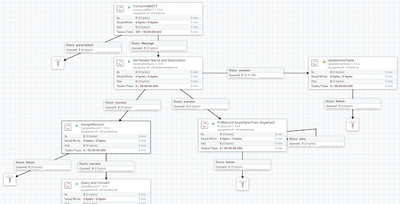
ConsumeMQTT - add record reader/writer
The ability to run NiFi with no GUI as MiNiFi/NiFi combined code base continues.
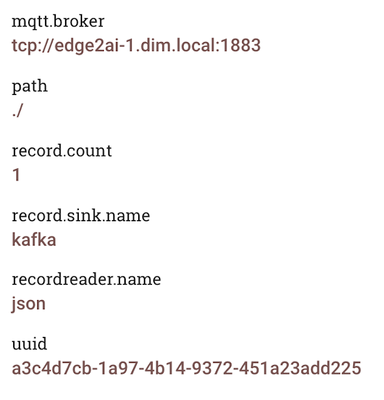
UpdateAttribute: set record.sink.name tokafka and recordreader.name tojson.
SampleRecord: sample a few of the records
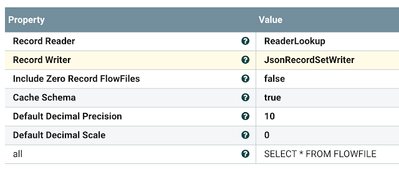
PutRecord: Use reader and destination service
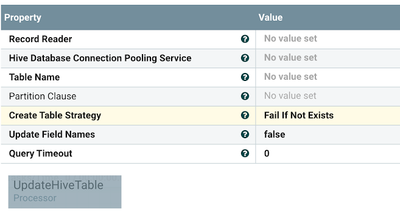
UpdateHiveTable: new sink
Consume from MQTT and read and write to/from records.
Some example attributes from a running flow:
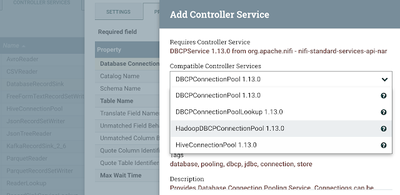
Connection pools for DatabaseRecordSinks can be JDBC, Hadoop, and Hive.
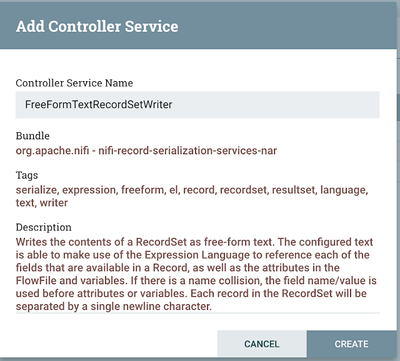
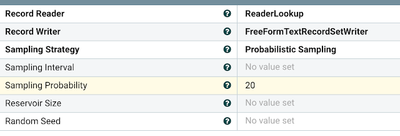
FreeFormTextRecordSetWriter is great for writing any format.
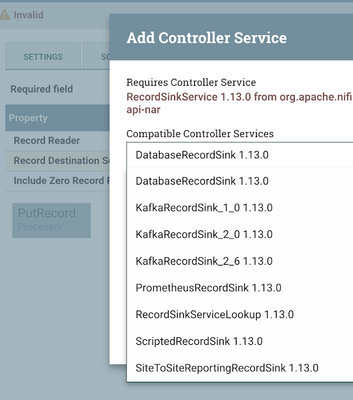
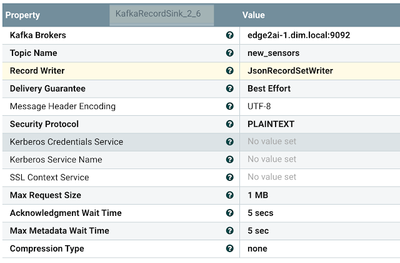
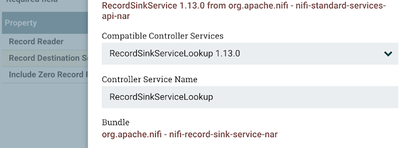
RecordSinkService,we will pickKafkaas our destination.
KafkaRecordSinkfromPutRecord
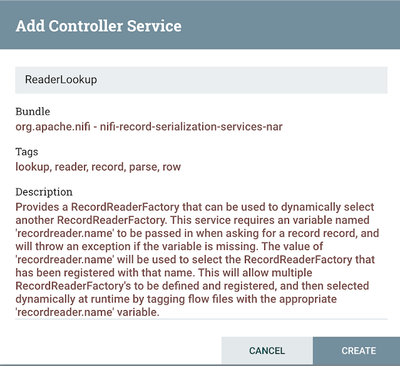
The reader will pick JSON in our example based on ourUpdateAttribute; we can dynamically change this as data streams.
ReaderLookup - lets you pick a reader based on an attribute.
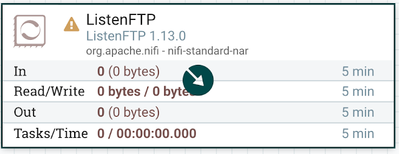
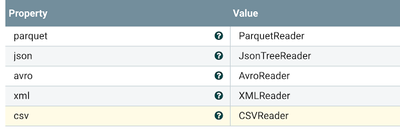
We have defined readers for Parquet, JSON, AVRO, XML, and CSV; no matter the type, I can automagically read it. Great for reusing code and great for cases like our new ListenFTP where you may get sent tons of different files to process. Use one FLOW!
RecordSinkServicecan help you make all our flows generic so you can drop in different sinks/destinations for your writers based on what the data coming in is. This is revolutionary for code reuse.
We can write our output in a custom format that could look like a document, HTML, fixed-width, a form letter, weird delimiter, or whatever you need.
Samplerecords using different methods.
We use theRecordSinkServiceLookupto allow us to change our sink location dynamically; we are passing in an attribute to choose Kafka.
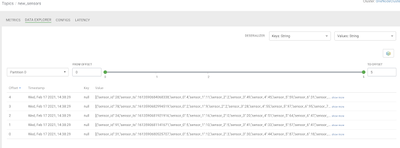
We have pushed our data toKafkausing KafkaRecordSink. We can see our data easily inStreams Messaging Manager (SMM).
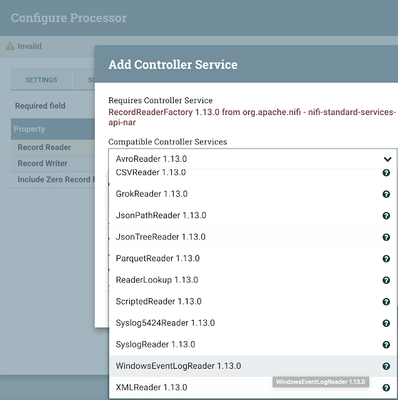
With aRecordReaderFactory, you can pick readers like the newWindowsEventLogReader.
As another output, we can UpdateHiveTable from our data and change the table as needed.
Straight From Release Notes: New Feature
[NIFI-7386] - AzureStorageCredentialsControllerService should also connect to storage emulator
[NIFI-7429] - Add Status History capabilities for system-level metrics
[NIFI-7549] - Adding Hazelcast based implementation for DistributedMapCacheClient