Our Community is getting an upgrade! To get everything ready for the relaunch, we’ll be placing the site in read-only mode starting September 21st. We really appreciate your understanding while we get things set up behind the scenes. Catch up on all the exciting details about the move here. Need help or have questions? Drop us a line at [email protected]
Created on 11-03-201608:08 PM - edited 08-17-201908:33 AM
Starting My Hadoop Tools
NiFi can interface directly with Hive, HDFS, HBase, Flume and Phoenix. And I can also trigger Spark and Flink through Kafka and Site-To-Site. Sometimes I need to run some Pig scripts. Apache Pig is very stable and has a lot of functions and tools that make for some smart processing. You can easily augment and add this piece to a larger pipeline or part of the process.
Pig Setup
I like to use Ambari to install the HDP 2.5 clients on my NiFi box to have access to all the tools I may need.
Then I can just do:
yum install pig
Pig to Apache NiFi 1.0.0
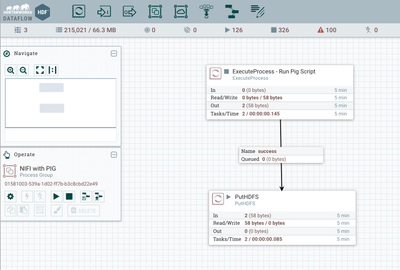
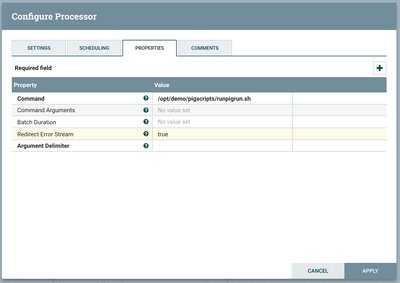
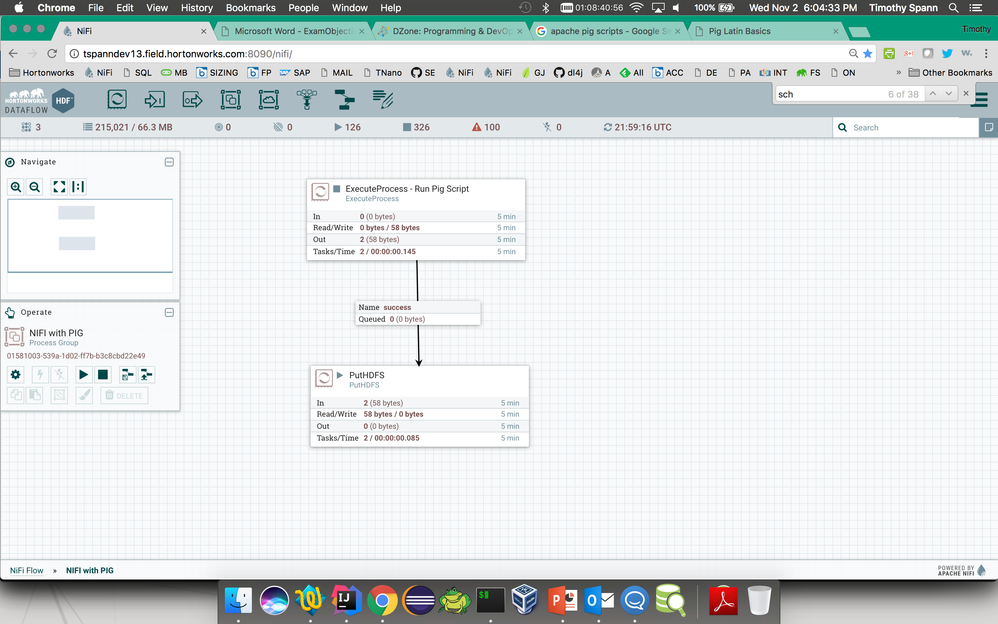
ExecuteProcess
We call a shell script that wraps the Pig script.
Output of script is stored to HDFS: hdfs dfs -ls /nifi-logs
Shell Script
export JAVA_HOME=/opt/jdk1.8.0_101/
pig -x local -l /tmp/pig.log -f /opt/demo/pigscripts/test.pig
You can run in different Pig modes like local, mapreduce and tez. You can also pass in parameters or the script.
Pig Script
messages = LOAD '/opt/demo/HDF/centos7/tars/nifi/nifi-1.0.0.2.0.0.0-579/logs/nifi-app.log';
warns = FILTER messages BY $0 MATCHES '.*WARN+.*';
DUMP warns
store warns into 'warns.out'
This is a basic example from the internet, with the NIFI 1.0 log used as the source.
As an aside, I run a daily script with the schedule 1 * * * * ? to clean up my logs.