Our Community is getting an upgrade! To get everything ready for the relaunch, we’ll be placing the site in read-only mode starting September 21st.
We really appreciate your understanding while we get things set up behind the scenes. Catch up on all the exciting details about the move here.
Need help or have questions? Drop us a line at [email protected]
Created on
08-27-2019
06:31 PM
- last edited on
08-27-2019
11:18 PM
by
ask_bill_brooks
Ambari-version:2.7.3
HDP-version:3.1.0
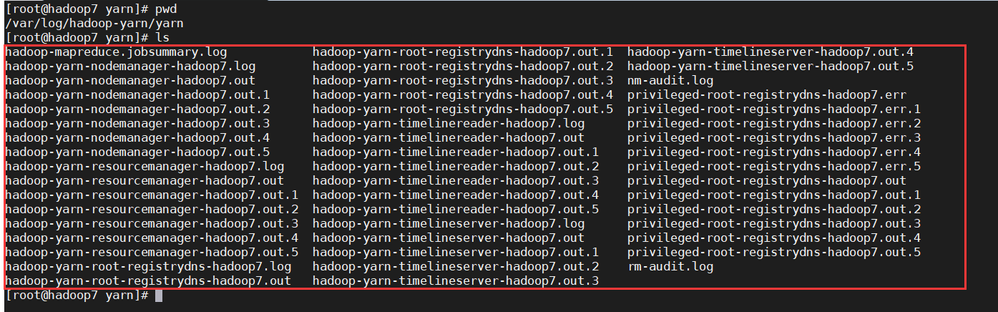
In the yarn log file,I didn't find any error about "ats-hbase service".
Where should I find the log file about alter information?
Created 08-27-2019 08:10 PM
Usually ambari makes use of the following script to run the alert check for the ats-hbase service.
/var/lib/ambari-server/resources/stacks/HDP/3.0/services/YARN/package/alerts/alert_ats_hbase.py (on Ambari Server)
/var/lib/ambari-agent/cache/stacks/HDP/3.0/services/YARN/package/alerts/alert_ats_hbase.py
(On Agent hosts)
Above script relies on the following command to fetch the status.
# su - yarn-ats -c "/usr/hdp/current/hadoop-yarn-client/bin/yarn app -status ats-hbase"
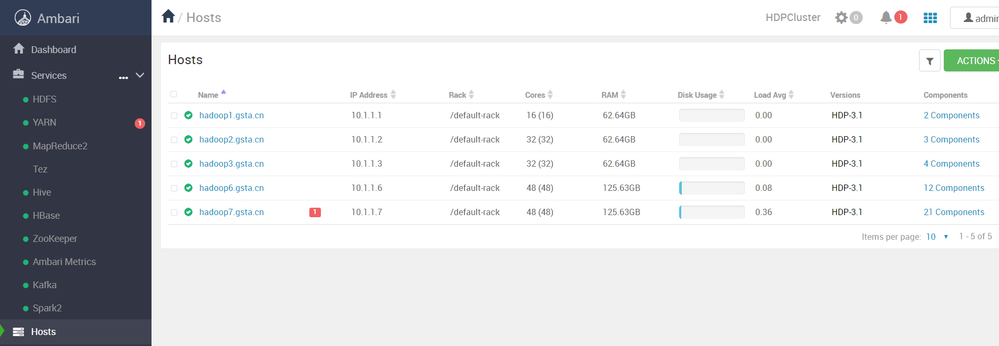
However, in your attached screenshot where we see the alert .. shows the alert was executed 13 hours old alert. It might not be the current status of your ats-hbase.
So can you please try to disable the alert and then enable it after 10 seconds to see if the old alert clears.
Ambari UI --> Alerts (from left bottom panel) --> filter (icon) --> "Alert Definition Name" as "ATSv2 HBase Application" (click on Disable alertand then after 10 seconds to clear the old alert and then enable it back)
Created 08-27-2019 08:10 PM
Usually ambari makes use of the following script to run the alert check for the ats-hbase service.
/var/lib/ambari-server/resources/stacks/HDP/3.0/services/YARN/package/alerts/alert_ats_hbase.py (on Ambari Server)
/var/lib/ambari-agent/cache/stacks/HDP/3.0/services/YARN/package/alerts/alert_ats_hbase.py
(On Agent hosts)
Above script relies on the following command to fetch the status.
# su - yarn-ats -c "/usr/hdp/current/hadoop-yarn-client/bin/yarn app -status ats-hbase"
However, in your attached screenshot where we see the alert .. shows the alert was executed 13 hours old alert. It might not be the current status of your ats-hbase.
So can you please try to disable the alert and then enable it after 10 seconds to see if the old alert clears.
Ambari UI --> Alerts (from left bottom panel) --> filter (icon) --> "Alert Definition Name" as "ATSv2 HBase Application" (click on Disable alertand then after 10 seconds to clear the old alert and then enable it back)
Created 08-27-2019 11:35 PM
After following your suggestion, the problem seems to have been solved.