LeeFan
Silver ⭐️
August 28, 2019
Solved

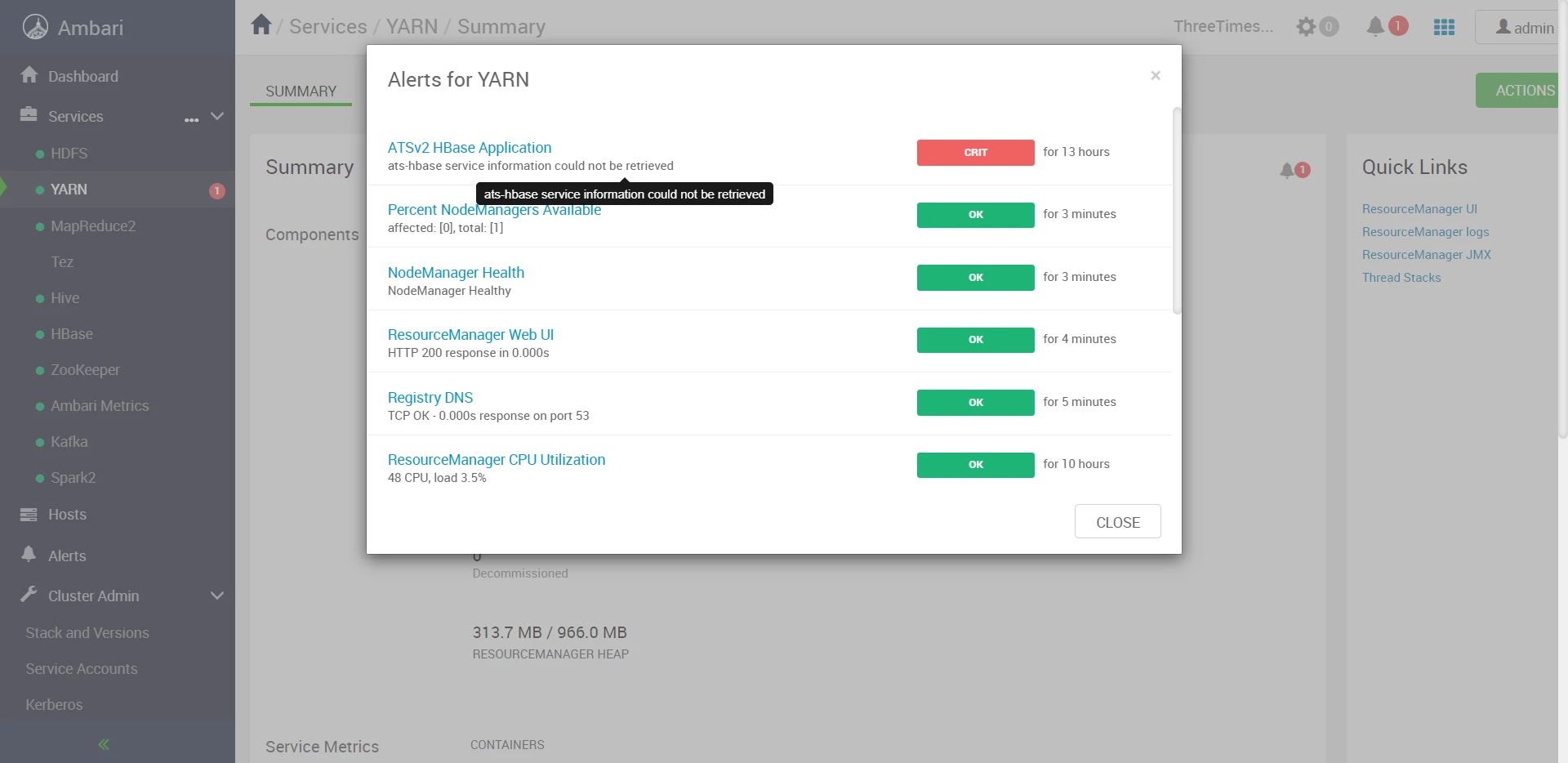
How can I fix the alert for YARN: ats-hbase service information could not be retrieved

Ambari-version:2.7.3

HDP-version:3.1.0


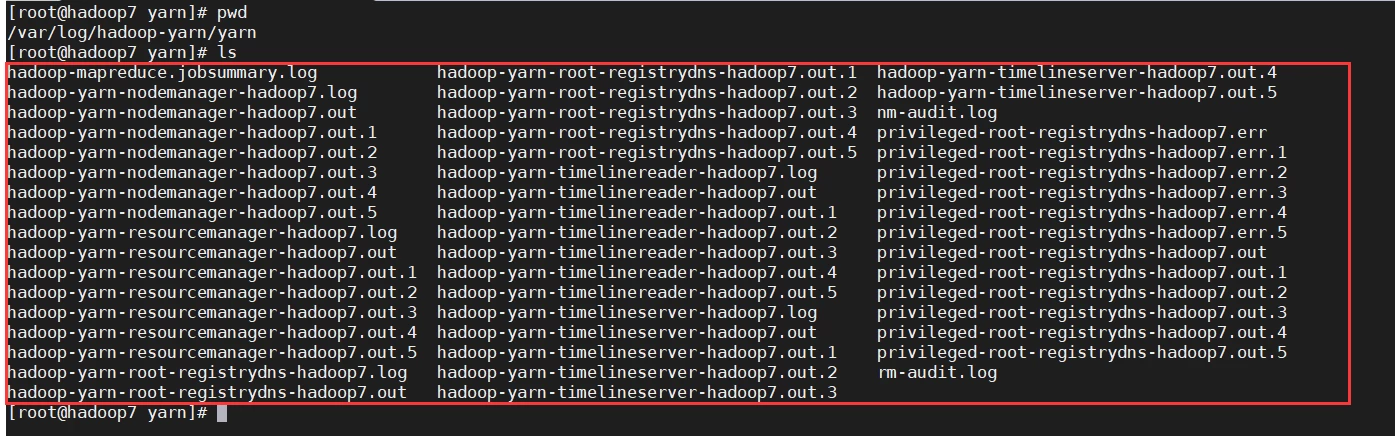
In the yarn log file,I didn't find any error about "ats-hbase service".

Where should I find the log file about alter information?

image.png

image.png

image.pngimage.png

jsensharma
Platinum ⭐️⭐️
August 28, 2019

@LeeFan 


Usually ambari makes use of the following script to run the alert check for the ats-hbase service.


/var/lib/ambari-server/resources/stacks/HDP/3.0/services/YARN/package/alerts/alert_ats_hbase.py   (on Ambari Server)

/var/lib/ambari-agent/cache/stacks/HDP/3.0/services/YARN/package/alerts/alert_ats_hbase.py
(On Agent hosts)


Above script relies on the following command to fetch the status.


# su - yarn-ats -c "/usr/hdp/current/hadoop-yarn-client/bin/yarn app -status ats-hbase"


However, in your attached screenshot where we see the alert .. shows the alert was executed 13 hours old alert. It might not be the current status of your ats-hbase. 


So can you please try to disable the alert and then enable it after 10 seconds to see if the old alert clears.

Ambari UI --> Alerts (from left bottom panel) --> filter (icon) --> "Alert Definition Name" as "ATSv2 HBase Application"          (click on Disable alertand then after 10 seconds to clear the old alert and then enable it back)

 

2 replies

jsensharma
Platinum ⭐️⭐️
Platinum ⭐️⭐️
August 28, 2019

@LeeFan 


Usually ambari makes use of the following script to run the alert check for the ats-hbase service.


/var/lib/ambari-server/resources/stacks/HDP/3.0/services/YARN/package/alerts/alert_ats_hbase.py   (on Ambari Server)

/var/lib/ambari-agent/cache/stacks/HDP/3.0/services/YARN/package/alerts/alert_ats_hbase.py
(On Agent hosts)


Above script relies on the following command to fetch the status.


# su - yarn-ats -c "/usr/hdp/current/hadoop-yarn-client/bin/yarn app -status ats-hbase"


However, in your attached screenshot where we see the alert .. shows the alert was executed 13 hours old alert. It might not be the current status of your ats-hbase. 


So can you please try to disable the alert and then enable it after 10 seconds to see if the old alert clears.

Ambari UI --> Alerts (from left bottom panel) --> filter (icon) --> "Alert Definition Name" as "ATSv2 HBase Application"          (click on Disable alertand then after 10 seconds to clear the old alert and then enable it back)

 

Translate
LeeFan
LeeFanAuthor
Silver ⭐️
August 28, 2019

image.png
After following your suggestion, the problem seems to have been solved.

Translate