Our Community is getting an upgrade! To get everything ready for the relaunch, we’ll be placing the site in read-only mode starting September 21st.
We really appreciate your understanding while we get things set up behind the scenes. Catch up on all the exciting details about the move here.
Need help or have questions? Drop us a line at [email protected]

Support Questions

Find answers, ask questions, and share your expertise
Announcements
Share your experience with Cloudera on G2 and get a $25 Amazon Gift card.
Hi, I'm CLEO! Something exciting is coming to the Community. Stay Tuned!

I want to enable ACL with hadoop uses.

avatar


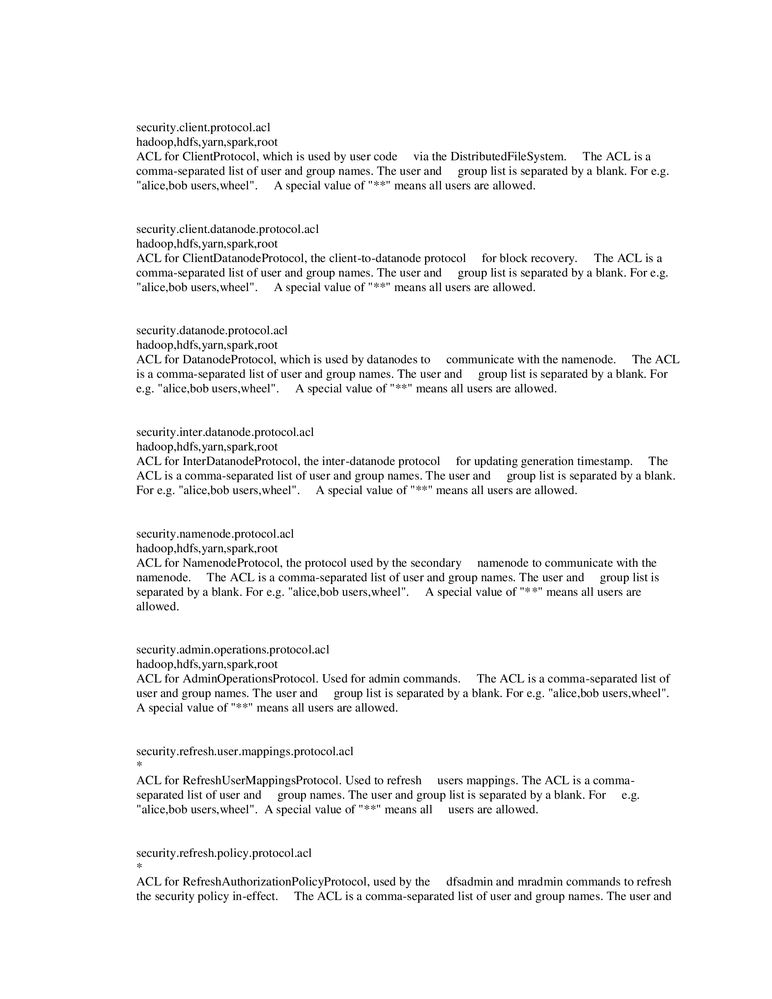
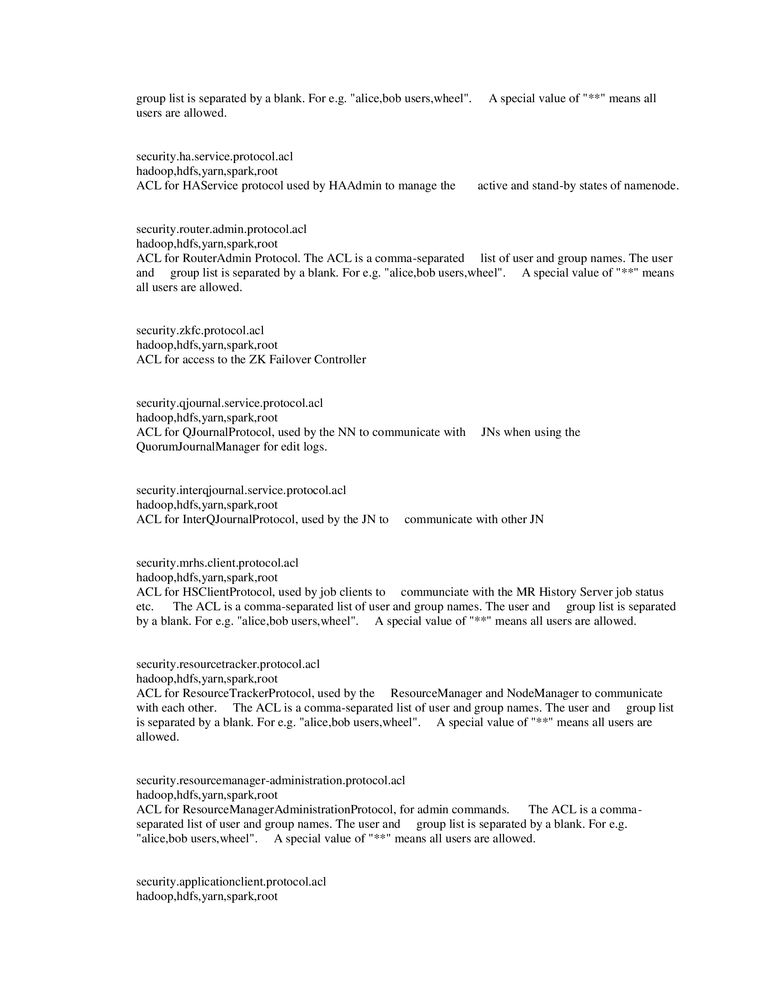
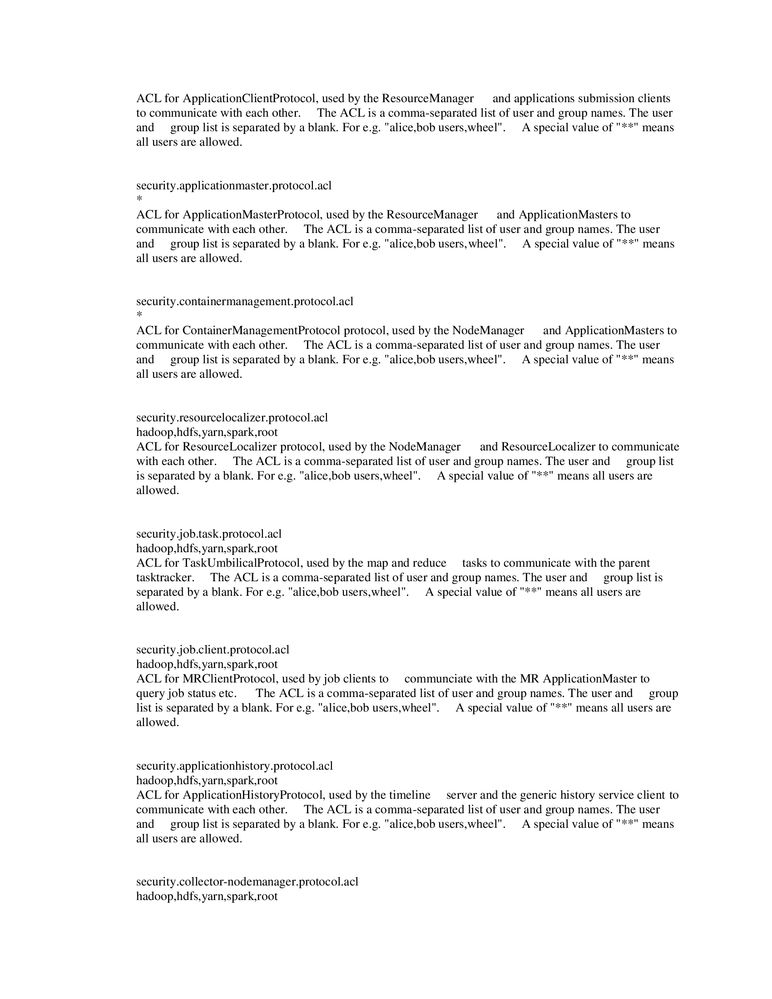
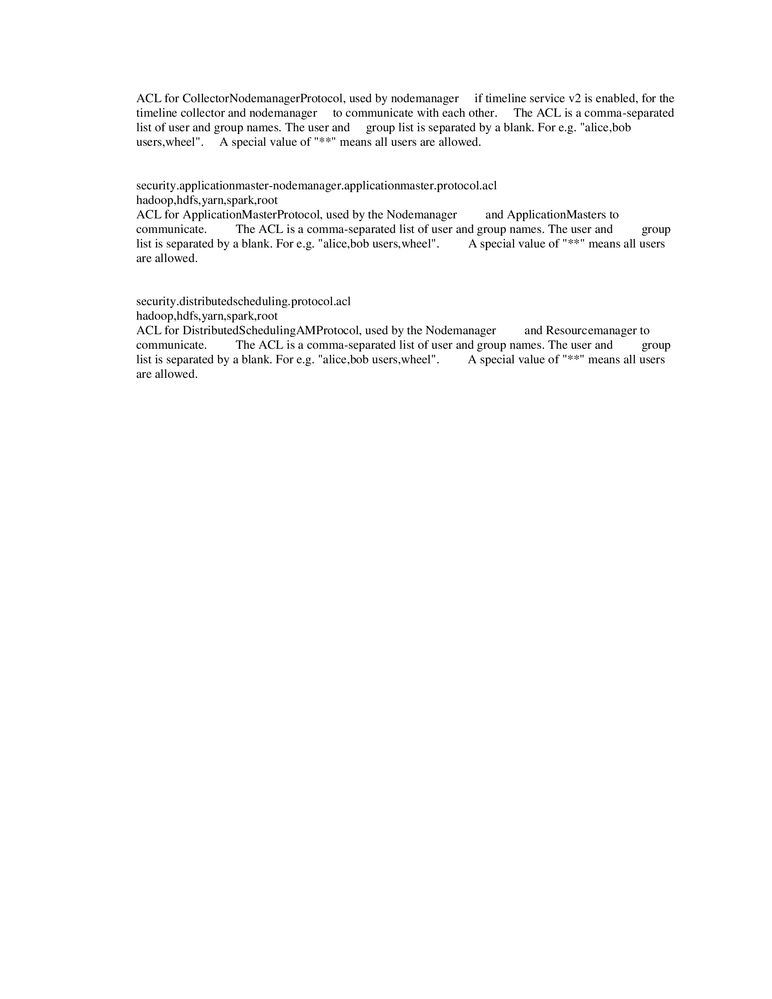
The above file is the Hadoop-policy.xml in that file we have given the properties for enabling ACL for users when I am adding users like yarn mapred hdfs etc so it throws anc9ec1e2321f602844975dd40ebd0377b-0.jpgc9ec1e2321f602844975dd40ebd0377b-1.jpgc9ec1e2321f602844975dd40ebd0377b-2.jpgc9ec1e2321f602844975dd40ebd0377b-3.jpg

ERROR SparkContext: Error initializing SparkContext. org.apache.spark.SparkException: Application application_1699592375401_1753 failed 2 times due to Error launching appattempt_1699592375401_1753_000002. Got exception: org.apache.hadoop.security.authorize.AuthorizationException org. apache. Hadoop.security.authorize.AuthorizationException: User appattempt_1699592375401_1753_000002 (auth: TOKEN) is not authorized for protocol interface org. apache. Hadoop.yarn.api.ContainerManagementProtocolPB: denied by configured ACL

Not able to identify which user is running the container, due to which ACL blocking When put * it is working fine

Please help me with this

2 REPLIES 2

avatar
Super Collaborator

Please provide the user and put a comma and then put the space. eg yarn , hdfs , mapred.

avatar
Super Collaborator

Hi @HadoopCommunity ,

If my solution. helped you Please accept it as a solution