Created on
11-18-2016
09:57 AM
- edited on
04-21-2026
05:26 AM
by
GrazittiAPI
9591-screen-shot-2016-11-18-at-120705-am.png
9583-screen-shot-2016-11-17-at-113951-pm.png
* You may need to increase the heap size used by NiFi. You will know if/when you start getting the error: java.lang.OutOfMemoryError
9598-screen-shot-2016-11-18-at-123914-am.png
Create the HBase table. You can easily do this via Apache Zeppelin.
9581-screen-shot-2016-11-17-at-113433-pm.png
Create the Phoenix view. You can easily do this via Apache Zeppelin.
9582-screen-shot-2016-11-17-at-113725-pm.png
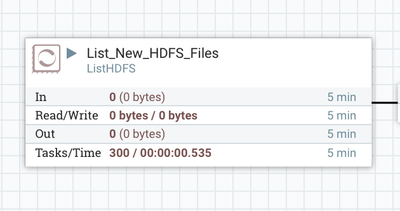
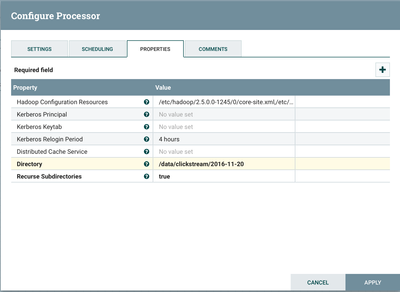
Configure the ListHDFS processor
9584-screen-shot-2016-11-17-at-114407-pm.png
9586-screen-shot-2016-11-17-at-104843-pm.png
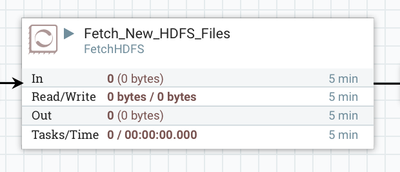
Configure the FetchHDFS processor
9587-screen-shot-2016-11-17-at-115608-pm.png
9588-screen-shot-2016-11-17-at-115654-pm.png
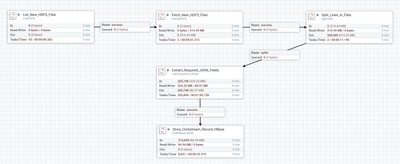
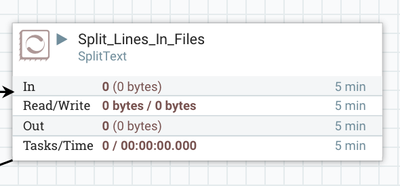
Use the SplitText processor to split each JSON record from the HDFS files
I used the processor as is without any changes, other than renaming it to 'Split_Lines_In_File'
9589-screen-shot-2016-11-17-at-115944-pm.png
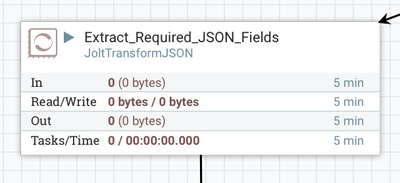
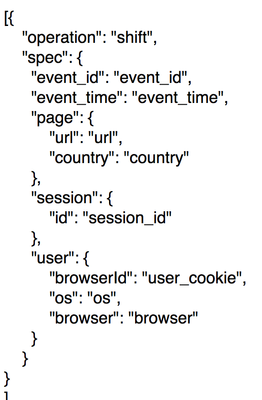
Configure the JoltTransformJSON processor to extract only those fields needed for the dashboard.
9590-screen-shot-2016-11-18-at-120254-am.png
We only need the following fields from the JSON data:
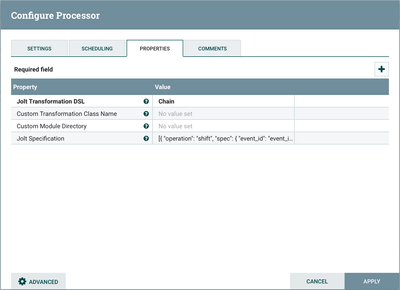
Some of the above fields are child elements for a top-level parent. The property 'Jolt Specification' needs to be set so that we properly extract those fields:
9611-jolt-property.png
9600-screen-shot-2016-11-18-at-75011-am.png
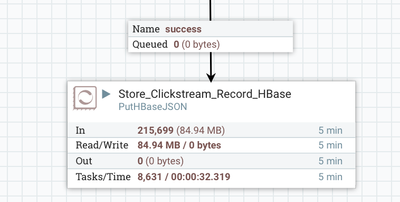
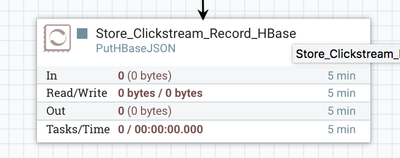
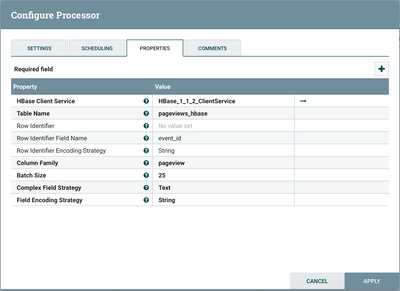
Configure the PutHBaseJSON processor to store the record.
9593-screen-shot-2016-11-18-at-121552-am.png
9594-screen-shot-2016-11-18-at-121603-am.png
9595-screen-shot-2016-11-18-at-122602-am.png
9596-screen-shot-2016-11-18-at-122615-am.png
Created on 11-18-2016 04:07 PM
awesome @Binu Mathew
Created on 12-31-2016 03:25 AM
@Binu Mathew : Thanks for sharing the awesome article. Do you mind to share the sample data?